Every modern advancement team needs a good donor management software, whether it's for solicitation or stewardship. Check out some of the best options available.

Sharada Koti
Updated:
September 29, 2026

Summary
• Evaluate your current data pain points first: Before diving into software features, pinpoint where your information breaks down, like duplicate records or missing event history, to ensure any new system directly solves your biggest headaches.
• Generic CRMs often fall short for higher education: Advancement work involves complex, multi-decade alumni relationships with shifting roles, so specialized tools are crucial for tracking engagement, giving, and volunteerism all in one place.
• Seamless integration with systems like RE NXT is non-negotiable: If your team uses Raiser's Edge NXT, prioritize solutions that offer reliable, two-way data syncing to prevent records from drifting and ensure consistent stewardship and fundraising campaign tracking.
• Look for platforms that unify engagement and fundraising: The best solutions bring together events, digital interactions, and giving history into a single ecosystem, giving you a complete picture for more informed strategies.
• Consider how a new system impacts your team's workload: Factor in how much time your team currently spends on manual data cleanup or report generation; a good donor management system should significantly reduce these administrative tasks, freeing up time for relationship building.
• Explore specialized solutions designed for advancement: The post dives into specific platforms like Almabase for modern alumni engagement, or others tailored for annual giving or large-scale fundraising, helping you find a tool that truly fits your institution's unique needs.
In any competent fundraising environment today, a donor management software is often the backbone of this process, allowing organizations to streamline operations, personalize communications, and ultimately, increase donor retention.
Donation management tools allow teams to facilitate the development of more sincere connections with supporters. Finding the best donation management software for your company is therefore essential. In this comprehensive guide, we’ll explore the top 10 donor management software solutions that can help your institution or nonprofit thrive.
Donor Management Software (DMS) is a system that helps advancement teams keep track of supporters, their giving history, the events they attend, and the interactions your staff has with them. In a university setting, it becomes a place where alumni records, donor information, volunteer roles, and engagement activities live together, rather than being scattered across different tools.
Higher-ed data is complicated, as alumni stay connected for decades and often play several roles over time. Advancement-focused systems are built to handle that mix. They support features such as multi-decade records, college- or department-level designations, pledge schedules, soft credits, and others, which matter when teams across campus rely on the same information.
Most general CRMs aren’t designed for this kind of long-term, multi-role engagement. They usually fall short when you need to run reunion participation reports, manage major-gift portfolios, or connect across schools and student programs. That gap is why many institutions eventually look for software made specifically for advancement; it fits the realities of alumni relationships and the way higher-ed fundraising actually works.
Advancement work runs on long-term relationships, not short campaign cycles. Alumni stay connected for decades, and their roles shift as their lives do. That kind of relationship needs a system that understands how higher-ed engagement actually works.
Here are the areas where generic tools usually fall short:
Here’s a look at the donor management platforms most advancement teams should be considering in 2026, and what each one brings to the table-

Almabase is built for institutions that want to modernize alumni engagement with a platform that feels intuitive for staff and alumni alike. It brings events, online giving pages, class-year groups, directories, and engagement tools into one ecosystem, giving advancement teams a clearer picture of how alumni stay connected over time.
Works best for:
Institutions that want a single place to run alumni engagement, manage event workflows, track participation, and gather updated alumni data without adding more manual processes. It works especially well for teams that want to deepen engagement across different alumni segments, recent grads, reunion clusters, volunteers, and mentors while keeping donor data organized and current.
Pros
Cons
Price range: Custom / quote-based. Not published as a fixed package; cost depends on alumni/constituent volume and modules selected.
Works best for:
Smaller advancement teams or institutions establishing foundational fundraising practices and wanting a straightforward donor database with minimal training requirements.
Pros
Cons
Price range: Entry plans typically start around US $125/month for small databases. The cost scales up as the contact count and features increase.

Works best for:
Mid-sized and large advancement teams managing major gift pipelines, multiple gift types, stewardship programs, and unit-based fundraising. Institutions that need detailed reporting and coordinated advancement operations benefit most from its capabilities.
Pros
Cons
Price range: Quote-based; licensing and cost vary depending on database size, modules chosen, and institution complexity (no publicly advertised “starting plan”).

Works best for:
Institutions that want to strengthen annual giving performance with more consistent, automated, and targeted outreach. It works well for teams that don’t have the capacity to manually manage segmented campaigns but still want communication that feels personal and intentional.
Pros
Cons
Price range: Billing starts at $486. Custom / quote-based. Public pricing isn’t available, so institutions need to request a tailored quote.

Works best for:
Institutions that want a strong mentorship and networking platform to support career services, young alumni engagement, and community-building initiatives. It’s valuable for campuses prioritizing alumni-to-student support and long-term professional pathways.
Pros
Cons
Price range: Custom / quote-based. Like many alumni-engagement platforms, the cost depends on required modules, the number of alumni, and integration needs.
Works best for
Institutions that want a highly customizable online community with strong social features, group structures, and networking tools. It supports advancement, alumni relations, and career services teams that want a modern, branded digital hub.
Pros
Cons
Price range: Custom / quote-based. Final pricing depends on institution size, customization level, and modules activated.
Works best for
Small to mid-sized institutions or alumni groups that need an easy-to-launch giving experience for campaigns, events, and peer fundraising, especially teams that want low friction for donors and fast setup.
Pros
Cons
Price range: Free tier / standard plan widely promoted; paid/plus features and service options are quoted per account or use case.
Works best for
Organizations and small-to-mid advancement teams that want an all-in-one CRM with growing automation and event/volunteer features a middle ground between entry CRMs and enterprise systems.
Pros
Cons
Price range: Public starting tiers cited around US$99/month (Essentials) up to the $400s for higher tiers; exact cost depends on features and contact volume.

Works best for
Small advancement teams that want a user-friendly CRM with built-in automation and donor insight tools, and who prefer minimal external tool stitching.
Pros
Cons
Price range: entry pricing starts from roughly US$99/month for small contact bands, with step-ups as contact counts increase.

Works best for
Mid-sized advancement teams that want a modern fundraising platform with tight marketing automation and a focus on donor experience teams that want donor journeys and responsive communications built into the CRM.
Pros
Cons
Price range: Public and partner-site references show entry plans and per-contact pricing; typical starting points in market scans land in the low hundreds per month, with higher tiers for expanded contact counts and features.
Choosing a donor management system starts with getting clear about where your team struggles today and what actually moves your advancement work forward. A good evaluation process makes those gaps visible to you, and here’s a practical way to approach it-
Advancement work often ends up spread across too many systems, giving here, events there, engagement somewhere in between. Almabase pulls those pieces into one workflow, which is why Thomas Aquinas College found it easier to steady their digital outreach once everything lived in the same place.
A lot of the lift comes from TrueSync, the native RE NXT integration that keeps profiles, gifts, and event activity aligned without connectors. Illinois Tech leaned on this when they wanted their CRM to reflect real alumni behavior, not a version of it that needed constant cleanup.
With the data stitched together, segmentation becomes less of a project and more of a natural part of the work—class years, programs, regions, affinities, volunteer roles. It’s the kind of setup that makes targeted outreach feel less like a campaign and more like a conversation.
On the fundraising side, teams get a donor pipeline view that surfaces who’s warming up or re-engaging. It’s simple enough to use every day, and the Engagement Tile in RE NXT keeps that context right where fundraisers already spend their time.
Campaigns get the benefit of custom giving pages shaped around each audience. Loma Linda University used that flexibility during a campaign that eventually crossed $1.5M, helped by pages that matched how different groups preferred to give.
Altogether, Almabase gives advancement teams a cleaner path forward. When all these pieces sit inside one rhythm, advancement work feels less like managing systems and more like guiding relationships, which is the part of the job that matters most.
Advancement teams are operating in a very different landscape than they were even a few years ago. The systems we choose either add weight to that reality or make the work lighter.
The thread running through all the platforms you explored is simple: the right system should help people work smarter, not harder. It should reduce the friction around data, make segmentation feel natural, support fundraising strategy, and give teams a clearer sense of who’s ready for a conversation or a nudge.
As you evaluate donor management software, the real test isn’t the feature list. It’s whether the tool helps your team build relationships with more intention and less administrative drag.
Thinking about how a modern DMS could fit into your institution's needs? Let’s talk through how Almabase can make the most difference for your team.
Subscribe
See how modern advancement teams bring alumni engagement and fundraising together.
Plan faster. Execute better
Explore free templates designed for alumni and fundraising teams.
.png)

.avif)
Sharada Koti
Event planning in the education sector is no small feat. From homecoming and graduation ceremonies to parent-teacher conferences and student workshops, K-12 schools and higher education institutions juggle a dizzying array of events each year. The right event management software can be a game-changer—streamlining registrations, automating communications, and ensuring every detail runs smoothly. In this guide, we'll break down what event management software is, what features to look for, and the top solutions for 2026 that are transforming event coordination software for schools, colleges, and universities.
.avif)
An event management software is a digital platform designed to streamline the entire event lifecycle—from planning and promotion to registration, execution, and post-event analytics. These event planning software solutions centralize all event-related tasks, making it easier to coordinate logistics, track attendees, manage communications, and measure event success. For educational institutions, an event management tool can handle everything from classroom bookings and campus tours to large-scale conferences and alumni reunions.
Modern event management platforms often offer features such as:
By automating manual processes and centralizing information, these platforms help schools and universities save time, reduce errors, and deliver a seamless experience for staff, students, parents, and alumni.
With so many event management tools on the market, it’s important to choose one that fits your institution’s specific needs. Here are key factors to consider:
Below, in no particular order, are our picks of some of the top event management software platforms making waves in the education sector this year.
Almabase is an all-in-one event management platform designed specifically for educational advancement, alumni relations, and fundraising teams. It streamlines the planning and execution of complex events—whether in-person, virtual, or hybrid—while offering seamless CRM integration and a user-friendly interface.
Almabase offers personialized custom pricing based on your needs, number of constituent records, etc. You can request a personalized demo here
Blackbaud is a comprehensive solution built for large nonprofits and institutions, offering robust event planning, CRM, and analytics tools. Its event management features are deeply integrated with donor data to maximize fundraising outcomes.
Custom pricing. Request a quote.
Cvent delivers enterprise-grade solutions trusted by higher education institutions managing complex, large-scale events—from campus-wide conferences to alumni reunions.
Custom pricing. Request a demo.
Bonterra’s fundraising software includes specialized solutions and features for nonprofit events, auctions, peer-to-peer fundraisers, and giving days, along with unified donor management tools. Its event management features include ticketing, sponsorship tracking, mobile bidding, and more. Ultimately, Bonterra helps organizations streamline their events with a centralized fundraising and donor management solution.
Custom pricing. Request a demo.
Idloom is crafted specifically for universities and colleges, supporting diverse academic events from online examinations to graduation ceremonies.
Custom pricing. Request a demo.
Eventbrite is a versatile event management platform perfect for everything from concerts to community meetups. It offers intuitive tools for ticketing, promotion, and on-site check-ins, making it easy to manage both virtual and in-person events.
Pricing is 2% + $0.79 per paid ticket (Essentials) or 3.7% + $1.79 per paid ticket (Professional); free for free events. See pricing.
Eventcube is a white-label event management platform for K-12 schools and higher education institutions. It helps you manage all the in-person, virtual, and hybrid events with full control. This includes your branding, ticketing, and attendee engagement.
It is designed for flexibility and accessibility. This makes Eventcube reliable for day-to-day events like open days, student conferences, parent meetings, community gathering and even virtual graduation ceremonies.
Eventcube offers tiered pricing. 5% of the transaction total for the Starter package which is free. 3% of the transaction total for Pro along $99 a month. And custom Enterprise options. You can start with a demo or create a branded ticket store directly on Eventcube.
Giveffect combines event management with nonprofit automation, allowing you to handle ticketing, email campaigns, and donor records in one platform. It’s ideal for organizations looking to unify event planning with fundraising and CRM.
Custom pricing. Request a demo.
Remo, now integrated with Events.com, delivers an immersive platform for virtual, hybrid, and in-person events, with unique emphasis on networking and engagement.
Starts at $299 per month. See pricing.
Qgiv supports nonprofits with customizable tools for event registration, peer-to-peer fundraising, and mobile giving. Its user-friendly interface makes it easy to plan and promote fundraising events of all sizes.
Plans start at $0/month with no contracts, plus a 3.95% + $0.30 per transaction fee. Learn more.
Choosing the right event management software can transform how your institution plans, promotes, and executes events—whether you’re managing a single school assembly or a multi-day university conference. The platforms highlighted above offer a range of solutions tailored for K-12 and higher education, each with unique strengths and a few caveats to consider. Take advantage of free demos, explore user reviews, and assess your specific needs to find the event management tool that will best support your school’s goals in 2026 and beyond.
Looking for more inspiration? Explore event ideas that raise money and connect with alumni or see how advanced event management can drive registrations and engagement for your institution.

Best Event Management Tools for K-12 & Higher Ed (2026)
Lorem ipsum dolor sit amet, consectetur adipiscing elit. Suspendisse varius enim in eros elementum tristique. Duis cursus, mi quis viverra ornare, eros dolor interdum nulla, ut commodo diam libero vitae erat. Aenean faucibus nibh et justo cursus id rutrum lorem imperdiet. Nunc ut sem vitae risus tristique posuere.

Anwesha Kiran
April 30, 2025
12 minutes
The best peer-to-peer fundraising platforms help educational institutions and nonprofits boost donor engagement through personalized giving pages, social fundraising, and CRM integration. These tools streamline campaigns with built-in analytics, gamification, and mobile optimization. While some options are completely free, others cater to large-scale fundraisers that require advanced data synchronization and scalability.
The right tools can make all the difference in modern fundraising. In this blog, we’ll highlight some of the best options on the market and explore what you can expect out of them.
.avif)
Peer-to-peer fundraising, or P2P fundraising, is a type of crowdfunding in which your organization encourages its supporters to fundraise for your cause. Typically, these supporters will create an individual fundraising page and share it with their friends, family members, and social media followers to raise money.
A peer-to-peer fundraising site is the software that allows your supporters to create a donation page, share it with their personal network, and collect donations to support your mission.
Typically, most fundraising tools today include features such as:
When shopping for a peer-to-peer fundraising tool, you’ll need to weigh the cost of the tool against the value it provides. However, it can be difficult to know the true cost of using the platform, depending on the software’s pricing structure. Get familiar with these common structures:
To compare tools with different pricing structures, calculate what each platform will cost you, on average, for a certain period of time.
Whether you’re a K-12 school ,higher ed institution, or a nonprofit, in no particular order, here are some peer-to-peer fundraising platforms that you should consider:
(Prices are based on publicly available data at the time of writing and are subject to change over time)
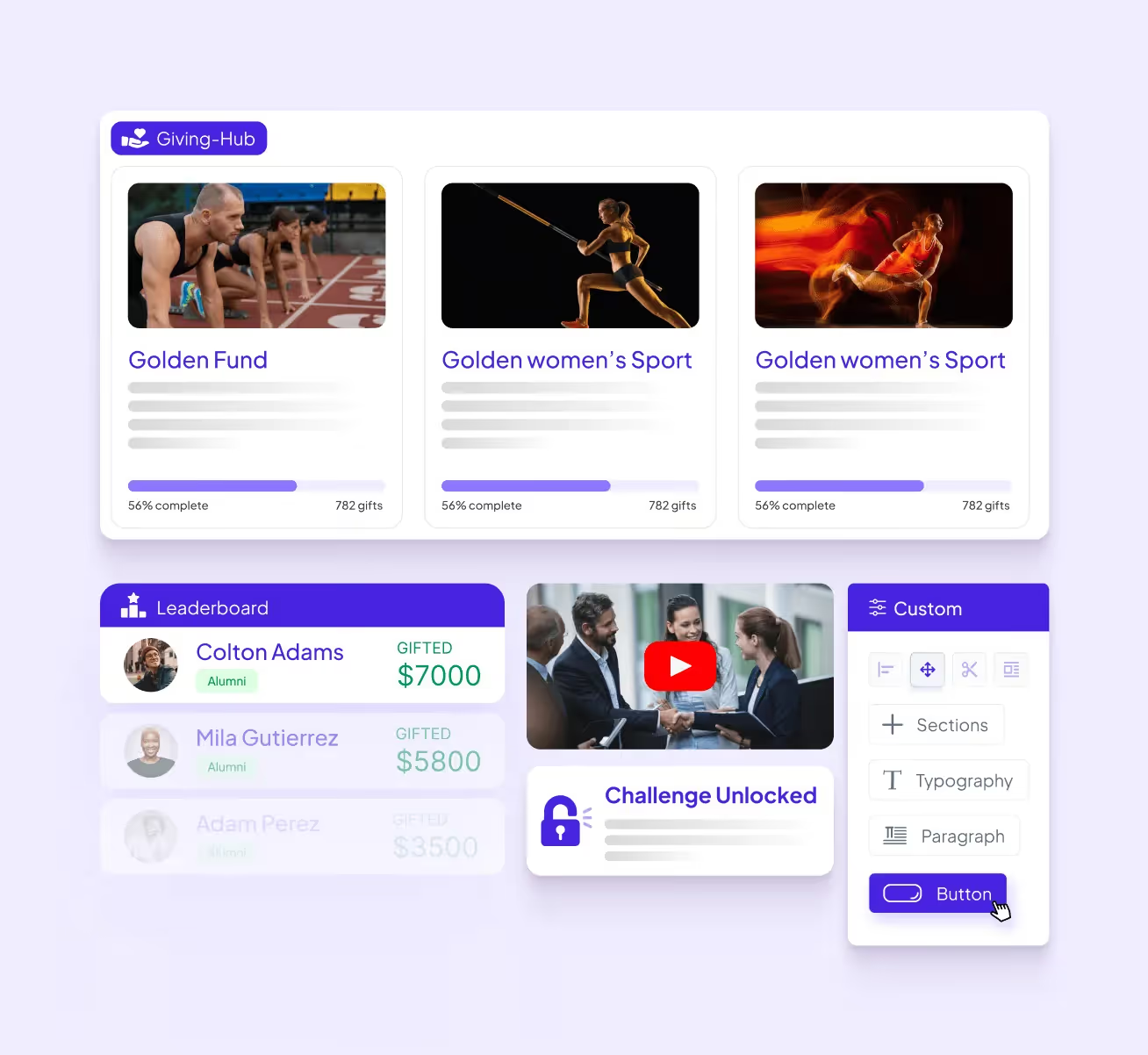
Almabase runs on a philosophy of integrating into your CRM and existing workflows, which remains true for their peer-to-peer fundraising features. Almabase boasts native sync with most higher-ed CRMs due to their TrueSync integration, combined with superior customer support and a willingness to integrate your ideas into their long-term vision. Almabase offers customizable pages and leaderboards powered with inbuilt text and email communication features built to drive donor engagement through organic and personalized communication.
Almabase’s pricing depends entirely on your needs. Learn how Almabase empowers your p2p strategy, Schedule a personalized demo and get a quote.
GoFundMe Pro (formerly Classy) is a peer-to-peer fundraising platform optimized for maximum nonprofit impact. It provides ready-to-use templates for scalable, high-impact campaigns and equips supporters with intuitive tools to advocate for the cause.
GoFundMe Pro offers features like campaign templating, embedded videos and livestreams, progress thermometers, team structures, and mobile-optimized pages. The platform also supports recurring gift options and flexible payment processing, and has a mobile- and user-friendly interface.
GoFundMe Pro offers a standard “Essentials” plan and a “Partner” custom plan.
Bloomerang Fundraising (formerly Qgiv) is a fundraising platform offering tools for donation management, event planning, and donor engagement. It provides features like customizable donation forms, peer-to-peer fundraising, and text-to-give options
Bloomerang Fundraising starts at $40 per month if purchased as part of a bundle with Bloomerang CRM.
Zeffy is a 100% free fundraising platform for nonprofits, offering peer-to-peer fundraising, crowdfunding, donation pages, and recurring giving options. This tool generates revenue through optional tips that donors can provide in addition to their donation. It allows fundraisers to join as individuals or teams and create their own fundraising pages. The platform is also known for being simple, intuitive, and customizable
Zeffy has no fees and instead runs on optional tips from donors.
Donorbox is a fundraising platform that allows nonprofits to launch peer-to-peer fundraisers in a few steps. It provides customizable donation forms and supports recurring donations via various payment methods.
Donorbox also offers features for managing donors, sending personalized emails, and recording donor communications. The platform provides resources like onboarding emails, courses, and templates to support nonprofits in their fundraising efforts.
For peer-to-peer fundraisers, Donorbox charges a flat 1.75% platform fee for a main campaign and 2.95% for a supporter’s campaign.
Bonfire specializes in fundraising through custom merchandise sales. Nonprofits, schools, and even individuals can design their own custom merch and sell it via Bonfire’s free online stores.
Bonfire supports peer-to-peer campaigns (which it refers to as “giving campaigns”) by allowing your supporters to create and share t-shirt fundraisers on behalf of your organization—then, all of the money they raise is sent directly to your nonprofit.
Bonfire is completely free to use, and your nonprofit keeps 100% of the profits. There’s an 8% processing fee on additional donations, but if you verify your nonprofit status with Bonfire, that fee is reduced to 3.5%
Givebutter provides tools to launch peer-to-peer campaigns, complete with donation forms, fundraising pages, event management, a built-in CRM, and marketing tools to analyze your progress and streamline workflows. Their fundraiser teams offer a great choice for organizations looking to gamify their peer-to-peer fundraisers as well.
Givebutter offers a popular “free forever” plan, as well as a paid option starting at $29/month. If your organization opts out of having donors cover fees, Givebutter charges 1% for donation forms, 3% for pages, and 5% for events and auctions, as well as a payment processing charge of 2.9% + ¢0.30 per transaction.
GiveCampus is a fundraising platform for educational institutions, providing solutions for online giving, giving days, crowdfunding, P2P fundraising, and more. It blends peer-to-peer outreach, social media, and gamification to engage more donors and increase fundraising. The platform allows schools to execute giving days, year-end appeals, and crowdfunding campaigns.
GiveCampus also offers features like matches and challenges to inspire donors and make them feel like their contributions are making a difference
GiveCampus has three platform plans: Essentials, Professional, and Enterprise. Additionally, pricing will vary depending on the modules you require.
As a Blackbaud product, JustGiving is a great choice if you are used to the Blackbaud CRM environment. Compared to other platforms on this list, JustGiving is relatively simple both in its presentation and its scope. This makes it an easy choice for teams just starting out or looking for something simple for a one-off event. However, there may be better choices for teams that want a more comprehensive solution that spans multiple fundraisers and year-long campaigns.
JustGiving charges platform fees and a standard payment processing fee based on your geographical location and payment platform. Crowdfunding pages are free to set up. While UK charities do not need to pay a platform fee, they do have a subscription model.
Gravyty leverages predictive AI technology to provide frontline fundraisers with personalized insights into donor behavior. This innovative approach helps organizations enhance their outreach efforts by automating email drafts tailored to individual donors while integrating seamlessly with existing CRM systems. Gravyty's focus on personalization empowers fundraisers to build stronger relationships with donors.
While some information is available online, interested organizations will need to contact Gravyty for a custom quote.
Bonterra’s peer-to-peer fundraising product (formerly DonorDrive) offers smart and customizable P2P fundraising solutions that empower supporters to create personalized experiences at scale. Its features include an intuitive event builder, personalized coaching for fundraisers, gamification elements like leaderboards, social media integrations, and seamless CRM integration, which enhances supporter engagement significantly
Bonterra offers three tiers—Essentials, Pro, and Enterprise—with pricing based on customer needs.
With so many unique platforms out there, choosing the right one can be a little overwhelming. However, there are several key factors to consider when selecting the right peer-to-peer fundraising software for your team:
Each platform will offer peer-to-peer fundraising capabilities, but you should dig a little deeper to find the right fit for your needs. For example, if you are a small team looking to organize a quick fundraiser, you may end up paying for features you don’t need. On the other hand, if you are looking for a long-term solution, a platform without built-in analytics would be a dealbreaker. Look for features that boost, rather than hamper, your fundraising efforts, and aim for a high return on investment.
Many teams want a tool that scales up alongside them as they engage more donors and alumni, but there is often a point where their needs outgrow the platform. To avoid this, consider both your short-term and long-term goals to determine if the platform’s upgraded pricing tiers will meet your team’s requirements later on. This way, you can simply upgrade to a plan with more advanced features or storage rather than migrating to a completely new platform.
Your staff, fundraisers, and donors should all have positive, smooth experiences when engaging with your fundraising pages. For example, if you want to sell custom merch, both the designing process and purchasing process should be easy and intuitive for supporters. From payment processing to reporting workflows to page load times, there are many aspects you should ask about or test out during a free trial or demo to see if a platform is the right one for you.
Some solutions come with a relatively low learning curve but offer limited functionality. Some, on the other hand, can be the driving force behind all your fundraising strategies but may require in-depth technical and/or coding experience. Try to find a balance between the training time required and potential functionality to ensure high adoption.
Pricing is a key consideration for any tool, but it’s also important to consider the nuances that may arise down the line. Always consider the rates associated with upfront costs, renewals, transaction fees, upgraded plans, and other relevant expenses. Additionally, switching to a new platform inevitably leads to more expenses through database transfers and staff upskilling. Consult with your database managers and other staff members before making a decision.
In the event that something goes wrong, you need to be able to reach the platform provider to resolve the issue. Keep factors like response times on live chat or email support channels in mind. For the long term, you also want to support platforms that onboard customer feedback and have detailed roadmaps for upcoming features.
Both your staff and donors need to be assured that sensitive data like payment information will be kept safe and secure. Always look out for a platform’s data encryption measures, as well as its compliance and authentication processes, to see if it inspires confidence from your donors.
Third-party review sites like G2 and Capterra offer insight into what customers think about specific tools. Keep in mind that these reviews are subjective, but they can be a great indication of how a platform is perceived overall, highlighting positive and negative software trends.
There is no single “best” fundraising website, but you can find the one that is best for your organization. Choose a platform that aligns with your goals, budget, audience, and campaign type.
Yes, a reputable fundraising platform should be able to integrate with your CRM to ensure donor data flows automatically into your central database. This eliminates data silos and the need for manual data transfers.
GoFundMe is a popular tool for personal crowdfunding, but it may lack the tools you need to run a full-fledged campaign. The platforms referenced in this guide offer the specialized tools mission-driven organizations need for branding, tracking donor data, and communications.
Crowdfunding is a centralized process led by your organization using a single donation page. On the other hand, peer-to-peer campaigns decentralize fundraising, empowering many supporters to help you raise money. Peer-to-peer campaigns empower supporters to help you raise money, meaning there are many people fundraising for your cause. Make sure your platform has the tools to support a peer-to-peer campaign.
Look for platforms that include gamification features, such as fundraising thermometers, badges, and leaderboards. These tools spark friendly competition among fundraisers and help them visualize their progress to maintain momentum and engagement.
We hope we’ve given you the tools you need to choose or at least consider some of the best peer-to-peer fundraising solutions out there, as well as the questions you need to ask yourself before adopting one. Whether you’re a higher ed institution optimizing your peer-to-peer fundraisers or a K-12 school just looking to get started, we hope you pick out the right solution and can make a great positive change.
If you’ve had successful peer-to-peer fundraisers before, learn how you can build a peer-to-peer fundraising community to help you keep providing meaningful experiences
.avif)
11 great peer-to-peer fundraising platforms for Institutions and Nonprofits 2026
Lorem ipsum dolor sit amet, consectetur adipiscing elit. Suspendisse varius enim in eros elementum tristique. Duis cursus, mi quis viverra ornare, eros dolor interdum nulla, ut commodo diam libero vitae erat. Aenean faucibus nibh et justo cursus id rutrum lorem imperdiet. Nunc ut sem vitae risus tristique posuere.
Alumni are among your institution's most valuable assets. They provide mentorship, career opportunities, financial support, and serve as natural, authentic brand ambassadors for your school. This, of course, depends on the extent to which they feel connected to their alma mater once they’ve graduated. But nurturing relationships is a complex undertaking, and especially so at scale. Keeping alumni engaged across multiple touchpoints like events, communications, giving, and career networking remains a persistent (as well as rewarding) challenge for advancement teams. The right alumni management software solves this by bringing engagement activity, fundraising, and community into a single system.
Choosing the right alumni management system cuts through the fragmentation that typically forces teams to stitch together multiple disconnected tools, and makes it easier to track which initiatives drive outcomes.
With so many options available, this blog compares the ten best platforms that could help you get there, based on your specific requirements.

Almabase brings alumni engagement and fundraising into the same workflow, connecting the activities between constituents and institutions. The platform builds interactions such as alumni events, email campaigns, or giving days into a shared engagement history rather than treating them as standalone features, giving your team a complete picture of constituents’ journeys.
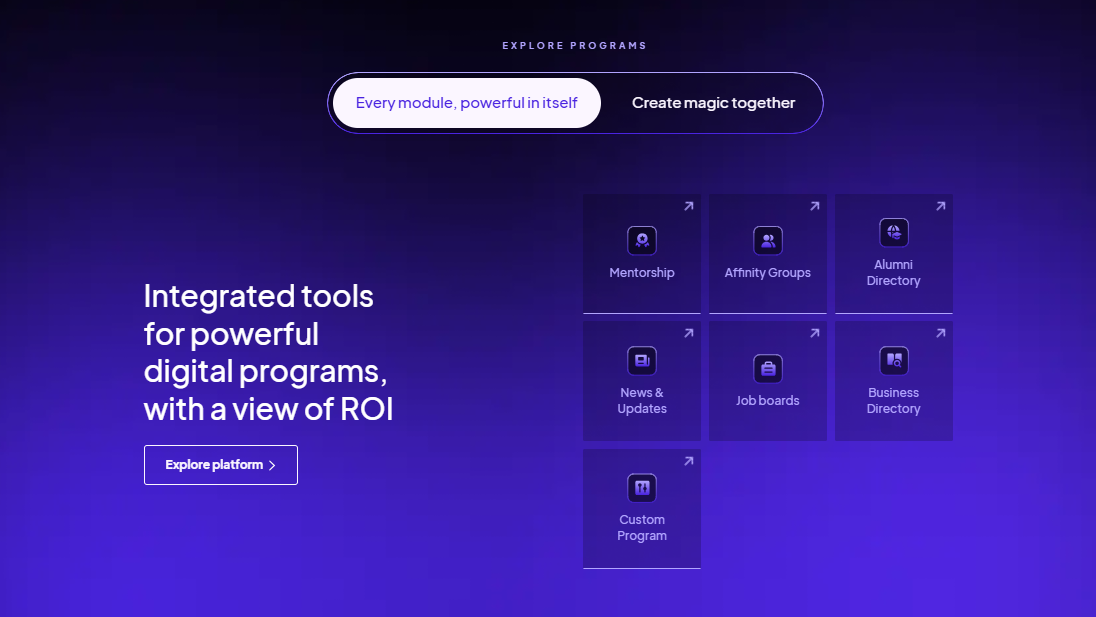
Almabase’s engagement tools connect with your CRM seamlessly. Its TrueSync integration with Raiser’s Edge NXT supports two-way, real-time data sync, so information can move between Almabase and RE NXT without the recurring exports, imports, and manual updates that can come with managing separate systems.
The platform also brings alumni-facing programs such as directories, mentorship, job boards, events, and email campaigns into the same environment. This means fewer disconnected tools and less work trying to piece together engagement data afterward for institutions running several of these programs at the same time.
That makes it relevant for teams of all sizes running all types of events: reunions, regional events, giving days, donor events, and ongoing alumni communications.
All of these features make Almabase particularly suited to advancement teams that want engagement activity and fundraising data to work together. It's also a natural fit for institutions already working in Raiser’s Edge NXT and looking to connect their alumni-facing activities more closely to their advancement database.
Pricing: Custom pricing based on institution size, requirements and alumni count.
EverTrue is a fundraising intelligence and donor engagement platform built to help advancement teams find better prospects, understand their constituents, and give fundraisers more context for their outreach. EverTrue sits alongside your CRM and enriches constituent records with engagement, career, social, and wealth information.
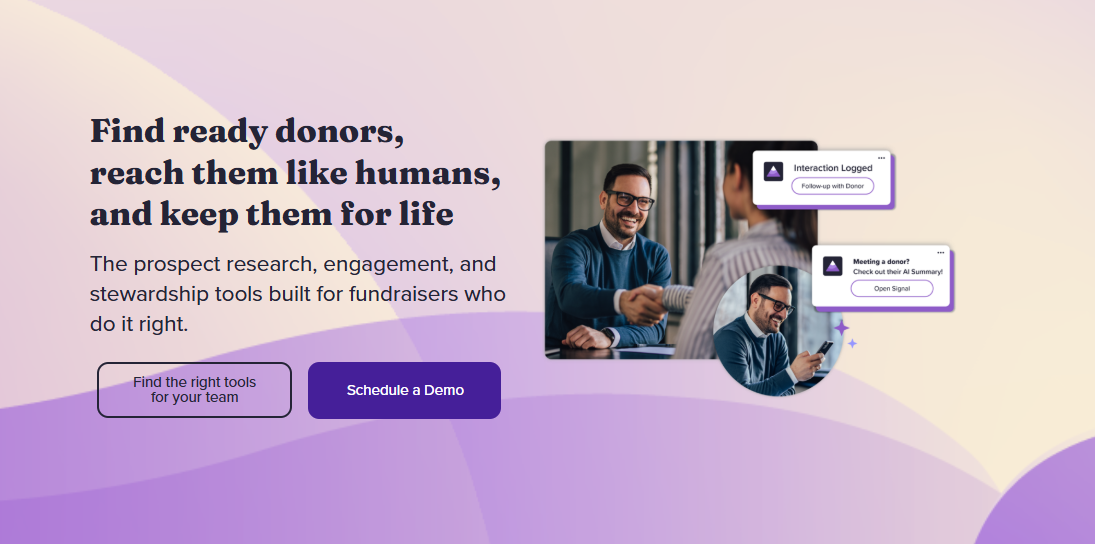
EverTrue brings a lot of external intelligence into constituent records. TrueView profiles can combine your existing CRM data with career changes, social media activity, donor interests, wealth indicators, and other signals, giving fundraisers a more current picture of the people they're trying to engage. The platform also supports prospect discovery, segmentation, mapping, and alerts to help teams identify people who may be worth a closer look.
It's a good fit when you already have a CRM you want to keep and need additional intelligence to help fundraisers identify prospects, prioritize portfolios, plan visits, and personalize outreach. However, it's less suited to institutions looking for a single platform to run their broader alumni engagement program.
Pricing: Custom pricing based on the EverTrue products and capabilities an institution selects. Estimates place the starting quote at about $5000 a year.
360Alumni brings together an alumni directory, networking, events, fundraising, mentoring, job boards, and email marketing in a single branded environment. Its focus is less on advancement operations and more on giving alumni a place to find each other, build connections, and participate in their alumni community.
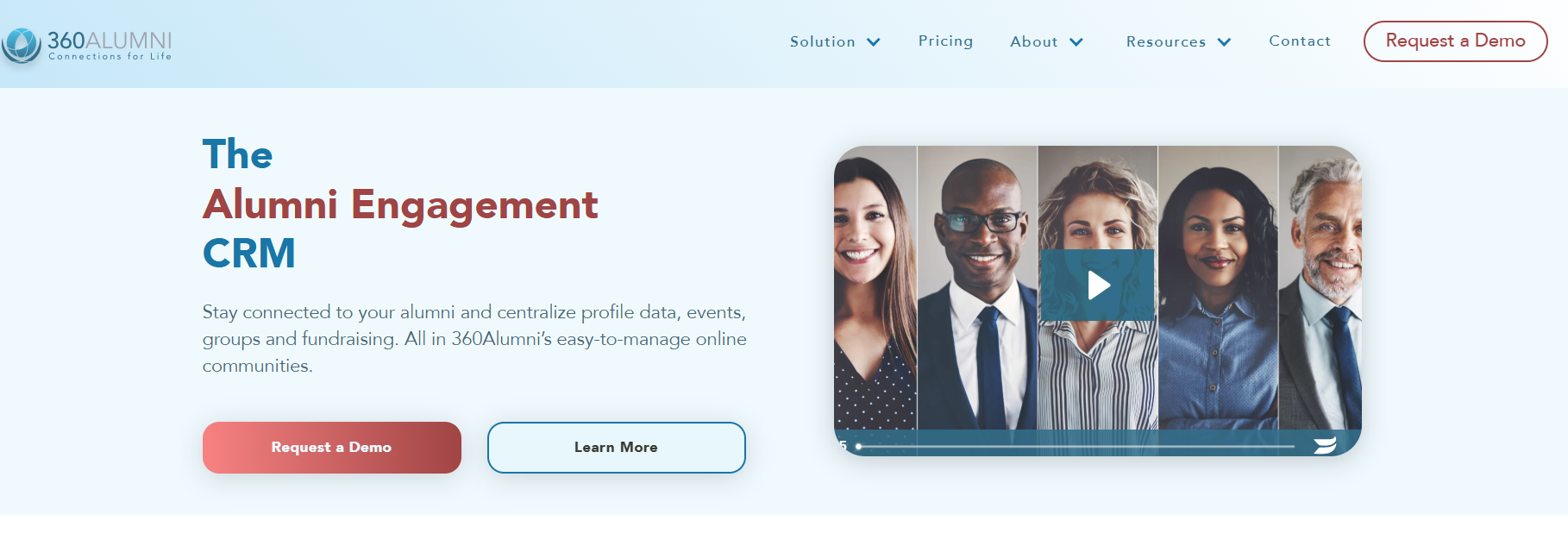
360Alumni stands out as being a more alumni-facing platform. It puts its interactive alumni directory and map at the center and makes it easy for users to search for other alumni by a range of metrics: location, profession, interests, and other criteria.
360Alumni is well suited for schools where an alumni directory, career networking, mentoring, and geographically based connections are all important parts of the engagement strategy.
Pricing: Custom pricing based on record count, with an initial setup cost and annual subscription. 360Alumni also charges a 3% credit-card processing fee plus a plan-dependent service charge on event ticket sales, donations, and membership payments.
Graduway is built around the idea of an alumni community as an active digital space, giving alumni a place to connect with each other as well as stay connected to their institution.
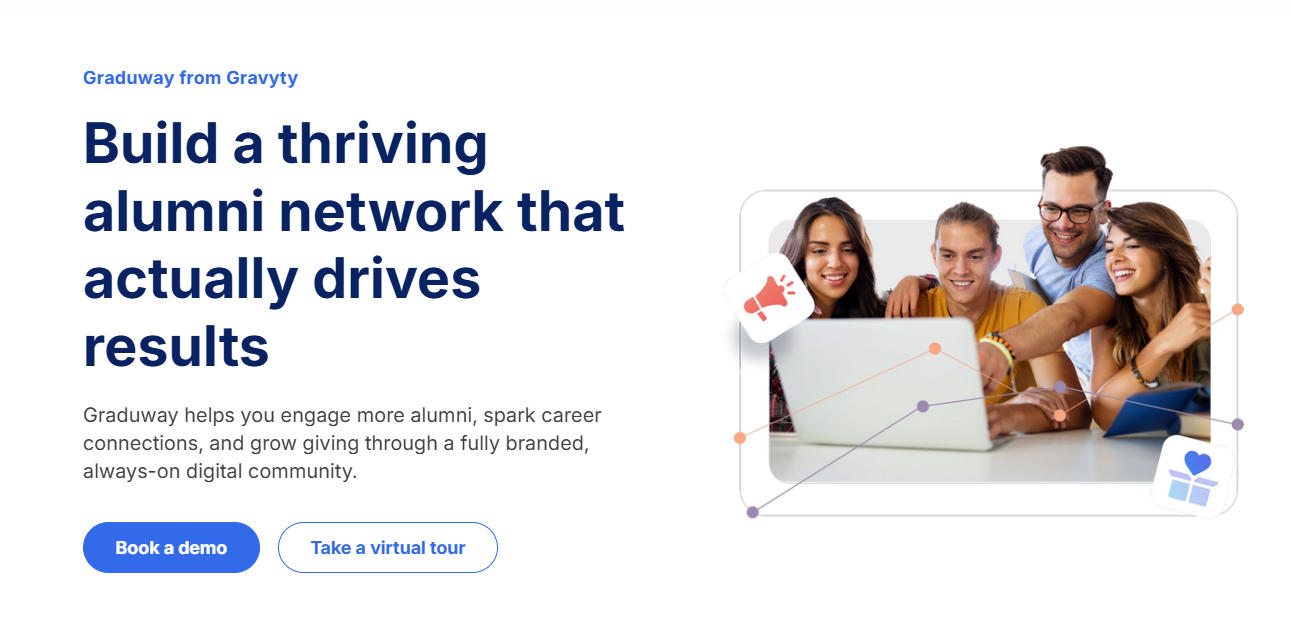
What sets Gravyty apart is alumni-to-alumni engagement. Alumni can connect with peers, participate in mentoring programs, join communities, and build professional relationships through the platform.
Graduway is particularly suited to institutions where community building, networking, and mentoring are central to the alumni engagement strategy. It's especially relevant for institutions with geographically dispersed alumni or large professional networks, where mentoring, career connections, affinity groups, and peer networking offer a major push to stay engaged throughout the year.
Pricing: Custom pricing based on the institution's requirements and alumni community size.
HiveBrite is a community platform designed for organizations that want more control over how their online communities look, work, and evolve. For higher education, it can bring alumni networking, groups, events, mentoring, career opportunities, and other engagement programs into a branded community environment.
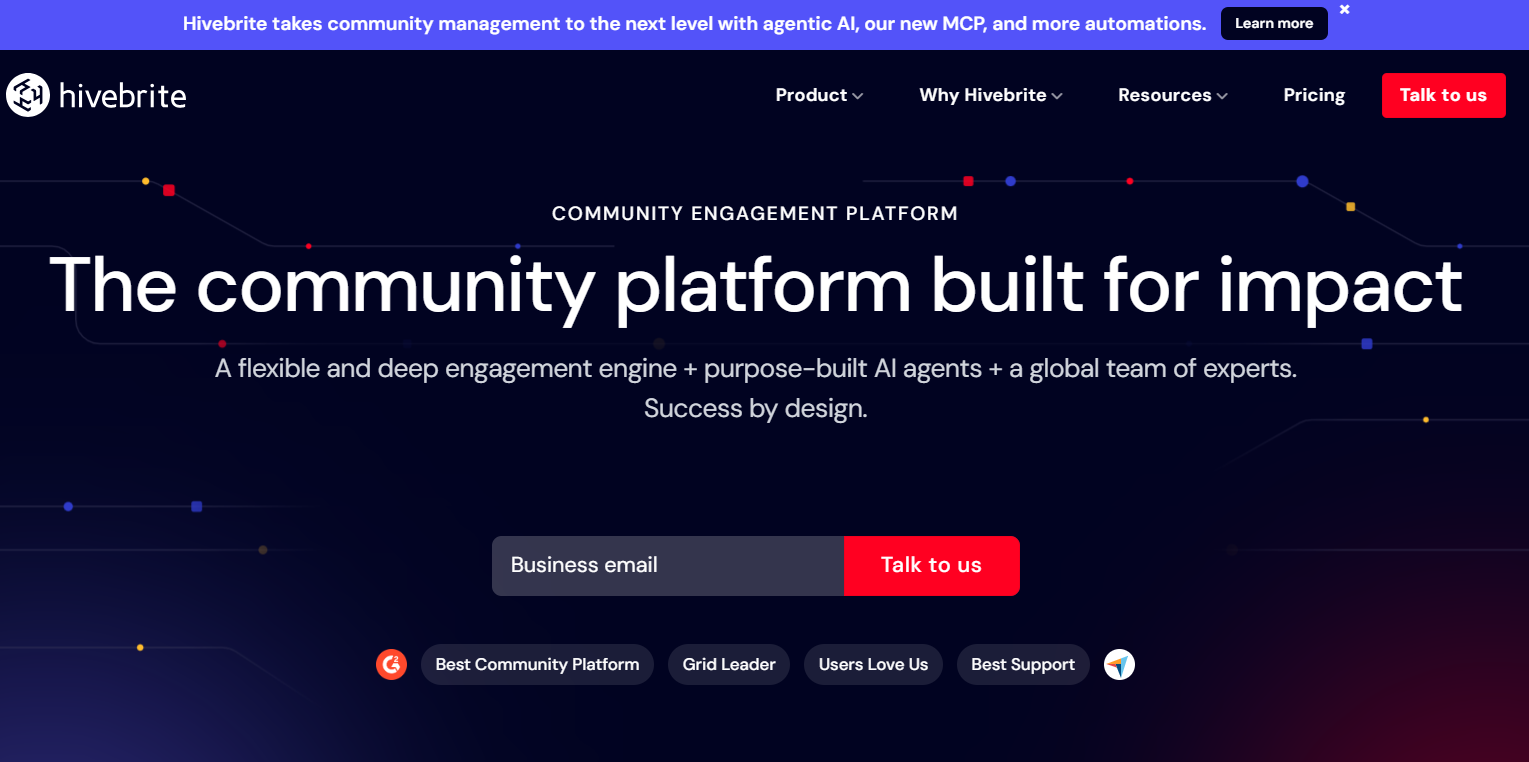
HiveBrite offers a good level of customization: institutions can shape member journeys, create different community spaces and permissions, customize the platform's design, and tailor experiences for different audiences.
The platform also supports events, groups, discussions, mentoring, career networking, and other community activities. Its multilingual capabilities and support for international communities make it relevant for institutions managing alumni networks across multiple countries and regions.
HiveBrite is particularly suited to larger institutions that want to build a highly tailored alumni community and have the resources to support implementation and ongoing administration.
Pricing: HiveBrite offers tiered and custom pricing starting at $895/month depending on the size and requirements of the community.
PeopleGrove is an alumni engagement platform built around helping institutions create stronger connections between students and alumni.
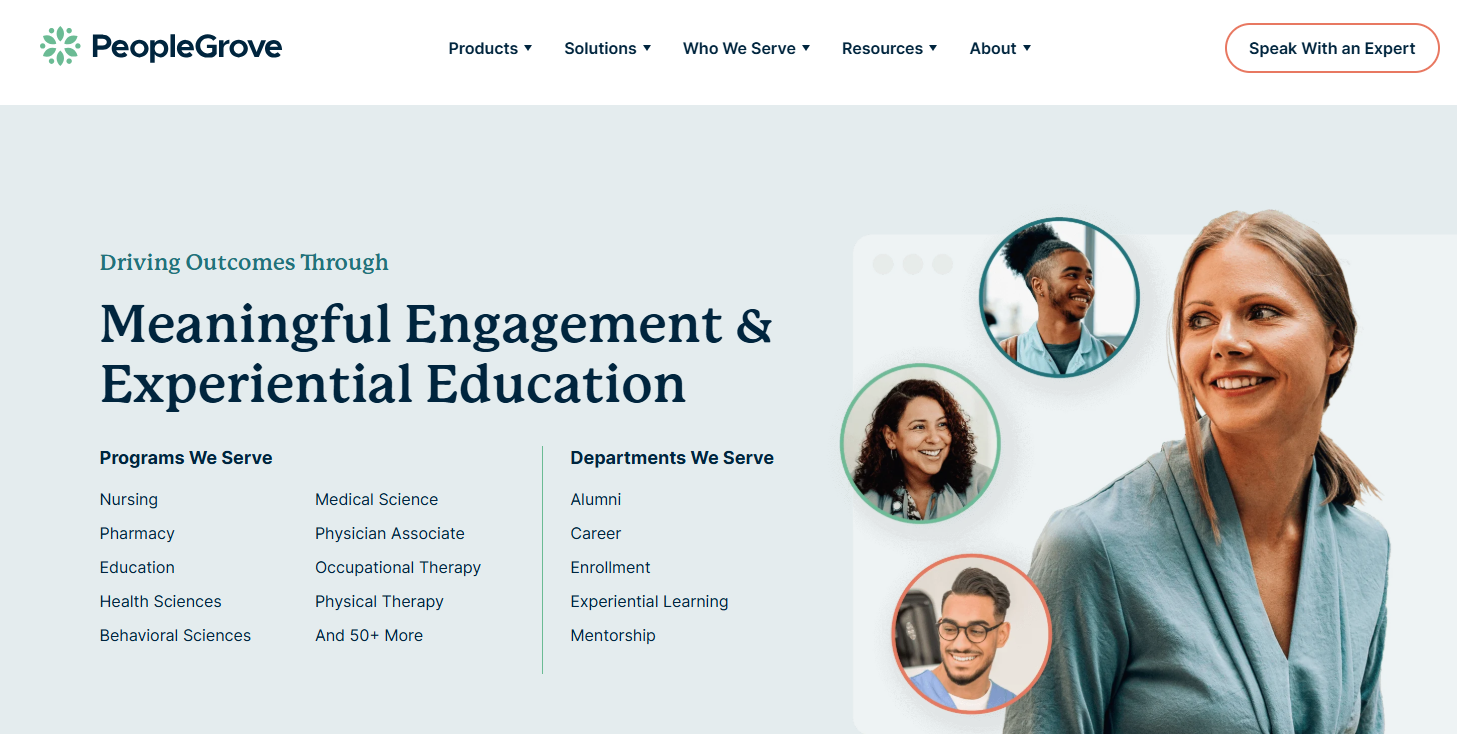
PeopleGrove particularly excels at structured program management. Teams can set up mentoring programs, match participants based on skills, interests, and goals, establish milestones, and track participation and outcomes. Rather than simply giving alumni a directory and letting them find one another, the platform gives institutions tools to actively shape how those connections happen.
The platform also enriches profiles with professional information from LinkedIn, helping you maintain more current information about where alumni work and what they do without relying entirely on manual profile updates. This information is useful when building targeted programs or helping users find relevant connections.
Pricing: Custom pricing offered based on the institution's requirements.
Encoura Encompass is a constituent engagement platform for higher education that brings website management, email marketing, event management, online giving, membership, and other alumni-facing functions into one system.
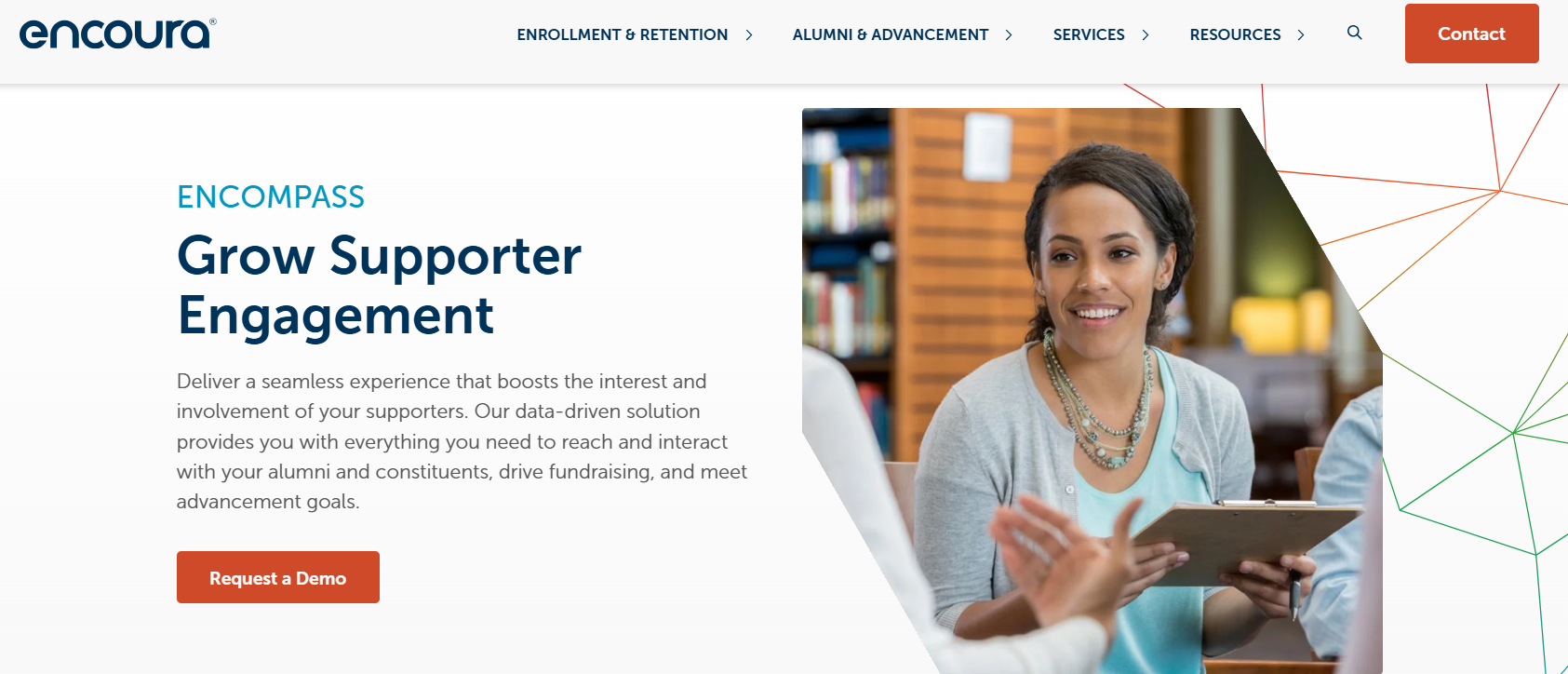
One of Encompass's biggest strengths is its breadth of constituent-facing functionality. Instead of using separate systems for an alumni website, communications, events, giving, and membership management, institutions can manage these activities through one connected platform. This breadth is particularly useful for institutions already working within the Anthology ecosystem.
For institutions evaluating it, the recent ownership transition is an important part of the conversation: Encoura acquired the service in 2026, so teams should evaluate the current product roadmap, support model, and integration plans alongside the platform's existing functionality.
Pricing: Estimate currently place pricing starting at $7,500 per year, but the platform does not publicly disclose its prices.
ToucanTech is an alumni and community platform that brings together an alumni database, website and portal, email marketing, events, fundraising, memberships, and career networking. Built specifically for schools and educational institutions, it aims to give teams a broad set of alumni engagement tools without requiring extensive technical configuration.
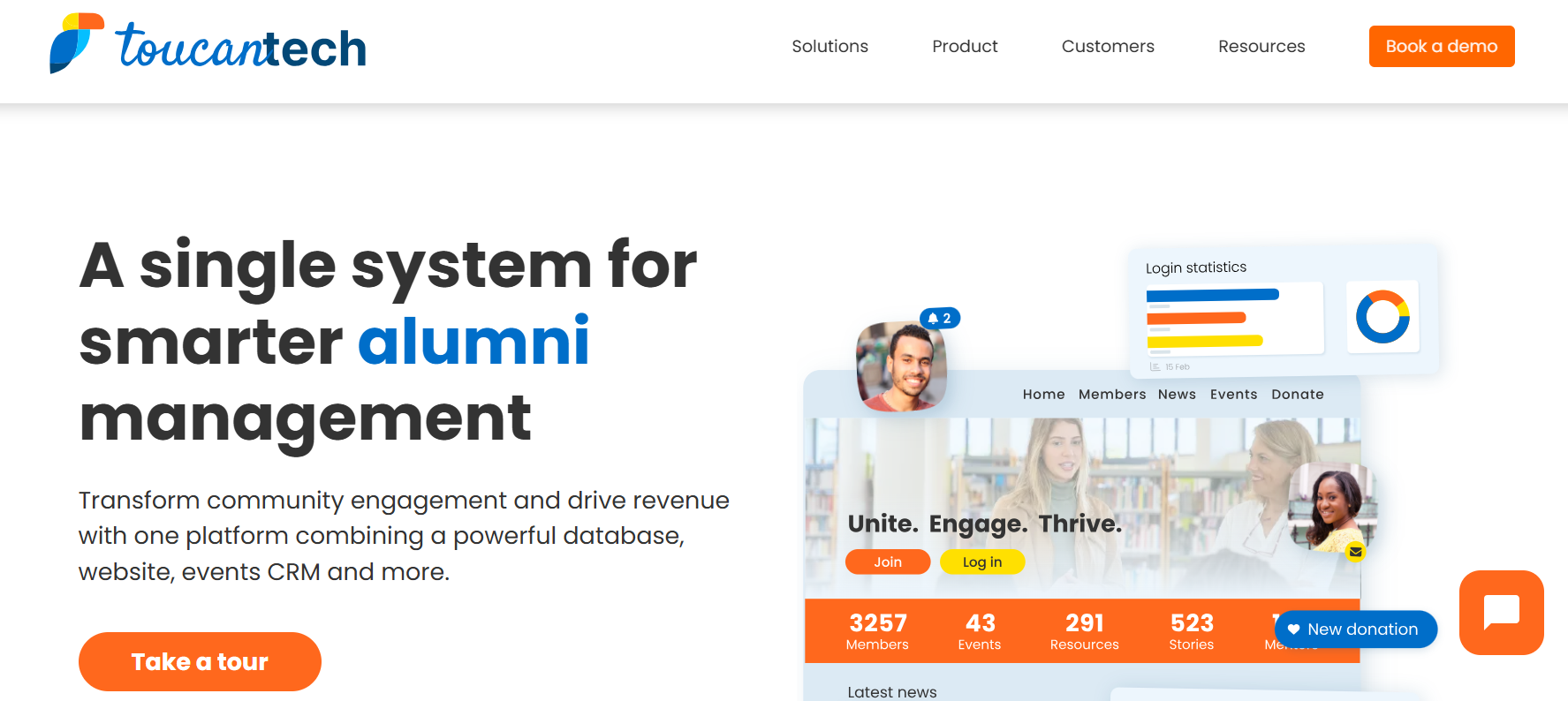
ToucanTech champions ease of use as one of its core principles. Users frequently highlight its intuitive interface and customer support. The platform also keeps common alumni activities connected. Event registrations, donations, communications, memberships, and constituent information can be managed within the same system, giving teams one place to work from rather than stitching together several point solutions.
It's a useful option for teams replacing a legacy alumni system, building a program with a relatively small staff, or looking to consolidate several alumni-facing tools into one platform.
Pricing: ToucanTech's core plan has a flat rate of $8,000 per year.
WildApricot is a membership management platform used by associations, nonprofits, and community organizations.
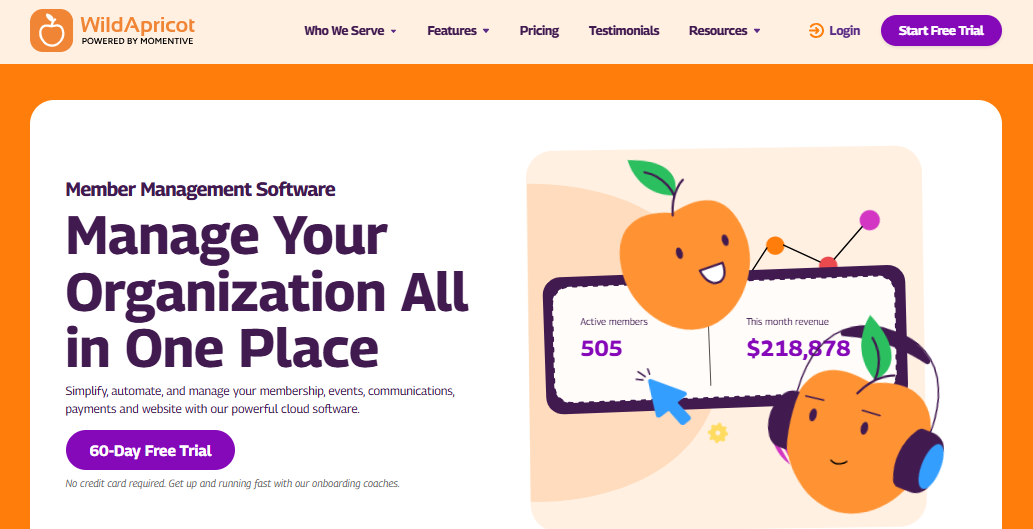
The platform sets itself apart with its straightforward pricing and setup. Unlike many enterprise alumni platforms that require a sales conversation before you can estimate costs, WildApricot publishes its plans based on the number of contacts you manage. It also offers a 60-day free trial, making it easier for smaller organizations to test the platform before committing.
The platform is also designed to be managed without extensive technical expertise. Teams can build a member-facing website, maintain a directory, create events, collect payments, and send communications from the same system.
WildApricot is a good fit for small alumni associations and organizations with simpler membership and event needs, such as maintaining a member directory, managing memberships, organizing events, sending communications, and collecting payments.
It may become less suitable as an institution's needs expand into larger and more specialized alumni engagement or advancement workflows.
Pricing: Plans are based on contact volume, starting at $63/month for 100 contacts and increasing with database size. WildApricot also offers a 60-day free trial.
GiveCampus is built around fundraising, alumni engagement, events, volunteer management, and frontline fundraising. As an engagement layer that sits on top of your CRM, it brings together constituent, gift, event, volunteer, and frontline fundraising data.
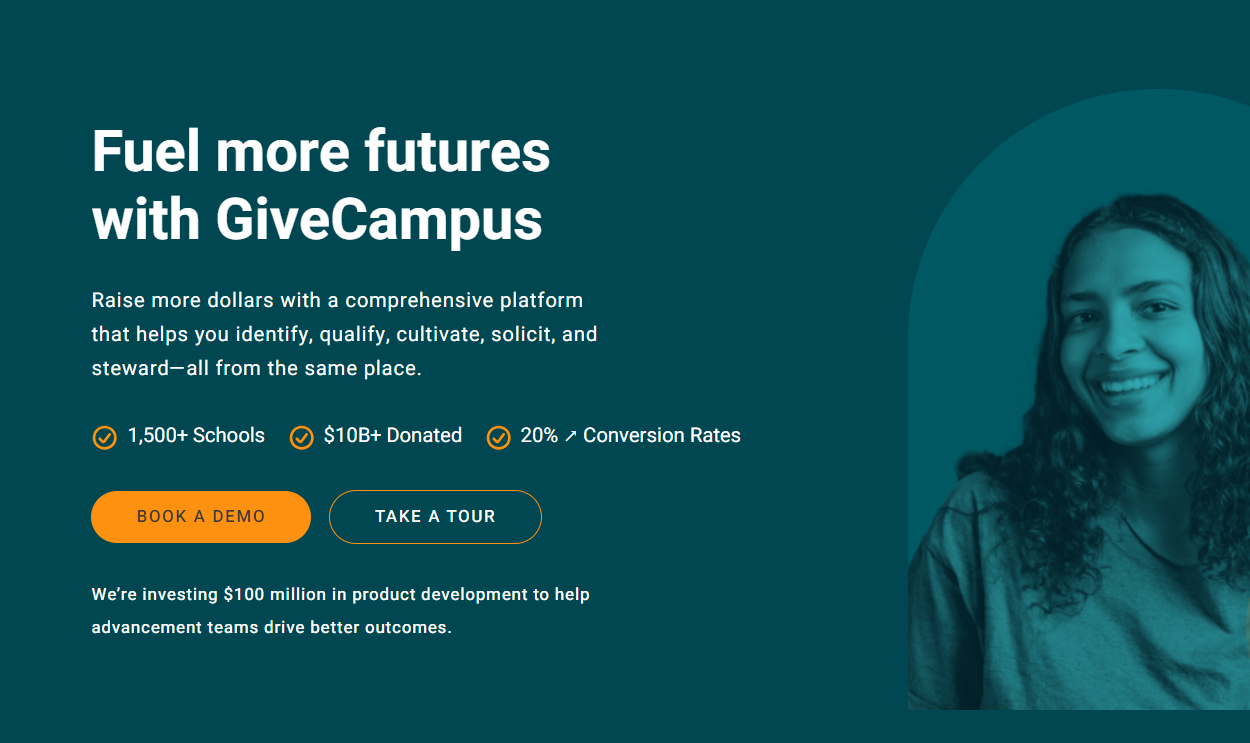
This is particularly useful for advancement teams that want events and alumni engagement to feed directly into fundraising workflows. GiveCampus also supports email and text outreach, volunteer management, and fundraising campaigns within the same ecosystem.
It's a strong fit for institutions running a lot of giving campaigns, reunions, alumni events, volunteer programs, and donor outreach from the same advancement operation.
It's less of a traditional alumni-community platform built primarily around directories, mentoring, or social networking.
Pricing: Custom pricing offered based on the institution and products selected.
There’s no single alumni management platform that will be the right fit for every institution. Think on the question of what you need the platform to do, and you’ll be able to approach the decision with much clarity.
If fundraising and advancement are at the center of your alumni strategy, look for a platform that can connect engagement activity with your CRM and give your advancement team useful donor context. Almabase and GiveCampus are worth a closer look here, while EverTrue makes more sense for teams that need deeper prospect and donor intelligence.
If your priority is building an active alumni community, Graduway and HiveBrite take a more community-first approach, with tools for networking, groups, mentoring, and member interaction.
For institutions where alumni-to-student connections, mentoring, and career engagement are a major part of the strategy, PeopleGrove is built around those programs rather than treating them as an add-on. And if you're looking for something simpler to get up and running, ToucanTech offers a broader set of alumni tools, but with less emphasis on extensive customization.
Before you start booking demos, definitely get clear on what your institution actually needs from an alumni management platform and what you can realistically expect from your budget, team, and existing tech stack. That’s exactly what we cover in our Alumni Management Software Buying Guide. It walks through the key features to evaluate, questions to ask vendors, implementation considerations, and how to compare platforms against your institution’s specific needs.
If you’re unsure what to prioritize, flipping through the guide before comparing vendors might help!
Choosing alumni management software is a big decision, especially when your team will be relying on it for everything from everyday alumni communications to major events and fundraising campaigns. Take the time to see how each platform handles your actual workflows, what implementation involves, and how well it works with the systems you already use.
Almabase is worth exploring if bringing alumni engagement and fundraising closer together is a priority. It brings events, communications, giving, and alumni data into one platform, with CRM integrations to reduce manual work for your team. 🤗
You can read more about what makes Almabase a good alumni management software and how it supports different alumni programs.
Ultimately, the goal is to find the platform your team can comfortably use, your alumni will want to engage with, and your institution can continue to rely on as its programs grow.
Request a demo today to see how Almabase can help your institution nurture deeper relationships with your alumni. 💜

An institution can get by with spreadsheets and basic CRM functions, but a dedicated alumni management software makes a huge difference when you need to map engagement, personalize communications, giving, and complex events. So while not always necessary, it becomes almost essential as an institution scales its alumni management efforts.
There’s no single best option for every institution. The right platform depends on your goals, existing technology, budget, and whether you need deeper capabilities or customizations. Ultimately it’s about finding the right fit for your requirements.
Pricing varies widely depending on the platform, number of alumni, and features you need. Some platforms offer tiered pricing, while others use custom pricing based on the institution’s requirements.
Free tools can work for institutions with smaller alumni programs or straightforward needs, but they often come with limits on features, users, data, or customization. If your programs are growing, paid software may offer more room to scale.
You might find the terms being used interchangeably, but an alumni platform usually focuses on the alumni-facing experience, while alumni management software could also include the operational side, including data management, events, communications, and fundraising.

The Best Alumni Management Software in 2026
Lorem ipsum dolor sit amet, consectetur adipiscing elit. Suspendisse varius enim in eros elementum tristique. Duis cursus, mi quis viverra ornare, eros dolor interdum nulla, ut commodo diam libero vitae erat. Aenean faucibus nibh et justo cursus id rutrum lorem imperdiet. Nunc ut sem vitae risus tristique posuere.
Almabase
April 20, 2026
12 minutes
%201.svg)
%201.svg)
%204.svg)


.svg)