A comparison of the top 10 fundraising event software platforms across essential features and use cases to help you find the perfect fit for your team.

Anwesha Kiran
Updated:
September 29, 2026
.avif)
Fundraising events are a mainstay in institutional and nonprofit advancement strategies across the board. With 77% of nonprofits that host fundraising events meeting or exceeding their fundraising goals, events remain one of the most effective ways to engage supporters and generate revenue.
Whether it’s a charity gala for a hospital foundation, a school auction for a K-12 PTA, or an alumni giving day, your choice of event management fundraising software can really affect the kind of experience you’re able to offer to your team as well as your attendees.
And with so many platforms that seem to do it all, picking which one actually fits your needs is easier said than done.
In this blog, we take a closer look at what fundraising event software helps with, what features to look for, and which platforms are worth considering depending on your goals and use case.
Fundraising event software is any platform that helps nonprofits, schools, and advancement teams plan, promote, manage, and measure fundraising events.
This usually covers everything from registration and ticketing to donation collection, guest check-in, and post-event reporting. This list of features can look a little different across different platforms, but a good platform usually has a combination of these to offer, all in one place. The types of events it can support include:
With a general tool you might stop at RSVPs and ticketing, but with a fundraising event software you’d be able to connect registrations to donor records, process gifts, track giving history, and feed all of that data back into your CRM so you can inform your future fundraising strategy.
While it might seem like every platform offers a set of similar features, it is important to be very clear about exactly what combination of features fits your fundraising event requirements the best.
Here are a few features that we think could set you up for success:
The platform should allow your team to create branded registration pages, sell tickets, manage guest lists, and track RSVPs. Support for multiple ticket types, table sales, and promo codes is essential, especially if you run complex, multi-day events.
Your event software should make it easy to collect donations before, during, and after the event in multiple ways: could be giving forms, donation add-ons at checkout, or live appeals during an event.
For some galas and charity dinners, features like silent auctions, mobile bidding, paddle raises, and item management are central to the fundraising strategy.
Many fundraising events depend on sponsorship revenue to break even or exceed their goals. You’ll want to manage sponsor packages, track visibility (logos on event pages, branded displays, etc.), and process sponsorship payments cleanly.
The platform should support personalized event invites, automated reminders, confirmations, and post-event follow-ups.
QR code and mobile check-in options reduce event-day mismanagement and capture accurate attendance data. This becomes especially relevant if you’re running multi-day fundraising events.
Your event data should sync back to your donor database or CRM automatically so your team doesn't have to spend time after every event manually reconciling lists and data across registrations, attendance and giving.
The right platform should report exactly what happened in your events with the right metrics: registrations, attendance, donations raised, revenue per event, expenses, donor participation rates, and follow-up opportunities.
As more and more organizations continue to adopt both in-person and virtual events (or a combination of both), the ability to support virtual attendance, livestream integration, and online-only becomes much sought-after.
Best for: schools, universities, and advancement teams
Almabase is built for educational advancement teams that want event management, giving, engagement, and CRM sync in one connected platform. It links registration, attendance and gift records back to your constituent's engagement history, so events become part of a donor journey.
Its TrueSync integration with Raiser's Edge NXT allows two-way, real-time data sync without manual intervention, saving your team lots of time and effort. The platform works well for alumni reunions, giving days, donor stewardship events, and school fundraising events.
Almabase is a good fit for teams that don't want event data sitting in a separate tool. It helps teams keep event management, gifts, communication and engagement data unified so every event can feed into a larger donor engagement strategy.
Best for: galas, auctions, and live fundraising events
OneCause (now part of Bonterra) is a well-known platform for nonprofit fundraising events, mostly galas, auctions, mobile bidding, and paddle raises. It supports unlimited events, a customizable event website, ticket sales, QR code check-in, seating management, real-time scoreboard displays, and text campaigns, all within a single platform.
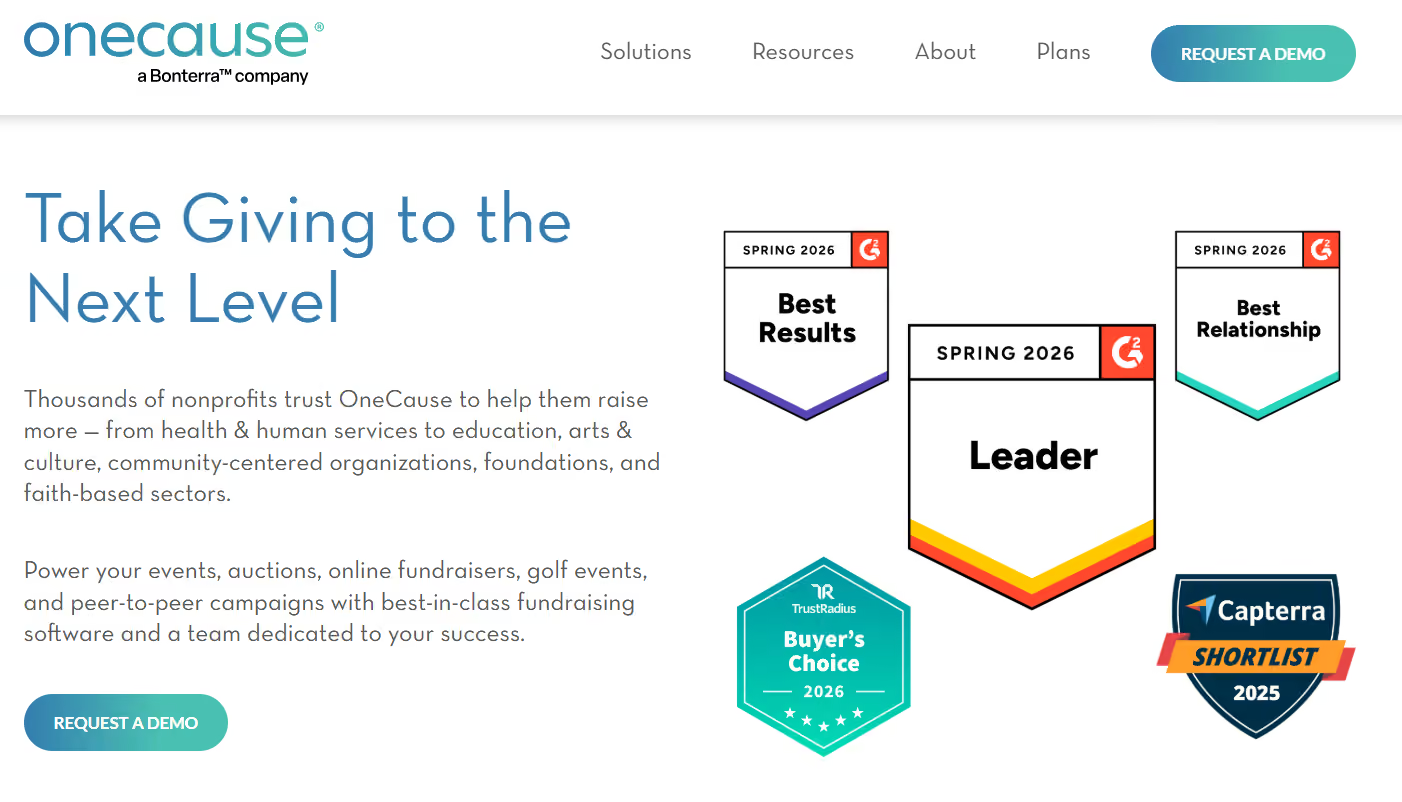
Its mobile bidding and auction tools are purpose-built for high-energy, donor-facing events for which real time engagement is really important.
OneCause is a great fit if your organization runs mid-to-large fundraising events and needs a reliable platform that keeps bidders engaged from start to finish.
Best for: mobile bidding and auction-heavy events
GiveSmart is an all-in-one fundraising platform with mobile bidding, event management, and donor engagement features. With an annual subscription, your team can run unlimited events like galas and golf tournaments, complete with text-to-give appeals all year-round, without needing separate tools for each.
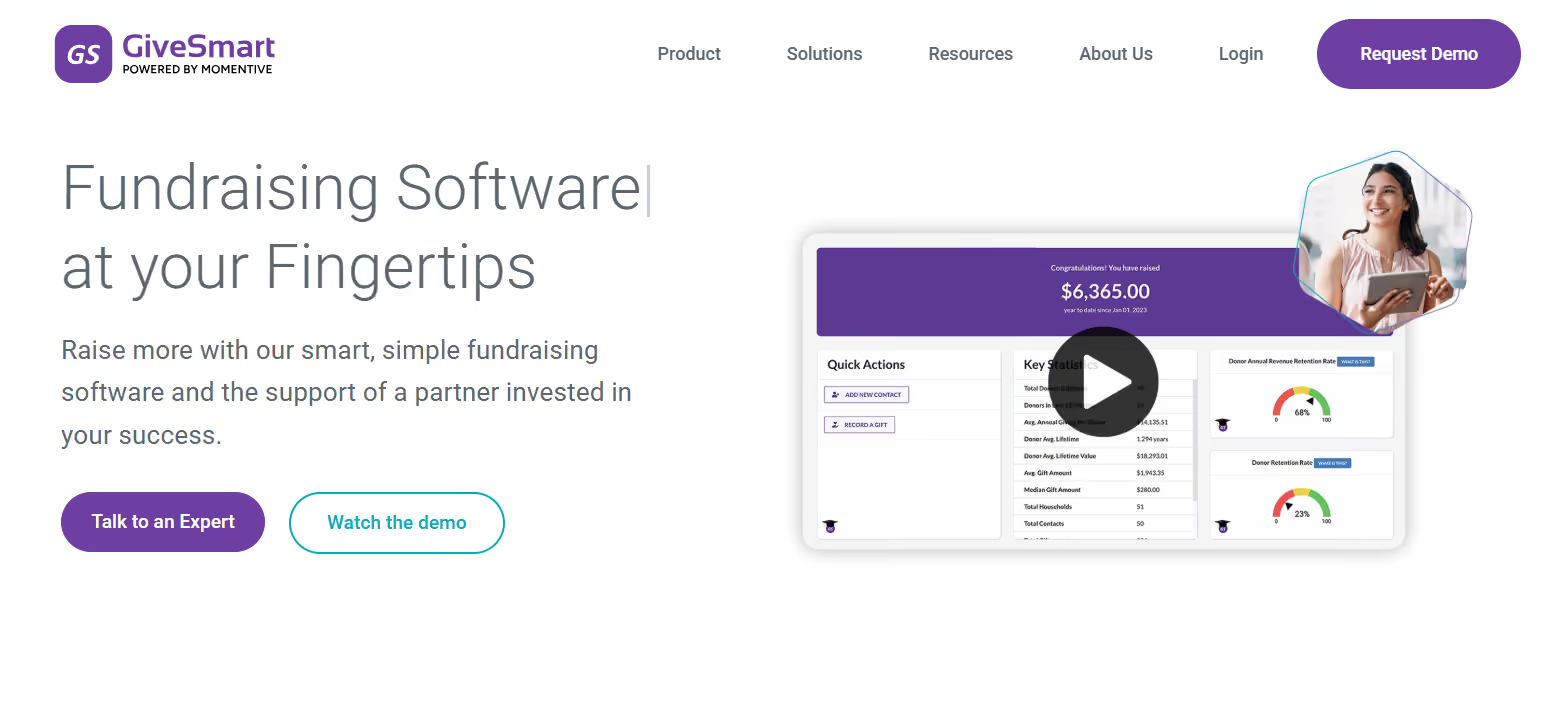
GiveSmart has an impressive feature set including ticketing and seating, customizable event websites, mobile bidding, live donation displays, and donor management. This makes it a good choice for nonprofits and schools that run multiple event-based fundraisers throughout the year.
Best for: silent auctions
Handbid is a mobile-first auction and fundraising platform designed specifically for organizations running silent auctions. Built by nonprofit fundraisers who decided to fix the chaos of paper bid sheets, Handbid replaces that process with a native mobile app, automated outbid notifications, real-time leaderboards, and streamlined guest check-in and checkout.

Over 40,000 auctions, Handbid has helped organizations raise more than a billion dollars. Beyond auctions, it also supports live events, paddle raises, peer-to-peer campaigns, text-to-give, and hybrid events with livestreaming.
For private schools, nonprofits, and any organization where the silent auction is central to the fundraising strategy, Handbid is the platform for you.
Best for: free or low-cost fundraising events
Givebutter is an all-in-one nonprofit fundraising platform that combines donation forms, event management, auctions, peer-to-peer fundraising, as well as a built-in CRM and offers all of these features under a free pricing model.

These core features are available at no platform fee when optional donor tips are enabled. If you prefer to turn off tips, a flat 3% platform fee applies.
Their paid tier, Givebutter Plus, starts at $29/month, which provides advanced automation and analytics.
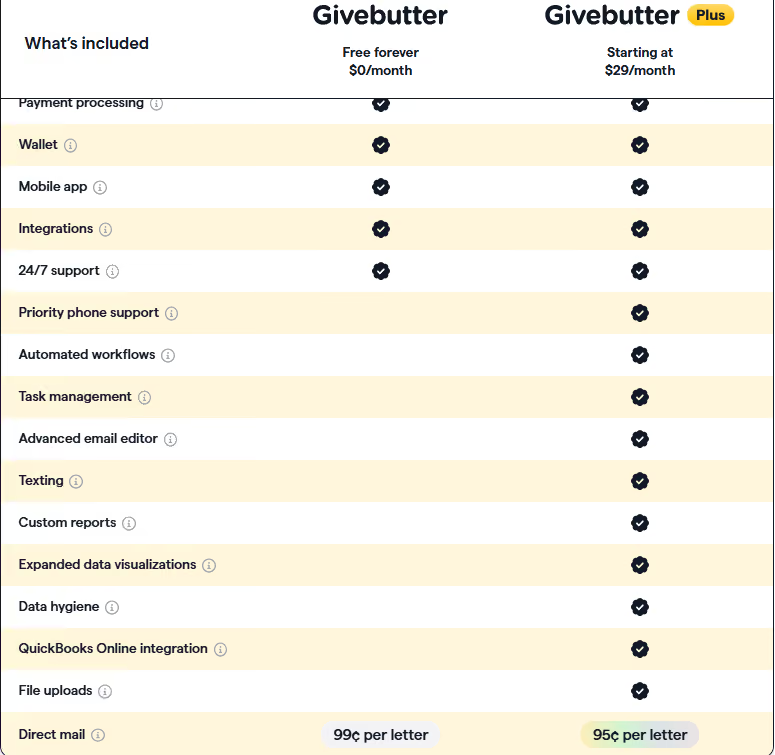
Givebutter is a great choice for small to mid-sized nonprofits and schools looking for a capable, budget-friendly platform that handles both events and broader fundraising without adding platform costs.
Best for: budget-conscious nonprofits and schools
Zeffy is the only fully zero-fee fundraising platform for nonprofits. It asks for zero setup fees, no monthly subscriptions, and no platform or processing fees. It is funded through voluntary contributions from donors, meaning 100% of what you raise goes directly to your organization.
Over 100,000 nonprofits across the US and Canada use Zeffy.
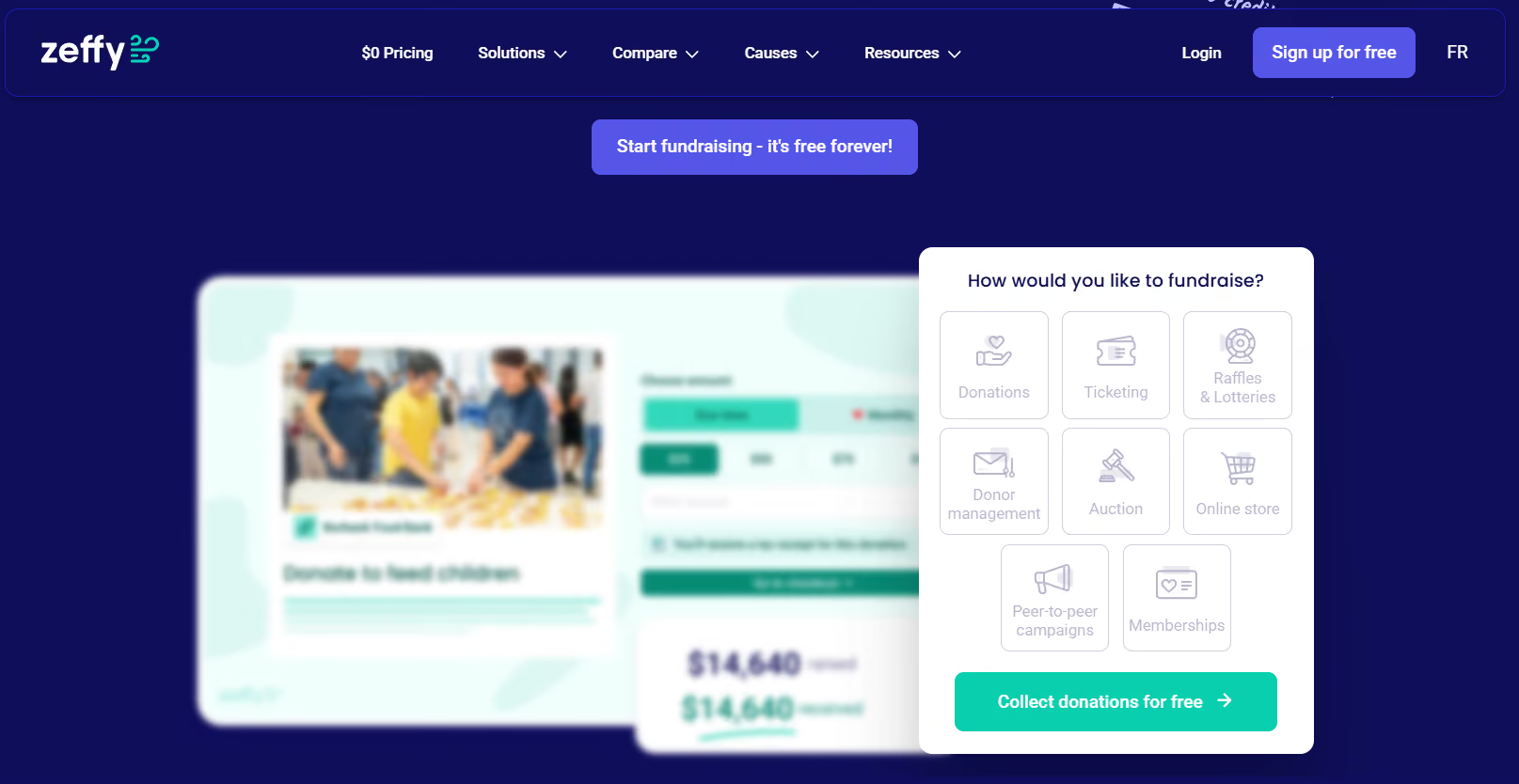
For event management specifically, Zeffy offers customizable event pages, multiple ticket types, QR code check-in, in-person tap-to-pay capabilities, as well as detailed reporting.
It's the choice for smaller institutions, nonprofits or smaller schools that need professional event management tools but are operating on limited or no budget.
Best for: donation forms and simple campaigns
Donorbox, previously known for its embeddable donation forms, has grown into a broader fundraising suite that includes event ticketing, peer-to-peer fundraising, recurring giving, and a donor CRM. Since its event feature was launched in 2022, organizations have sold over $25 million worth of tickets through the platform.
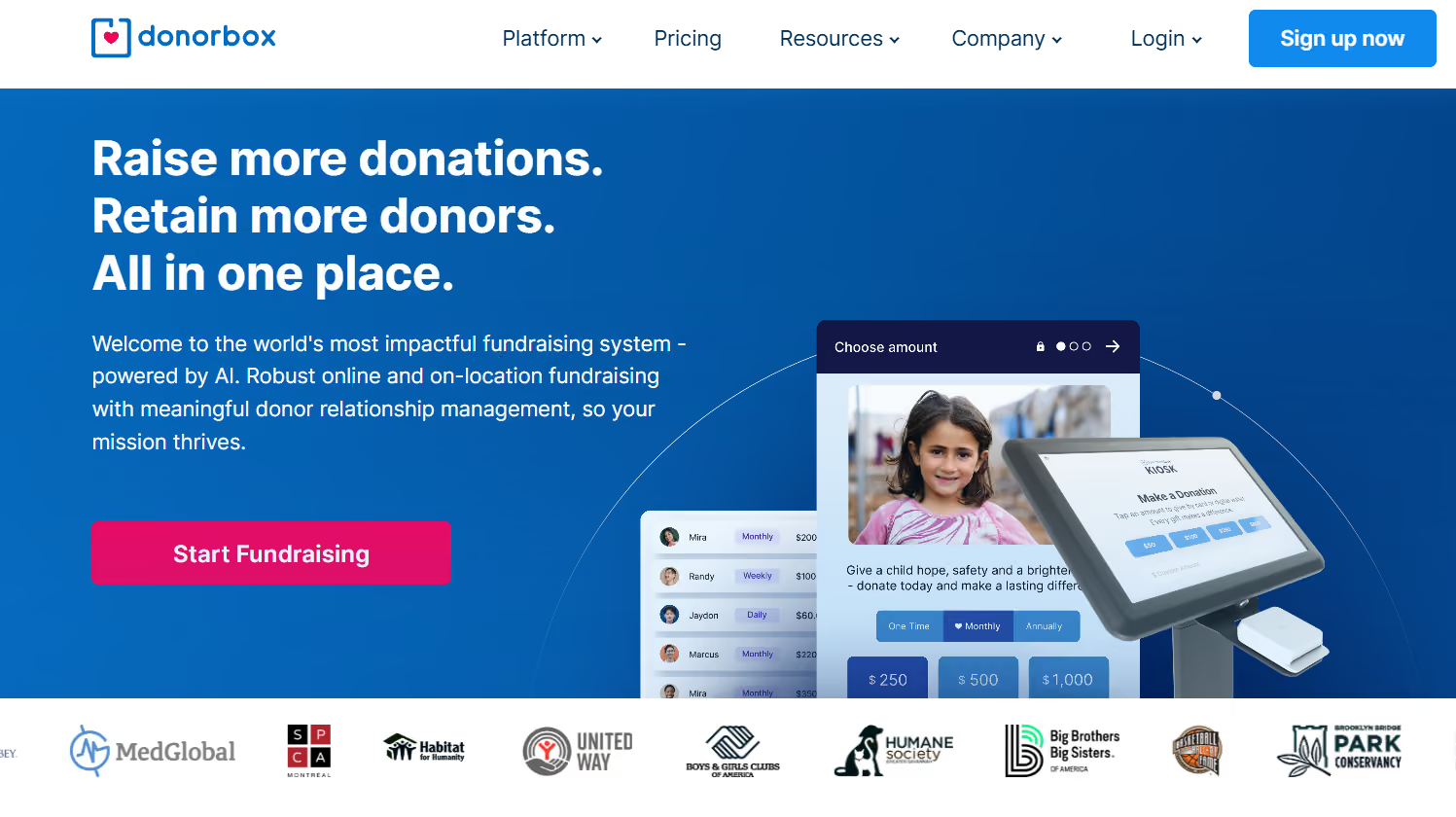
Its event ticketing tool supports multiple ticket types, fair market value calculations for tax receipts, QR code check-in, and integrations with payment processors like Stripe and PayPal.
Donorbox is a great option if your team wants reliable donation forms and basic event ticketing within the same tool.
Best for: donor management with event capabilities
Bloomerang is a giving platform that brings together donor management, fundraising tools, volunteer management, and event management in one system. Its event management module has a massive set of features including ticketing, QR code check-in, auctions, peer-to-peer campaigns, and text-to-give, with AI-powered features that reportedly boost giving form conversions by up to 55%.

Events are tracked alongside giving history, engagement scores, and communication records, making it easier to identify your most active supporters and tailor follow-up accordingly.
For teams that put long-term donor relationships at the center of their fundraising strategy, Bloomerang is a great fit.
Best for: simple ticketed events
Eventbrite has been one of the most widely recognized event platforms, and it remains a good fit for institutions that need quick, reliable ticketing. Publishing events on the platform is free, while ticketing fees apply to paid tickets. Even so, nonprofits can access a 50% discount on Pro plans.

Eventbrite is best for straightforward fundraising events where the goal is getting people in the door. Millions of people turn to Eventbrite to find local events. For nonprofits, it’s a good way to reach new people and get more attendees to community events.
Where it falls short for fundraising purposes is deeper donor engagement: it doesn't offer native donor record creation, CRM integration, or fundraising-specific tools like auction management or pledge tracking. If you need those capabilities, you'll likely need to layer another tool on top of Eventbrite.
Best for: large-scale event logistics
Cvent is an enterprise-grade event management platform designed for organizations with complex, high-volume events. These events are supported across multiple formats: in-person, virtual, as well as hybrid. It handles end-to-end event planning, from venue sourcing and registration to session management, and provides detailed analytics as well.
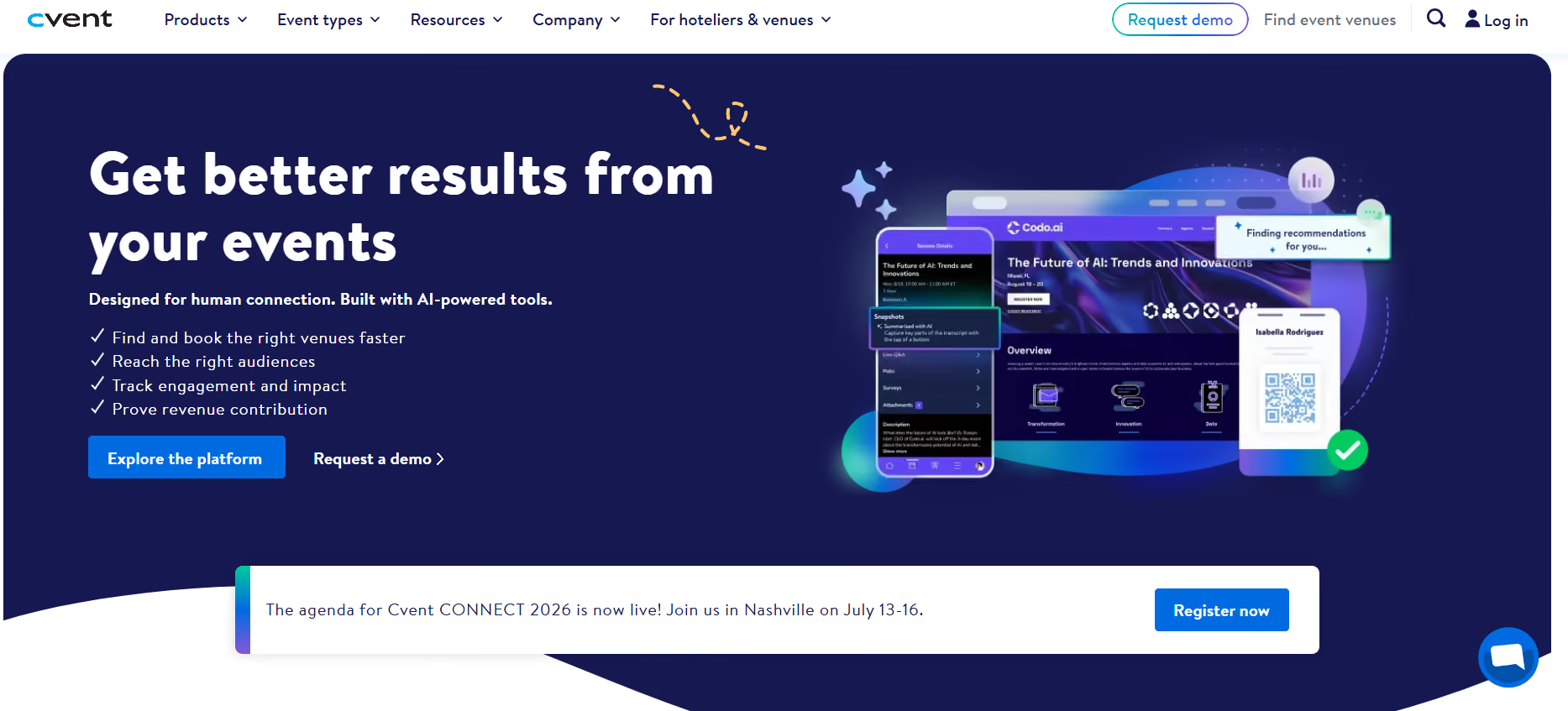
Given its scale, Cvent is most at home in larger environments: hospital foundations, university advancement offices, and associations that run many events annually and are looking for scalability, and integration across an existing tech stack. It's generally better suited for institutions with dedicated event operations staff and complex event programs than for smaller teams running one or two fundraisers a year.
The right platform depends heavily on the kind of event you're running, who's attending, and how much work your team is left with after the event ends. Here’s a quick look at everything we discussed so far:
Free tools work well for smaller teams, simpler events, or organizations that are just getting started. Platforms like Givebutter and Zeffy offer a good set of features with little to no platform cost, and for many, it’s a perfectly reasonable starting point.
That said, as your event complexity rises, so do the capabilities you look for from the platform you’re using. You might still find a few of your requirements on free platforms, but if you need more than a basic set of features, you might need to consider a paid platform. So the choice really comes down to if your event requires the following (or any combination of these):
If your platform cannot handle the scale of your event, the free tool might cost you more in staff time and missed opportunities than a paid platform would have, simply because it was not built to handle a complex set of requirements.
With so many options available, choosing one might seem challenging. After a point, everything starts looking the same. We suggest working through these questions with your team before you start comparing platforms. It can save a lot of time (and help you avoid a costly switch down the road).
Your primary event format should drive the decision. Auction-heavy events, peer-to-peer campaigns, and large galas all have different platform needs.
Some platforms specialize in one area. Ensure the tool you’ve chosen handles the full scope of what you actually do.
If supporters fundraising on behalf of your organization is part of your strategy, it is a core feature for you and your platform too should support it as such, and not as an add-on.
This is probably the easiest of the lot. If the answer is yes (and for most advancement teams, it is) this should be non-negotiable for you.
If your team spends days reconciling spreadsheets post-event, you need a platform with stronger automation and integration.
Branded, professional registration pages bring credibility to your event. This can affect the donor’s first impression when they see your giving page. Building trust with your donors matters!
If you're accountable to a board or leadership team, choose a platform that reports the right set of metrics to give you clear visibility into revenue, expenses, and donor participation.
Consider who in your team will work with the tool the most. Whether it's your advancement team, alumni relations staff, or volunteers, make sure that the platform is easy to use for those who will work with it. Implementation support is also a factor to consider at this point.
For K-12 schools and universities, Almabase is a great fit. It is built for teams that want to connect event management, giving, and alumni engagement in one place with CRM sync back to Raiser's Edge NXT or other systems.
For nonprofits running galas, auctions, or multi-event programs, platforms like OneCause, GiveSmart, and Bloomerang are strong contenders. For budget-conscious teams, Givebutter and Zeffy offer free-tier options.
Event ROI is calculated by subtracting your total event costs (venue, catering, platform fees, staff time, marketing) from the total revenue generated (ticket sales, donations, auction proceeds, sponsorships), then dividing by the total costs. A positive ROI means the event generated more than it cost.
Subscribe
See how modern advancement teams bring alumni engagement and fundraising together.
Plan faster. Execute better
Explore free templates designed for alumni and fundraising teams.
.png)

.avif)
Anwesha Kiran
A well run reunion event offers a seamless experience to your attendees. They register once, select a few events for the weekend, receive timely reminders, check in and move smoothly from one gathering to the next. From their perspective, the whole thing only takes a few seconds and minimal effort.
Behind the scenes, however, is an enormous amount of coordination happening across teams and timelines.
For smaller gatherings, lightweight event tools may still work perfectly well. But once reunions become larger, multi-event set ups, or tied to broader advancement goals, managing registrations or ticketing is just one cog in the wheel. That’s when many alumni and advancement teams eventually move toward platforms designed specifically for reunion and alumni engagement workflows. In this blog, we’ll break down the platforms best suited for different types of reunion events, team structures, and engagement goals.
Many teams begin with the tools already available internally, like spreadsheets for guest tracking, email platforms for outreach, online forms for RSVPs, and a ticketing platform layered on top to handle payments. And that set up works well for a while too.
Most event platforms are designed to handle transactions: collect registrations, process payments, send confirmation emails. While this works just fine for one-off events, reunions call for something more.
Most advancement and alumni teams are already familiar with the friction points:
Individually, none of these problems are unusual. But together, a combination of any of these issues creates significant overhead. This holds especially true for leaner teams, when the issue becomes even more visible after the event ends. They might find themselves having to spend days cleaning spreadsheets, confirming attendance records, updating CRM systems, and piecing together engagement data that should have been captured automatically.
Reunions are complex and involve long-term alumni relationships, donor engagement, segmented outreach, multi-day programming, and post-event reporting that extends well beyond the weekend itself. They require platforms that will understand the context behind why all this needs to be connected.
For example, knowing that 400 people registered for a reunion is useful. But knowing which classes had the strongest turnout, which former volunteers re-engaged, or which lapsed donors attended for the first time in years is significantly more valuable.
The same applies operationally. Generic platforms often require teams to manage communications, reporting, and CRM updates separately, creating duplicate work across systems that don’t naturally connect to one another.
That’s why many institutions eventually move toward platforms designed specifically for alumni engagement and reunion management. It makes a huge difference to reduce manual coordination, improve data continuity, and make reunions easier to manage as part of a larger alumni strategy.
Milestone reunions sit at the intersection of emotional significance and operational intensity. These are your 10th, 25th, 50th year reunions.
You need class-year segmentation for targeted invitations, multi-day session management, integrated giving pages and CRM sync so reunion attendance feeds your donor records. Here are our recommendations:
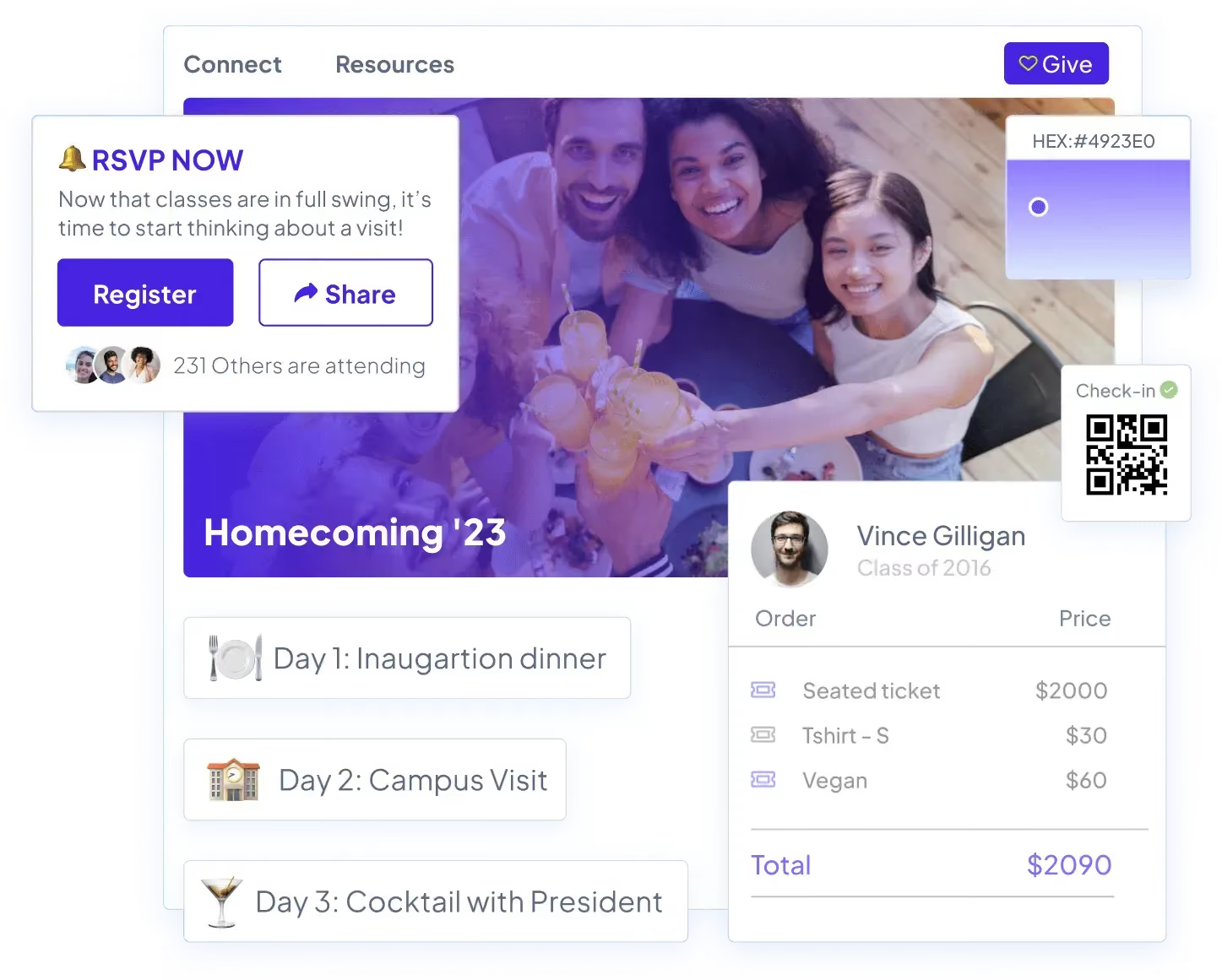
Almabase is particularly well suited for milestone reunions because it brings event management and alumni fundraising into one place. Alumni can sign up for multiple reunion activities, contribute to a class gift campaign, and receive communication tailored to their class year, all within the same experience. On the admin side, QR code check-ins and automatic CRM syncing make it easier to track both attendance and giving, which is especially useful when reunion engagement feeds into long-term donor stewardship efforts. Custom pricing offered.
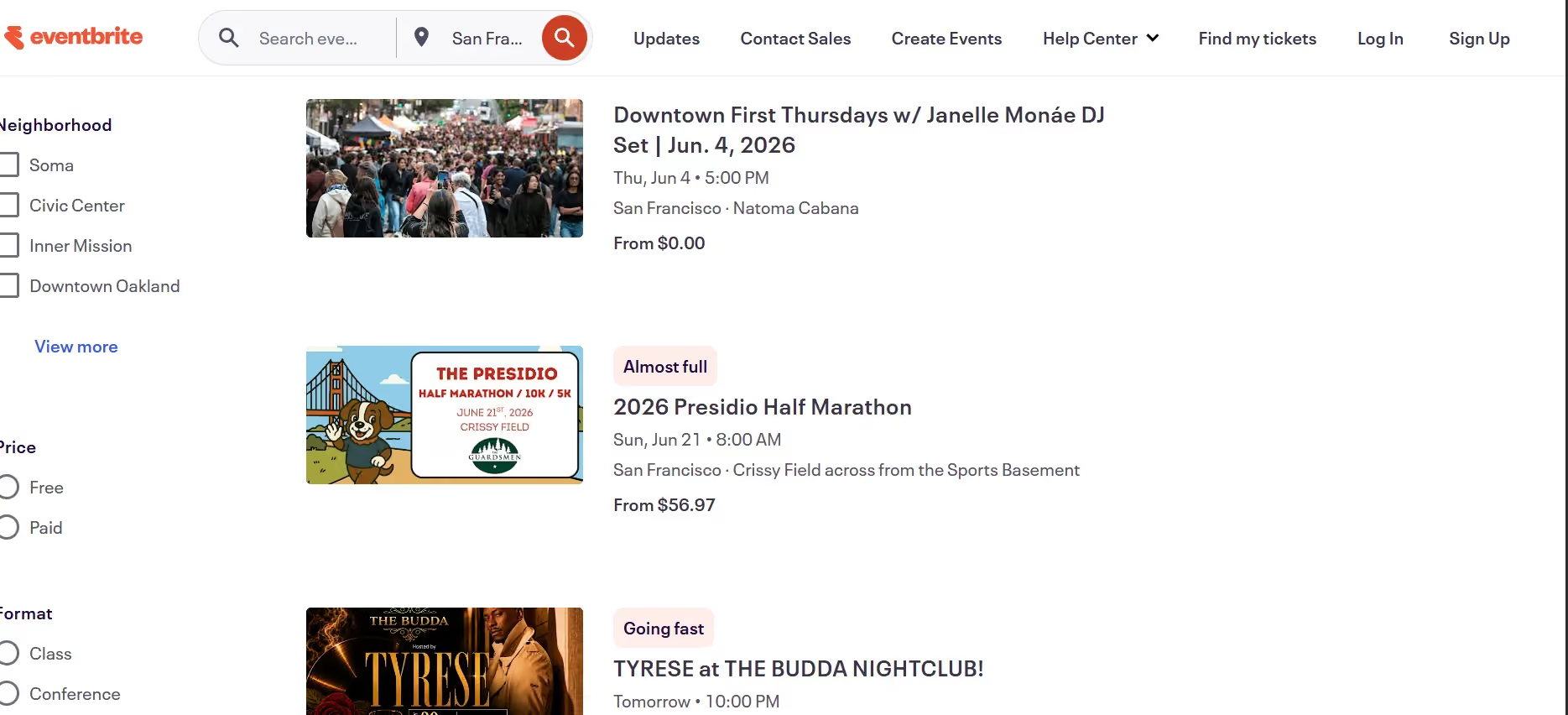
Eventbrite is a practical option for smaller institutions or volunteer-led reunion committees where the goal is mainly registration and payment collection rather than advancement integration. The platform is for free events; and fees apply for paid ticketing, which can be borne by the organizers or passed on to attendees.
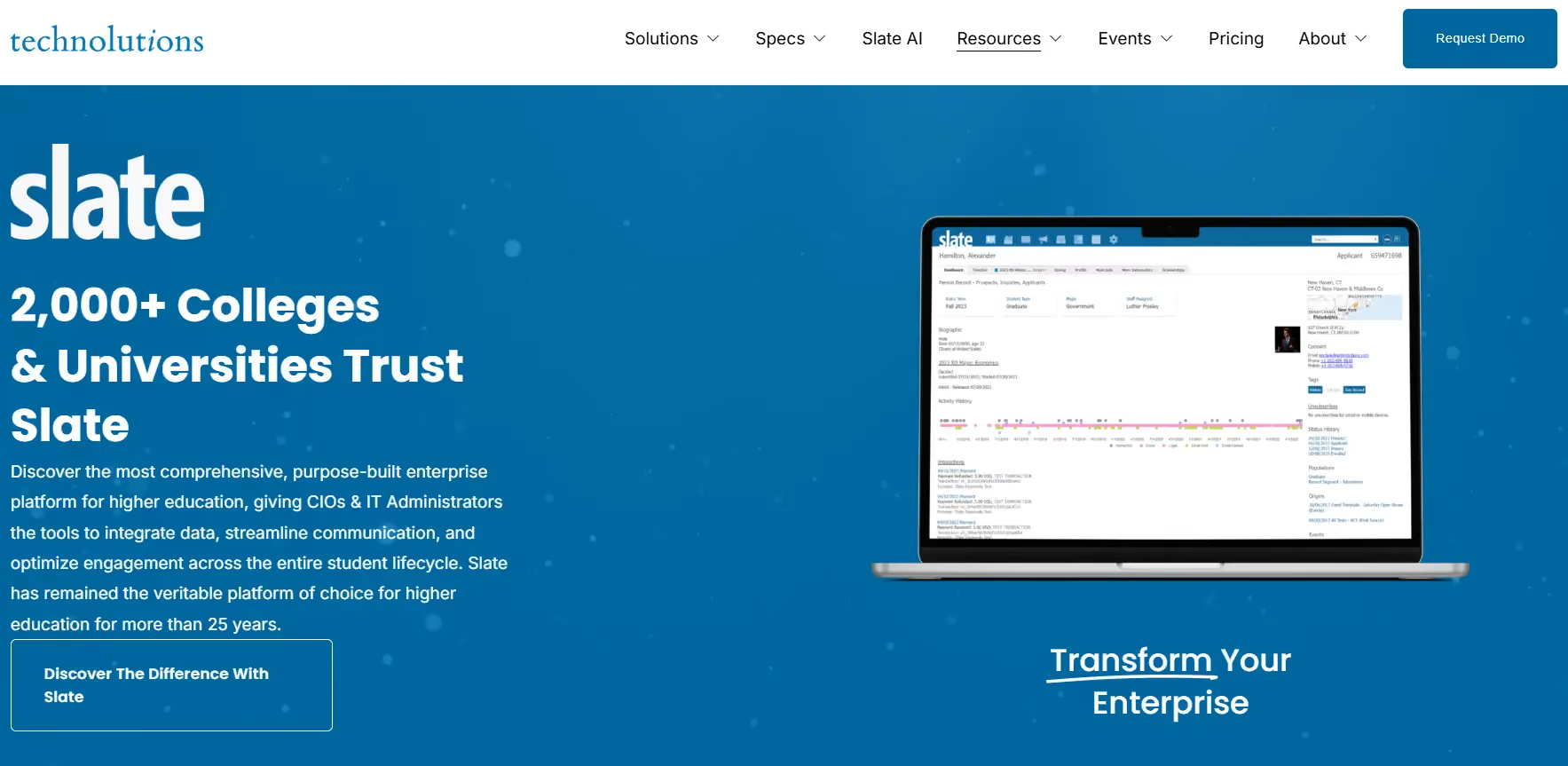
Slate is a unified, enterprise-grade CRM tool built exclusively for educational institutions that manages the entire student-to-alumnus lifecycle within a single database. For institutions already using Slate, reunion data flows natively into existing student-to-alumni records with absolutely no external CRM sync needed. The platform offers heavy-duty fundraising support with dedicated giving portals, customized gift processing, and major gift pipeline management. It’s a great fit for institutions that want a complete ecosystem to bridge admissions, student engagement, and advanced donor stewardship. Base licensing starts at $30,000/year.
Multi-day reunions are a little tricky to coordinate, because they demand seamless coordination across fragmented schedules, multiple venues, and diverse participant needs. Your platform should be able to handle sub-events, inventory management for ticketed activities, provide attendees with scheduling tools so they can build their own agenda, and give organizers visibility into logistics in real time.
Almabase brings event management and multi-day scheduling into one place. This means attendees can sign-up for personalized itineraries across sessions, receive real-time updates about capacity and changes, and organizers track attendance by session and segment. Capacity management, dietary tracking, and tiered pricing (full weekend vs. individual days) are straightforward to configure. Another great feature is the CRM sync which captures which alumni attended which sessions, giving organisers a comprehensive picture of attendance.
Cvent is purpose-built for multi-venue, multi-day events with precision logistics. Its session management capabilities include capacity limits, waitlists, and real-time room changes. Attendees can even use a mobile app to build schedules; while organizers see live dashboards by session and venue. It also offers venue integration, dietary management, badge printing, and check-in workflows, which are all native to the platform. The pricing for Cvent is based on event size and features.
These are the more happening, lively events: Homecoming weekends, sports alumni reunions, performing arts gatherings, and these are usually built around movement and participation rather than a single formal gathering.
Almabase is a strong fit for institutions running reunion weekends with multiple parallel events and alumni segments. You can create separate registration flows, send targeted communication to different affinity groups, track attendance across activities, and connect participation back to alumni engagement records. It works especially well when the reunion weekend also includes fundraising or volunteer engagement initiatives. Almabase offers custom pricing.
Swoogo is best suited for highly programmed reunion weekends with complex schedules and session tracks. Teams can use the platform to build personalized agendas, move between activities, and manage multi-day itineraries through one system. Their pricing starts around $11,800 a year for a single-user license.
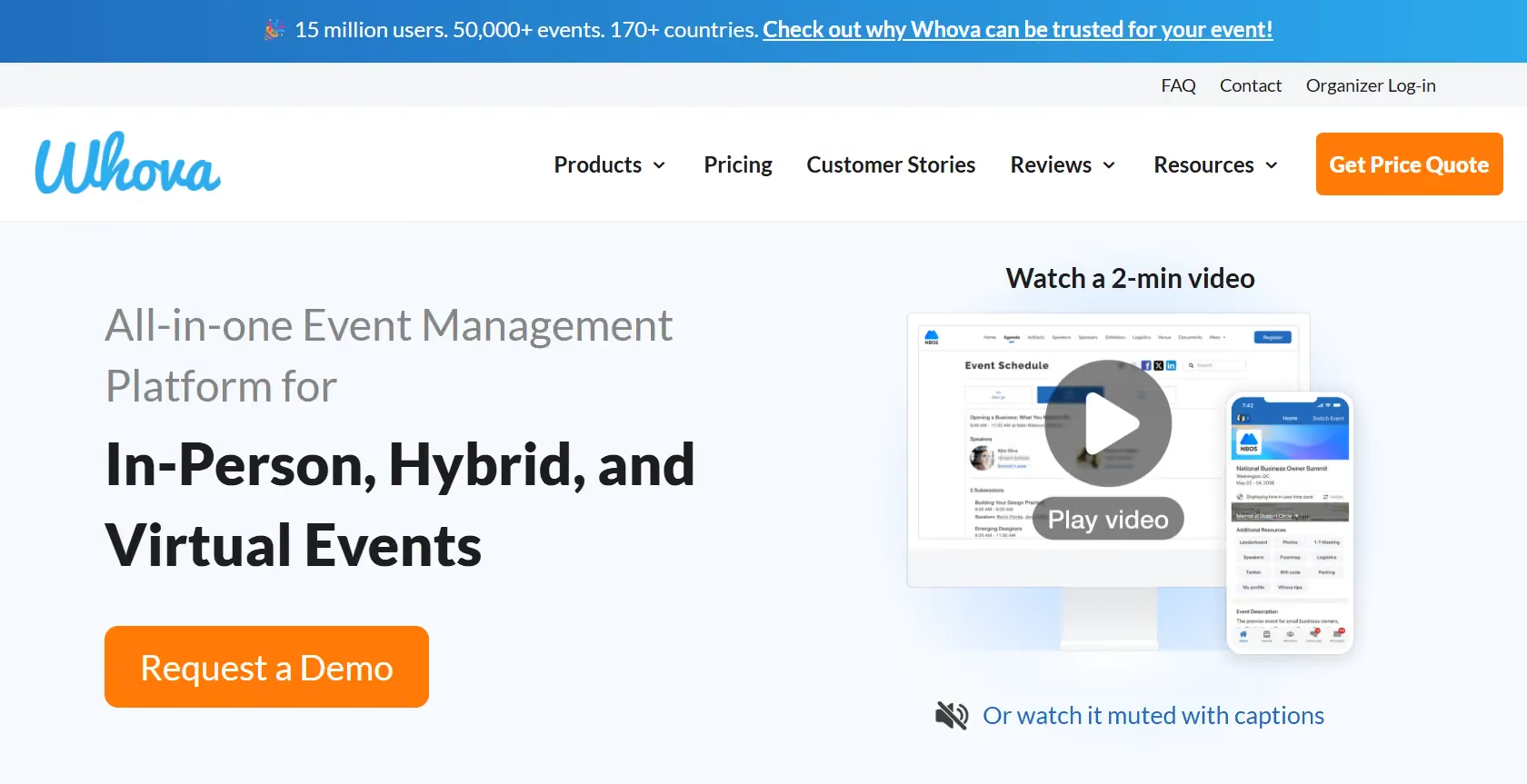
Whova is a useful option for highly social reunions where interaction between attendees is part of the experience itself. Features like attendee networking, live messaging, digital photo galleries, and mobile directories make it well suited for homecoming-style events. Custom pricing is offered based on requirements.
Many reunions are designed to bring entire alumni communities together, including spouses, children, volunteers, and local alumni chapters. These events usually require flexible registrations, family-friendly ticketing, and simple communication workflows.
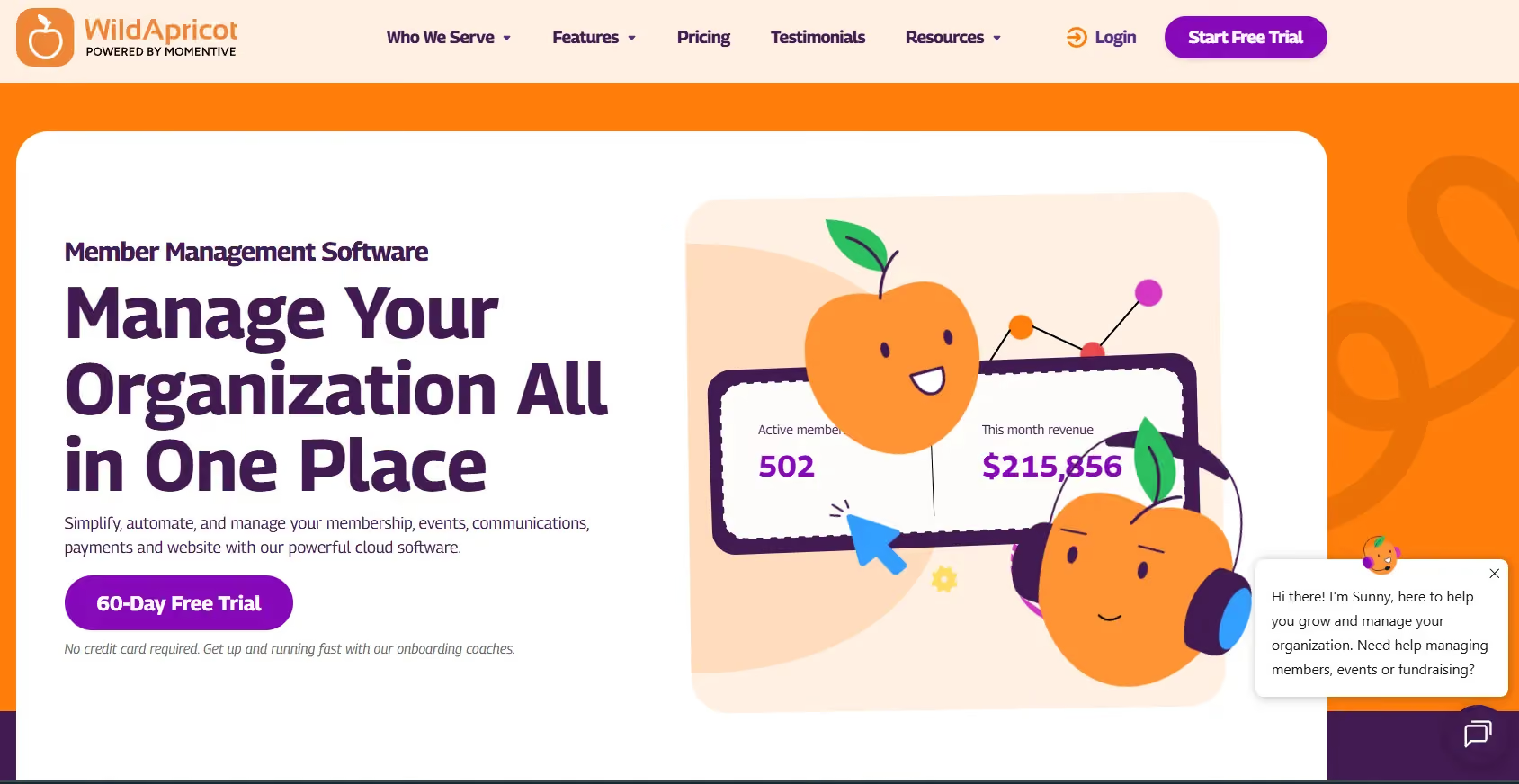
WildApricot is a natural fit for community-oriented reunions because it combines event management with membership and volunteer coordination. Family registrations, recurring events, and simple payment collection make it particularly useful for alumni associations and smaller institutions trying to manage ongoing community engagement beyond a single reunion weekend. Pricing starts around $60/month.
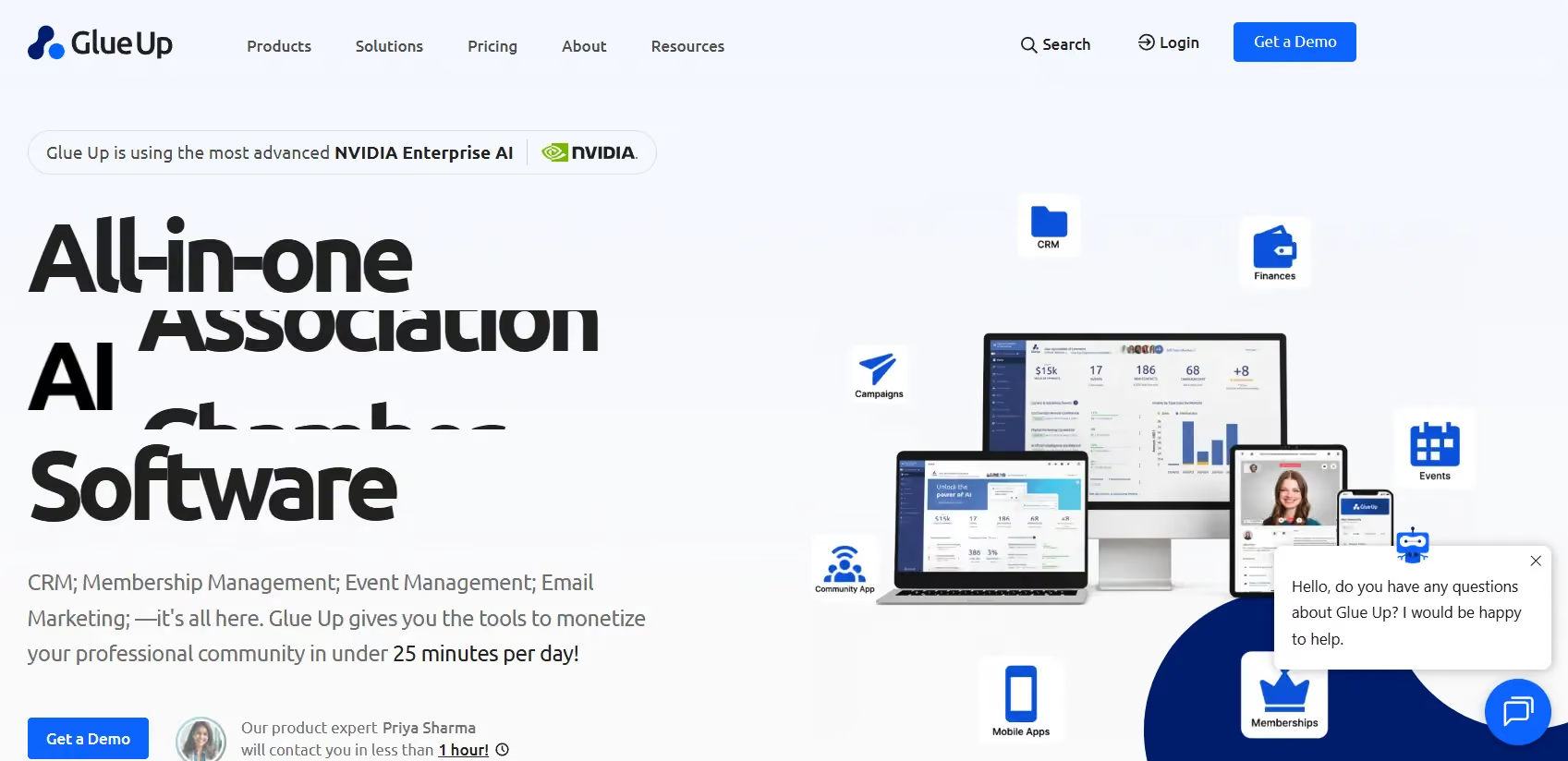
Glue Up works well for alumni associations with active local chapters and recurring community events. The platform focuses heavily on member engagement and ongoing relationship management over one-off events. Custom pricing is offered for enterprise level subscriptions, while the ‘Plus’ tier is priced at $4500 a year.
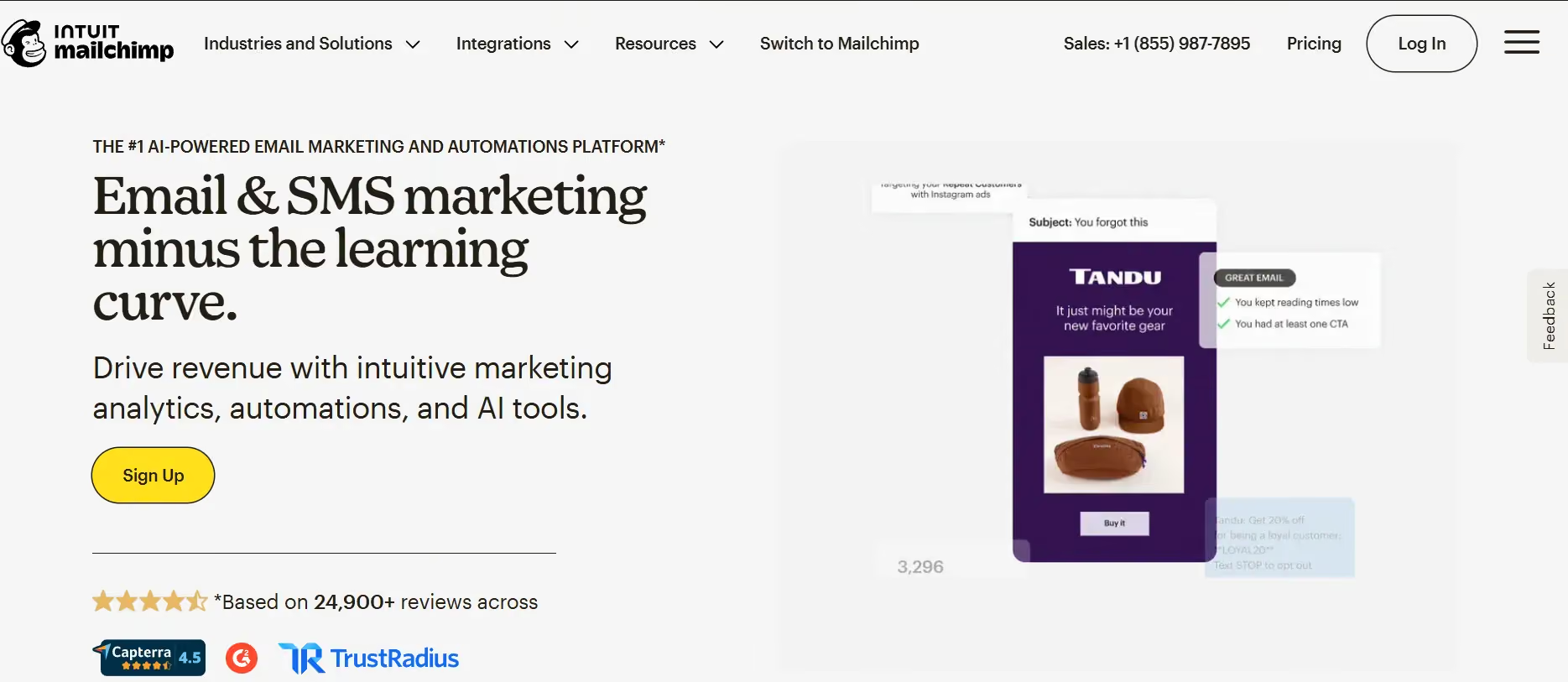
Using Mailchimp and Google Forms together is a practical setup for smaller reunion teams with limited budgets. This combination makes for a nifty set up when the reunion is simple enough that teams mainly need RSVP collection, reminder emails, and attendee exports. Mailchimp is free for up to 250 contacts; paid plans start at $13/month and scale based on your chosen features.
Reunions under the five-year milestone and professional networking events for recent graduates have a different priority: career connection and networking over nostalgia. Attendees want a professional directory, session selection (panels, workshops, speaker talks), and a way to connect with people in their industry after the event.
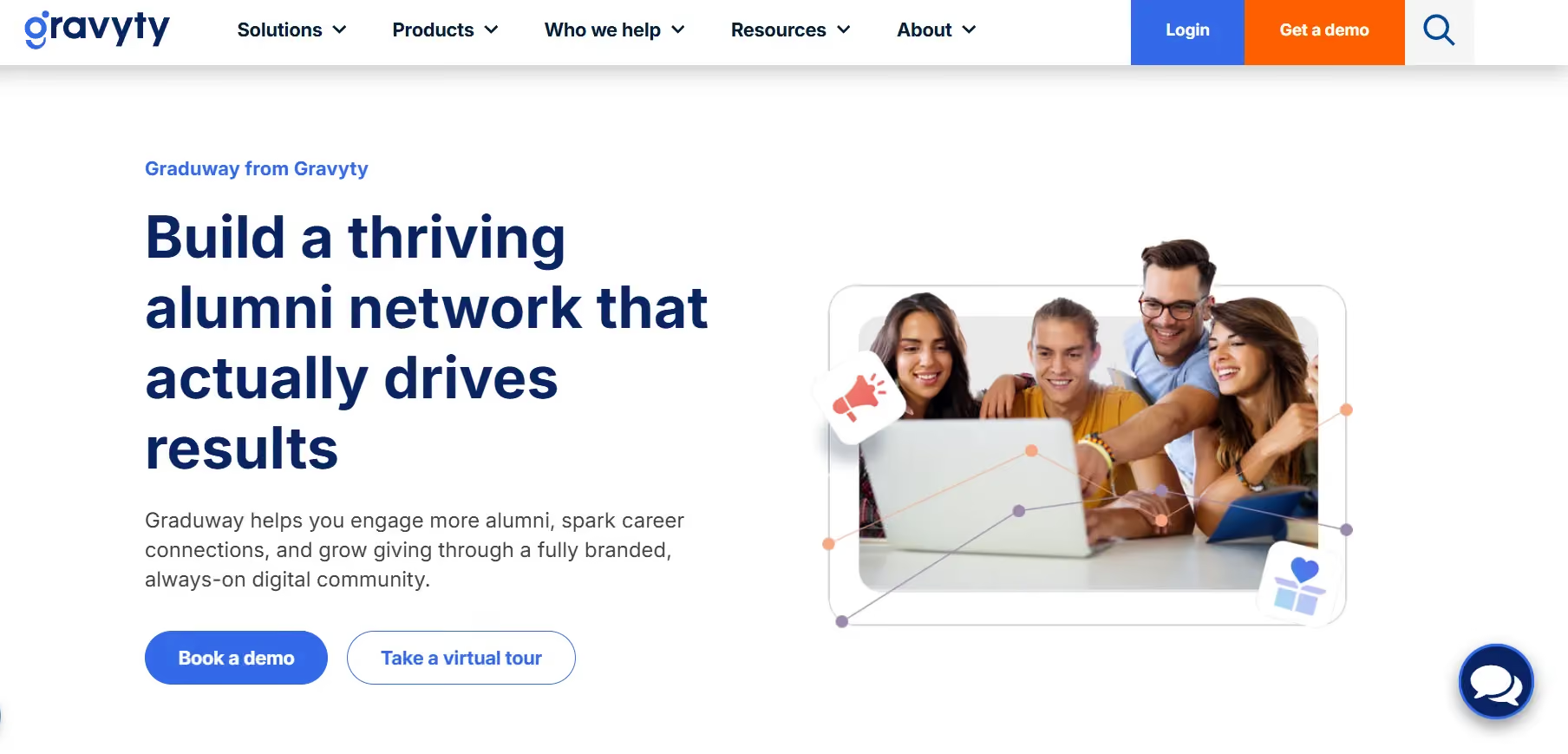
Graduway is designed specifically for career-focused alumni engagement. Its tools are geared toward helping alumni build meaningful professional connections through mentorship programs, networking communities, alumni directories, and ongoing career engagement initiatives. The platform offers custom enterprise pricing.
Almabase is particularly useful when institutions want professional reunions to feed into broader alumni engagement and advancement efforts. Teams can segment alumni by industry or graduation year, manage multiple networking sessions, track attendee engagement, and continue communication after the event through the same platform. Custom pricing.
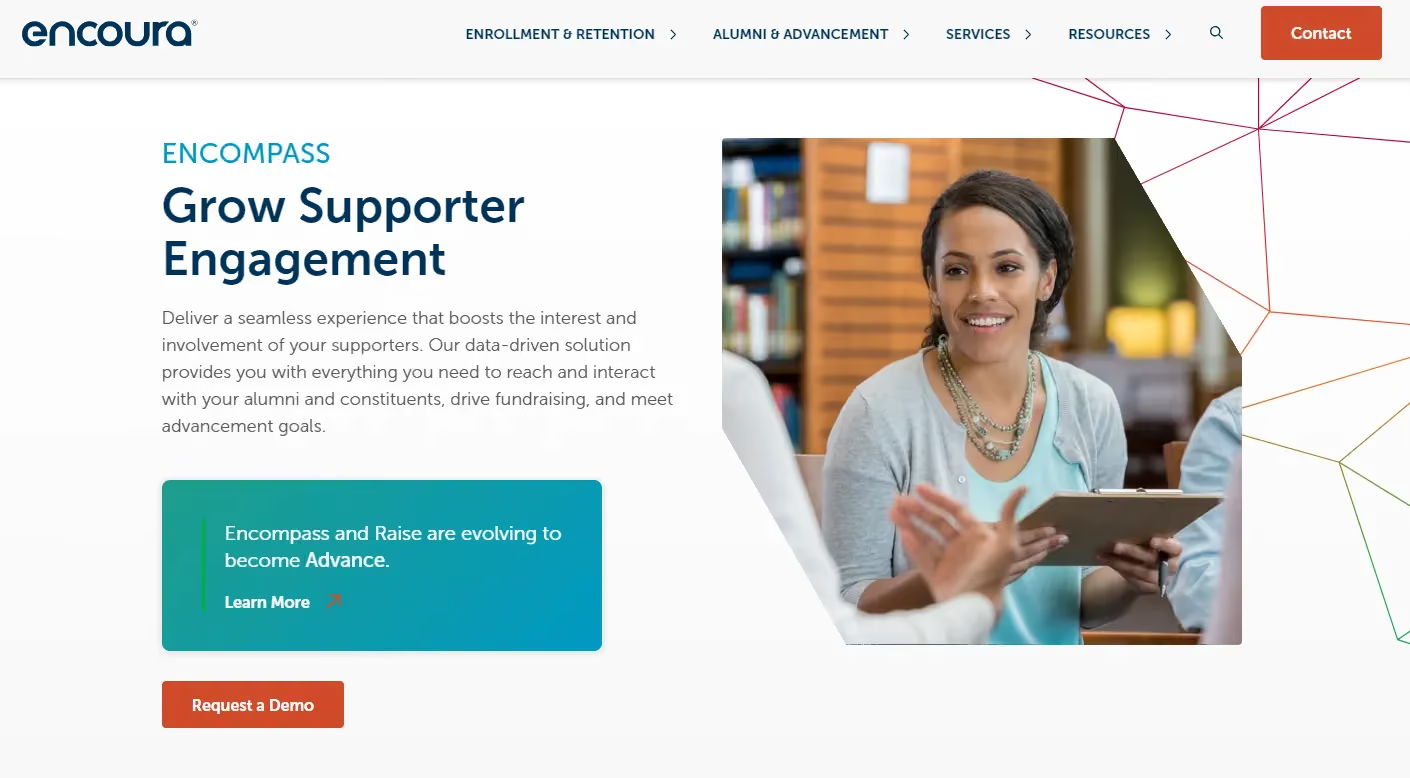
Built for institutional database workflows, Encompass (formerly iModules) is a great fit for professional reunions with multiple panels, workshops, or speaker tracks. Attendees can register for individual sessions, while its built-in capacity controls help manage high-demand events more smoothly. It also automatically logs attendance and engagement data back into advancement records. Pricing for the platform depends on the broader institutional enterprise license.
Not every alumnus can fly back to campus. You need virtual and/or hybrid attendance registration separate from in-person, live streaming or integration with a streaming tool, the ability to capture virtual check-ins for your CRM, and post-event recordings so remote alumni can watch sessions they missed.
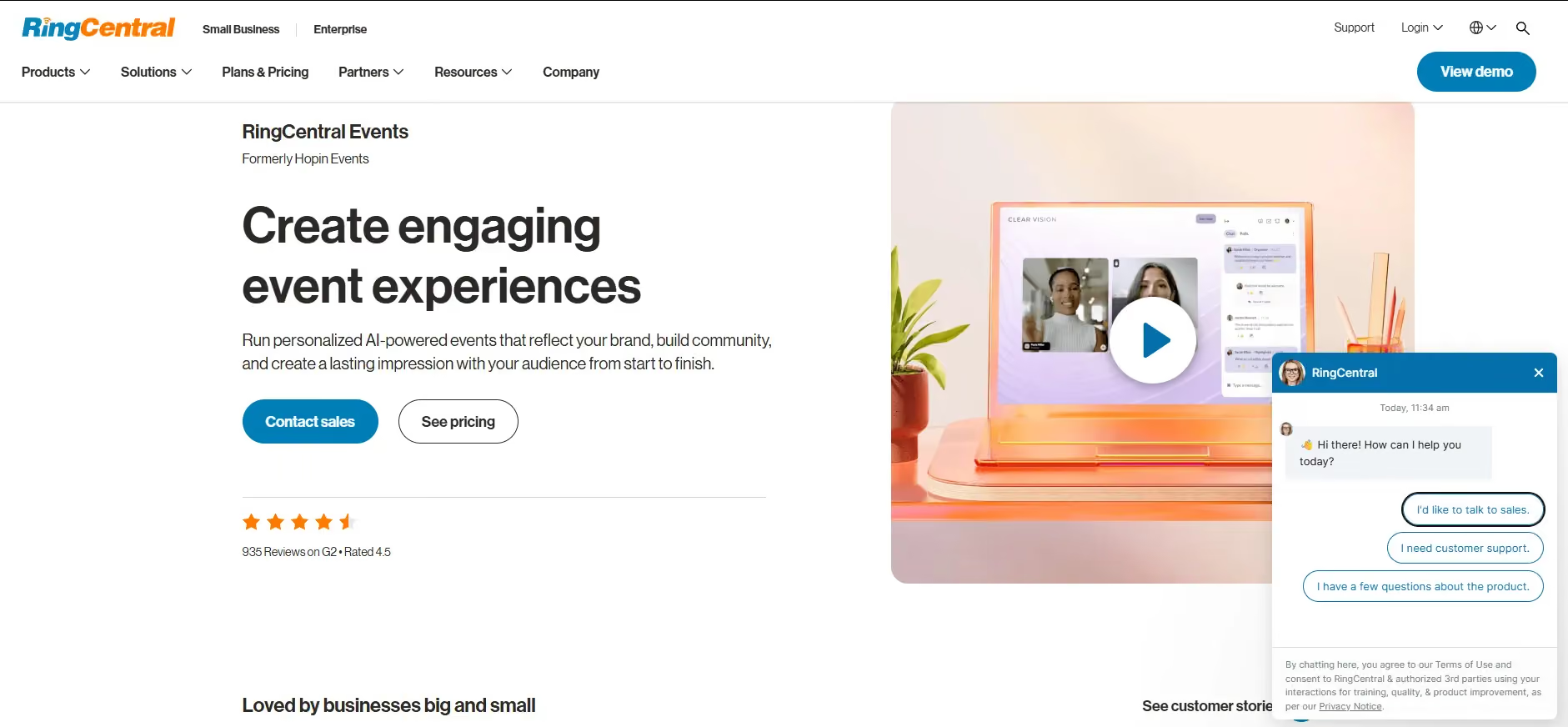
Hopin is best suited for large hybrid reunion experiences with multiple simultaneous sessions and networking layers. Features like virtual expo halls, breakout spaces, and structured networking make it work more like a digital conference than a webinar being held with minimal interaction. Pricing starts at $99/month per organizer.
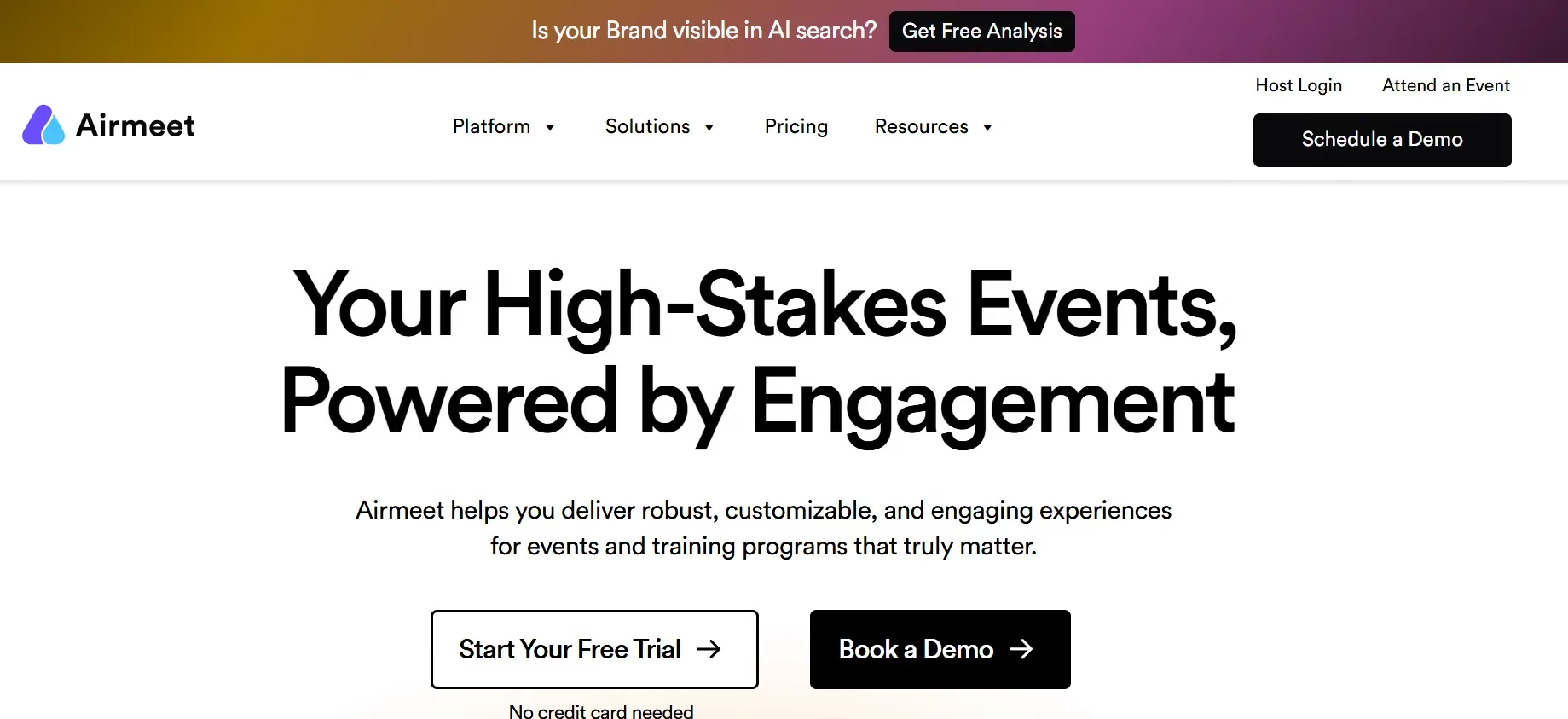
Airmeet is a good option if you have an interaction-heavy virtual reunion in mind. Social lounges and networking tables create smaller conversational spaces, which helps remote attendees participate more actively instead of simply watching a stream. Entry tiers start around $167/month.
As reunions have evolved over the years, so too have the platforms that they are hosted on. However, there are always new as well as persistent issues for which you will want the right features to fit your needs. Here are a few features worth looking into:
Especially when the reunion is a large one, registrations, check-ins, and RSVP management is often a big headache both for staff and attendees if not done well. When platforms aren’t built for that complexity, your staff end up having to compensate with manual work: tracking waitlists in spreadsheets, reconciling duplicate records before CRM uploads, or maintaining separate documents just to manage attendee data accurately.
A strong reunion platform keeps all of your ticketing, payments, and gifts connected in a single system, handling pricing, refunds, add-ons, as well as reporting together so staff aren’t left reconciling records after the event ends.
Reunion communication begins long before the event itself. A reunion platform should be able to keep communication connected to registration data, allowing updates and messaging to adjust automatically based on schedules, roles, and attendee preferences.
Mobile check-in reduces friction by allowing volunteers to scan QR codes, process attendees quickly, and log attendance automatically in real time.
A reunion platform becomes even more relevant for large, multi-day reunions because it keeps attendance connected directly to attendee records from the start, making it easier to understand who attended, which sessions saw engagement, and where follow-up should happen next.
Reunions offer institutions a rare opportunity to understand alumni behavior in real time. A strong reunion platform integrates cleanly with systems like Raiser's Edge NXT, Salesforce, or HubSpot so reunion engagement becomes part of the institution’s larger alumni record instead of remaining isolated event data.
Don’t start by comparing feature lists side by side. The decision usually becomes clearer once the event objectives and operational constraints are visible. Think about what the reunion is trying to achieve, who is running it, and how much of the work needs to connect back into long-term alumni data.
In practice, the “right” platform is the one that reduces the most friction in your specific setup, rather than the one with the most capabilities on paper.
Reunions that are focused on increasing attendance depend heavily on segmentation and communication. Getting the right message to the right cohort at the right time has more impact than any individual feature in the registration flow.
For teams focused on reducing administrative load, the issue is not necessarily the event itself, but the amount of manual reconciliation required afterward. If reunion data doesn’t flow back into the CRM, the operational work doesn’t disappear but moves to a later stage in the process.
Allow your team size and structure to shape platform choice! Smaller alumni teams need systems that can be set up quickly and managed without dedicated technical support. In those environments, simplicity and speed matter more than deep configuration options, because the same person managing the reunion is often also handling communications, donor outreach, and reporting.
Larger advancement teams operate under a different set of constraints. They have larger targets tied to advancement goals which require deeper CRM integration, more structured data flows, and systems that can support multiple stakeholders working in parallel.
Data requirements are one of the main deciding factors. Some institutions need full CRM synchronization, where registrations, attendance, and gift activity flow automatically into systems like Raiser's Edge NXT.
Other teams operate with simpler needs: clean registration exports, basic attendance tracking, and manual uploads into existing systems. In those cases, lighter platforms can be perfectly sufficient without introducing unnecessary complexity.
Confusing registration flows, unclear session structures, or poorly timed communication show up quickly in abandonment rates. In case alumni have not interacted with institutional systems in years, clarity and simplicity in the registration process will go a long way.
The same applies at check-in: a smooth entry experience sets a very different tone compared to visible queues or manual lookups at the door.
What happens afterward is just as likely to determine whether the event contributes to long-term engagement or remains an isolated activity in the calendar. Attendance data, donor participation, volunteer sign-ups, and communication history all become more valuable when they can be carried forward into future outreach.
In practice, the most useful systems make post-event work feel like a continuation of the same workflow. When reunion data feeds cleanly into CRM records and follow-up communications, each event builds on the last.
Yes, particularly for institutions on Raiser's Edge NXT. Almabase covers registration, ticketing, segmented email, mobile check-in, peer-to-peer fundraising, and CRM sync in one system. The bi-directional RE NXT integration means reunion attendance flows into constituent records automatically. Request a demo to see how the event and CRM workflows connect.
They can handle basic ticketing. They can't segment alumni by class year, sync attendance to an advancement CRM, or connect the event to a giving campaign. For a small, informal reunion without advancement goals, a generic platform works. Once class-year data, giving campaigns, or donor stewardship are involved, purpose-built tools are worth it.
Mostly in how success gets measured. Institutional reunions typically include a fundraising component tracked against engagement and giving metrics in a CRM. Nonprofit reunions center on volunteer engagement and cause-based giving. The platform features that matter shift accordingly.
Not for simple events. A Google Form and Venmo can get 40 people to a dinner. The complexity scales when you're managing class-year segmentation, multi-day scheduling, tiered pricing, CRM data requirements, and post-event reporting. At that scale, doing it manually costs more in staff hours than the platform does.
Choosing the right reunion platform comes down to the goals of the event and the challenges your team is trying to solve.
For smaller reunions with simple registration and communication needs, lightweight tools like WildApricot or Eventbrite are quite enough. They work well for straightforward ticketing, RSVPs, community events, and recurring alumni gatherings without adding unnecessary complexity.
As reunions become more activity-driven or networking-focused, platforms like Almabase, Whova, and Graduway offer stronger support for multi-day programming, attendee engagement, and professional networking experiences.
For advancement teams running milestone reunions with a fundraising component, Almabase is one of the strongest options because registration, communication, check-ins, reunion giving, segmentation, and CRM sync all work together in one system. Instead of becoming isolated event data, reunion participation becomes part of the long-term alumni engagement record.
If you want to see how Almabase can power your next reunion, feel free to request a personalized demo, or if you want a self-guided look, head over to our product tour!

Top Platforms for A Successful Reunion Event
Lorem ipsum dolor sit amet, consectetur adipiscing elit. Suspendisse varius enim in eros elementum tristique. Duis cursus, mi quis viverra ornare, eros dolor interdum nulla, ut commodo diam libero vitae erat. Aenean faucibus nibh et justo cursus id rutrum lorem imperdiet. Nunc ut sem vitae risus tristique posuere.
Anwesha Kiran
May 29, 2026
12 minutes
In any competent fundraising environment today, a donor management software is often the backbone of this process, allowing organizations to streamline operations, personalize communications, and ultimately, increase donor retention.
Donation management tools allow teams to facilitate the development of more sincere connections with supporters. Finding the best donation management software for your company is therefore essential. In this comprehensive guide, we’ll explore the top 10 donor management software solutions that can help your institution or nonprofit thrive.
Donor Management Software (DMS) is a system that helps advancement teams keep track of supporters, their giving history, the events they attend, and the interactions your staff has with them. In a university setting, it becomes a place where alumni records, donor information, volunteer roles, and engagement activities live together, rather than being scattered across different tools.
Higher-ed data is complicated, as alumni stay connected for decades and often play several roles over time. Advancement-focused systems are built to handle that mix. They support features such as multi-decade records, college- or department-level designations, pledge schedules, soft credits, and others, which matter when teams across campus rely on the same information.
Most general CRMs aren’t designed for this kind of long-term, multi-role engagement. They usually fall short when you need to run reunion participation reports, manage major-gift portfolios, or connect across schools and student programs. That gap is why many institutions eventually look for software made specifically for advancement; it fits the realities of alumni relationships and the way higher-ed fundraising actually works.
Advancement work runs on long-term relationships, not short campaign cycles. Alumni stay connected for decades, and their roles shift as their lives do. That kind of relationship needs a system that understands how higher-ed engagement actually works.
Here are the areas where generic tools usually fall short:
Here’s a look at the donor management platforms most advancement teams should be considering in 2026, and what each one brings to the table-

Almabase is built for institutions that want to modernize alumni engagement with a platform that feels intuitive for staff and alumni alike. It brings events, online giving pages, class-year groups, directories, and engagement tools into one ecosystem, giving advancement teams a clearer picture of how alumni stay connected over time.
Works best for:
Institutions that want a single place to run alumni engagement, manage event workflows, track participation, and gather updated alumni data without adding more manual processes. It works especially well for teams that want to deepen engagement across different alumni segments, recent grads, reunion clusters, volunteers, and mentors while keeping donor data organized and current.
Pros
Cons
Price range: Custom / quote-based. Not published as a fixed package; cost depends on alumni/constituent volume and modules selected.
Works best for:
Smaller advancement teams or institutions establishing foundational fundraising practices and wanting a straightforward donor database with minimal training requirements.
Pros
Cons
Price range: Entry plans typically start around US $125/month for small databases. The cost scales up as the contact count and features increase.

Works best for:
Mid-sized and large advancement teams managing major gift pipelines, multiple gift types, stewardship programs, and unit-based fundraising. Institutions that need detailed reporting and coordinated advancement operations benefit most from its capabilities.
Pros
Cons
Price range: Quote-based; licensing and cost vary depending on database size, modules chosen, and institution complexity (no publicly advertised “starting plan”).

Works best for:
Institutions that want to strengthen annual giving performance with more consistent, automated, and targeted outreach. It works well for teams that don’t have the capacity to manually manage segmented campaigns but still want communication that feels personal and intentional.
Pros
Cons
Price range: Billing starts at $486. Custom / quote-based. Public pricing isn’t available, so institutions need to request a tailored quote.

Works best for:
Institutions that want a strong mentorship and networking platform to support career services, young alumni engagement, and community-building initiatives. It’s valuable for campuses prioritizing alumni-to-student support and long-term professional pathways.
Pros
Cons
Price range: Custom / quote-based. Like many alumni-engagement platforms, the cost depends on required modules, the number of alumni, and integration needs.
Works best for
Institutions that want a highly customizable online community with strong social features, group structures, and networking tools. It supports advancement, alumni relations, and career services teams that want a modern, branded digital hub.
Pros
Cons
Price range: Custom / quote-based. Final pricing depends on institution size, customization level, and modules activated.
Works best for
Small to mid-sized institutions or alumni groups that need an easy-to-launch giving experience for campaigns, events, and peer fundraising, especially teams that want low friction for donors and fast setup.
Pros
Cons
Price range: Free tier / standard plan widely promoted; paid/plus features and service options are quoted per account or use case.
Works best for
Organizations and small-to-mid advancement teams that want an all-in-one CRM with growing automation and event/volunteer features a middle ground between entry CRMs and enterprise systems.
Pros
Cons
Price range: Public starting tiers cited around US$99/month (Essentials) up to the $400s for higher tiers; exact cost depends on features and contact volume.

Works best for
Small advancement teams that want a user-friendly CRM with built-in automation and donor insight tools, and who prefer minimal external tool stitching.
Pros
Cons
Price range: entry pricing starts from roughly US$99/month for small contact bands, with step-ups as contact counts increase.

Works best for
Mid-sized advancement teams that want a modern fundraising platform with tight marketing automation and a focus on donor experience teams that want donor journeys and responsive communications built into the CRM.
Pros
Cons
Price range: Public and partner-site references show entry plans and per-contact pricing; typical starting points in market scans land in the low hundreds per month, with higher tiers for expanded contact counts and features.
Choosing a donor management system starts with getting clear about where your team struggles today and what actually moves your advancement work forward. A good evaluation process makes those gaps visible to you, and here’s a practical way to approach it-
Advancement work often ends up spread across too many systems, giving here, events there, engagement somewhere in between. Almabase pulls those pieces into one workflow, which is why Thomas Aquinas College found it easier to steady their digital outreach once everything lived in the same place.
A lot of the lift comes from TrueSync, the native RE NXT integration that keeps profiles, gifts, and event activity aligned without connectors. Illinois Tech leaned on this when they wanted their CRM to reflect real alumni behavior, not a version of it that needed constant cleanup.
With the data stitched together, segmentation becomes less of a project and more of a natural part of the work—class years, programs, regions, affinities, volunteer roles. It’s the kind of setup that makes targeted outreach feel less like a campaign and more like a conversation.
On the fundraising side, teams get a donor pipeline view that surfaces who’s warming up or re-engaging. It’s simple enough to use every day, and the Engagement Tile in RE NXT keeps that context right where fundraisers already spend their time.
Campaigns get the benefit of custom giving pages shaped around each audience. Loma Linda University used that flexibility during a campaign that eventually crossed $1.5M, helped by pages that matched how different groups preferred to give.
Altogether, Almabase gives advancement teams a cleaner path forward. When all these pieces sit inside one rhythm, advancement work feels less like managing systems and more like guiding relationships, which is the part of the job that matters most.
Advancement teams are operating in a very different landscape than they were even a few years ago. The systems we choose either add weight to that reality or make the work lighter.
The thread running through all the platforms you explored is simple: the right system should help people work smarter, not harder. It should reduce the friction around data, make segmentation feel natural, support fundraising strategy, and give teams a clearer sense of who’s ready for a conversation or a nudge.
As you evaluate donor management software, the real test isn’t the feature list. It’s whether the tool helps your team build relationships with more intention and less administrative drag.
Thinking about how a modern DMS could fit into your institution's needs? Let’s talk through how Almabase can make the most difference for your team.

Top Donor Management Software for Advancement Teams (2026)
Lorem ipsum dolor sit amet, consectetur adipiscing elit. Suspendisse varius enim in eros elementum tristique. Duis cursus, mi quis viverra ornare, eros dolor interdum nulla, ut commodo diam libero vitae erat. Aenean faucibus nibh et justo cursus id rutrum lorem imperdiet. Nunc ut sem vitae risus tristique posuere.

Sharada Koti
December 12, 2025
12 minutes
Planning an alumni event is a tall order. Be it a reunion, a donor gala, or a campus program, the journey is complex, and your team is expected to deliver experiences that feel seamless for attendees and meaningful for your institution.
The challenge here is that most advancement teams are stuck juggling disconnected systems that aren’t built particularly for schools and universities. While there are plenty of event management software options available on the market that might reduce your burden, the right platform will ensure that every detail runs like clockwork and delivers measurable impact.
In this guide, we’ll show you how modern event management software can help your advancement teams gain the clarity and confidence to choose the right platform that makes planning easier and outcomes clearer.
Higher education leaders are making technology a top priority. In the 2025 CCS Philanthropy Pulse survey, more than 70% of institutions identified technology adoption as a key focus for the year ahead, reflecting the push to strengthen fundraising operations and engagement systems. This shift is driven by the growth of alumni and fundraising events, the rise of hybrid formats that bring global audiences together, and increasing pressure from leadership to demonstrate ROI with clear, data‑driven reporting.
At the same time, common pain points remain stubbornly familiar. Manual list exports, disconnected CRM data, and separate systems for email, ticketing, and giving leave staff juggling fragmented workflows. On-site check‑ins often feel chaotic, post‑event reporting is delayed or missing, and leadership lacks visibility into how events contribute to long‑term donor engagement. In 2026, event management software matters more than ever because it addresses these challenges head‑on, integrating CRM workflows, simplifying check‑ins, and delivering the reporting advancement leaders now demand.
When you look closely, not every event management software is built with institutional needs in mind. Some tools focus on running events; others support everything that happens around and after them. Before getting into comparisons or questions, it helps to understand the core features that tend to matter most for institutions managing alumni, advancement, and engagement at scale:
Your attendees’ first impression is shaped by how easy it is to register. A platform that offers automated registration, flexible ticketing, and QR code check‑in saves staff time and reduces bottlenecks at the door.
Look for mobile‑friendly sign‑ups, customizable forms, and real‑time attendance tracking so you know exactly who’s in the room without chasing spreadsheets.
Clean data is non‑negotiable for advancement teams. Native integrations with systems like Raiser’s Edge NXT or BBCRM ensure every registration, gift, and interaction flows directly into your database without duplicate records.
Prioritize platforms that sync automatically, prevent errors, and give you confidence that your event data strengthens long‑term alumni and donor strategy.
One of the biggest frustrations for alumni and donor teams is juggling multiple tools just to send event updates. The right platform should let you manage confirmations, reminders, and segmented outreach in one place, so you’re not copying lists back and forth between systems. Personalization is where communication really pays off; alumni should get invites to reunions they care about, donors should see recognition that feels genuine, and students should receive messaging tailored to their involvement.
Look for software that integrates directly with your CRM, makes it easy to segment audiences, and tracks engagement so you know which messages resonate and which need adjustin
Events are often where giving happens, and the right software makes it effortless. Built‑in donation options during registration or live events encourage spontaneous contributions, while sponsorship and auction features help you manage commitments and maximize revenue.
Look for platforms that make giving frictionless and follow‑up automatic, so you capture every opportunity without extra manual work.
Large events come with moving parts: seating charts, table assignments, and multi‑day schedules. Software that supports seating and table management helps you place donors thoughtfully, while sub‑event support keeps conferences or reunions organized under one umbrella. These tools reduce manual coordination and give your team more control over the attendee experience.
Data tells the story of your event’s success. Real‑time attendance reporting gives you visibility into who showed up, while post‑event summaries help you demonstrate impact to leadership. Compliance features like SOC 2 certification and ADA accessibility considerations ensure your institution meets standards and delivers inclusive experiences without extra stress.
Events are about connection, and interactive features make attendees feel part of the experience. Tools like live polls, Q&A, gamification, or hybrid event support extend your reach and keep participants engaged.
Look for platforms that make these features easy to set up and integrate, so your team can focus on building relationships instead of troubleshooting tech.
Advancement teams are expected to do more with less, and AI is becoming the tool that makes it possible. A platform with built‑in AI can automate repetitive tasks like reminders and follow‑ups, clean up attendee lists, and even predict which events are most likely to drive donor conversions.
Look for systems that use AI to personalize alumni communication, surface engagement patterns you might otherwise miss, and deliver smarter reporting that connects attendance directly to fundraising outcomes. Instead of adding more manual work, AI frees staff to focus on relationships while giving leadership the clarity they need.
Events aren’t just about logistics; they’re also about managing dollars and cents. Having built‑in tools to track expenses against sponsorships and ticket sales gives you a clear view of ROI without juggling spreadsheets. This makes it easier to justify budgets to leadership and plan smarter for the next event.
Events don’t happen in a vacuum. Integrations with student portals, finance systems, or learning management tools reduce silos and keep everything connected. For advancement teams, this means smoother coordination across departments and fewer headaches when pulling reports or reconciling data.
When you’re sitting down with a vendor or demoing a platform, asking the right questions will help you cut through the sales pitch and see if the software truly fits your institution’s needs. Here are the ones worth asking:
Once you’ve asked the right questions, the next step is weighing the answers. Choosing the right software is about finding a tool that fits your institution’s goals, budget, and the way your team actually works. Here’s how to approach the decision:
The right event management software should feel like an extension of your team, reducing manual work, strengthening alumni and donor records, and scaling with your institution’s ambitions. If it feels like “just another system to manage,” keep looking.
Choosing the right software is only half the story; the other half is how quickly and smoothly it becomes part of your institution’s day‑to‑day. Here’s what a typical rollout looks like, and what you should expect along the way:
You’ve asked the right questions, weighed practical tips, and seen what a rollout might look like. The final step is exploring which platforms can actually deliver on those expectations. We’ve put together a detailed roundup of the best event management software for K‑12 and higher ed.
To give you a quick snapshot, here are five options schools and universities often consider:
After exploring the broader software options, it’s clear that advancement teams need something different. They need a platform that aids in strengthening alumni relationships, stewarding donors, and connecting participation to long‑term outcomes. This is where Almabase comes in. Designed with educational institutions in mind, it helps you move beyond one‑off event management and into a connected approach where every gathering contributes to engagement and fundraising goals.
Here’s how Almabase supports schools and universities in practice:
While the decisions often look straightforward, hidden costs, weak integrations, and poor rollout planning can derail even the best‑intentioned purchase. Here are some quick pointers to keep in mind before you make the final choice-
Best practices
Pricing realities
Common pitfalls to avoid
Making the right choice will and should depend on knowing what matters most to your team, understanding how events fit into your larger advancement strategy, and choosing a tool that makes those connections easier to handle.
If you’re ready to see what that looks like in practice, we’d love to continue the conversation. Schedule a demo and let’s talk about how your next reunion, gala, or giving day can become part of a connected engagement journey.

Event Management Software for schools and universities. A Complete Buyer's Guide (2026)
Lorem ipsum dolor sit amet, consectetur adipiscing elit. Suspendisse varius enim in eros elementum tristique. Duis cursus, mi quis viverra ornare, eros dolor interdum nulla, ut commodo diam libero vitae erat. Aenean faucibus nibh et justo cursus id rutrum lorem imperdiet. Nunc ut sem vitae risus tristique posuere.
Sharada Koti
February 25, 2026
12 minutes
%201.svg)
%201.svg)
%204.svg)



.svg)