Planning to migrate from BBNC? Here's a look at how to evaluate alternatives, manage migration, and get your team up and running without missing anything.

Anwesha Kiran
Published:
June 22, 2026

If you've been running events on Blackbaud NetCommunity (BBNC), chances are you've felt the strain for a while now. Whether it's the platform's age, limited functionality, or the growing manual processes, you might be coming to the conclusion that BBNC is no longer keeping up with the demands of modern advancement.
We’ve already covered the top 5 BBNC alternatives and how Almabase stacks up against it. In this blog, we’ll talk about how to approach migrating to a new platform, and what to expect in the weeks and months after making the switch.
The reason teams are looking for BBNC alternatives is because advancement itself has evolved. As advancement strategies grow more flexible, personalized, and data-driven, many teams are finding themselves stretching BBNC beyond what it was designed to do.
Modern advancement platforms are built to handle the complex needs that have become standard for advancement teams today.
Here’s a quick comparison of the top 5 alternative BBNC platforms:
For a more detailed look at how these platforms compare to BBNC, check out our blog on Top 5 Blackbaud NetCommunity alternatives.
Choosing a platform is an important first step, but it's only part of the journey. Once you've identified the right fit, understanding the migration process itself becomes just as important.
A good way to approach planning would be to sit down with your team and set expectations on what ‘success’ looks like.
Most BBNC migrations take several weeks to a few months, depending on database size, data quality, and implementation complexity. As much as it is about the data transfer itself, preparation and testing could also take up quite a bit of time, depending on your requirements.
Key stages include:
A realistic timeline allows room for cleanup, validation, and adoption. If a migration plan seems unusually fast, it's worth understanding what has been left out.
A successful migration is always a team effort. Advancement leaders and directors may define goals, timelines, and success criteria, while database managers oversee data cleanup and validation. IT teams review security and integration requirements with your vendor, and front-line users identify critical workflows and day-to-day processes that need to be preserved.
Involving the right stakeholders early helps surface dependencies, customizations, and workarounds that might otherwise be overlooked.
A common challenge is balancing speed with continuity. Leadership may want to move quickly, while staff are focused on preserving workflows and institutional knowledge built up over time. Think about this as an opportunity to identify what remains essential and what can be simplified.
Before moving data, identify what's actively used, what's valuable for historical reporting, and what's no longer relevant. You can bucket it into three categories:
Being selective reduces migration complexity and improves data quality. Moving thousands of outdated or unused records creates additional cleanup work without adding meaningful value.
As with any platform, it is likely that your team’s processes developed around BBNC's features and limitations. Before migrating, figure out which of those processes are essential and which exist because the platform required them.
Look at the last year of advancement activity:
For each workflow, ask two questions:
If a critical workflow depends on spreadsheets, manual reconciliation, or staff workarounds, it's better to identify that before migration than after the go-live day.
Data problems have a way of sneaking up after go-live when your team begins using the system day to day.
This could look like:
To avoid this, set up a system for validation that can go beyond a quick spot check. Pull a random subset and verify complete constituent records, including phone numbers, class years, giving history, event participation, and custom attributes. Have your database manager reconcile export and import counts as part of validation. If 15,000 alumni records were exported and only 14,800 appear in the new system, identify what happened to the remaining 200 before go-live.
At Minnesota State University, Moorhead, the team used Almabase to simplify Giving Day management and support year-round engagement efforts.

A single training session will probably not be enough. Different teams use the platform in different ways, and each group needs training that reflects its day-to-day responsibilities.
A well-considered training plan could include:
Without role-specific training, you risk your team falling back on manual processes simply because they don't know a better option exists. In some cases, institutions discover weeks after launch that staff are still completing tasks manually that the new platform could have automated from day one, at which point they’re not realizing the full potential of the switch made.
Running BBNC and your new platform side by side for a period gives your team a chance to test real workflows before fully committing to the switch.
That might mean running a giving campaign on the new platform while monitoring gift data as it syncs to Raiser's Edge NXT, or sending communications through the new system and comparing results against historical performance.
The goal is that by the time you retire BBNC, you should know how the new platform handles fundraising, events, communications, and data syncs in practice.
Custom fields and custom workflows often create surprises during migration.
A field such as "Giving Capacity” or "Affinity Group" may not exist in the same format in the new platform. Some fields can be imported directly and others may need to be remapped. In some cases, the new platform handles the same information through a completely different structure.
Before signing with a vendor, review the custom fields your team actually uses and ask how each one will be handled. If a field contains years of historical data, confirm what will happen to that data after migration.
The same applies to custom workflows. A process built around BBNC may need to be recreated, modified, or replaced entirely.
Migration support varies widely between vendors. Some handle data migration as part of implementation while others might expect your team to support with managing exports, imports, and validation.
Before signing, ask:
You should also understand how the vendor handles unexpected issues. If data cleanup takes longer than planned or additional migration work is required, will you bear that cost?
Ask vendors how they verify data before and after migration. Consider questions such as:
You want a process that includes testing, review, and approval before the final migration.
Find out who will be working on your migration and what that will look like, and also think about staff training and post-launch documentation.
These questions matter because implementation teams are structured differently. Some vendors assign dedicated resources for the duration of the project. Others route requests through a shared support team, and you will need a plan in place for each scenario.
This is where you ask your vendor about what support looks like during the first few weeks after launch.
Your team will be learning new workflows, finding edge cases, and asking questions they couldn't have anticipated during training. Make sure you know what help is available when that happens.
Your team will notice workflow changes immediately. Different platforms are organized differently, and familiar processes may take time to relearn.
For example, event creation, registration management, and communications may be handled within a single workflow rather than across multiple tools. Email campaigns may no longer require exporting lists and moving data between platforms.
Expect a learning curve during the first few weeks as staff build familiarity with new workflows.
Reporting is one of the first areas where teams need additional training.
Reports that existed in BBNC may not exist in the same format, and information may be accessed through dashboards, filters, or event records instead.
With a modern platform, these dashboards would likely be much more intuitive, but there will still be a learning curve. Staff should spend time learning where they can access key metrics and how to build the reports they use regularly.
With this switch, you might be moving from a process that relies on exports and imports to one where data flows automatically between systems.
Email engagement, event participation, and giving activity may sync directly to the CRM rather than requiring manual updates. These changes do simplify day-to-day operations, but they also change established processes and responsibilities.
As your team is making its way through the learning curve, there will be wins that you can celebrate to build their confidence!
One of the first benefits teams notice is how much less time they might spend pulling data.
Audience segments that once required exports, spreadsheets, and manual filtering can be created directly within the platform. Common questions about donors, event attendees, and engagement history can be answered in minutes instead of hours.
Profile updates, event registrations, and form submissions tend to work much better on mobile devices.
That convenience benefits both alumni and advancement teams. Alumni are more likely to complete registrations, update their information, and submit content when the process takes only a few minutes from their phone.
Many routine tasks can be automated once and reused across campaigns and events.
Thank-you emails, event reminders, registration confirmations, and other common communications can be triggered automatically based on attendee or donor activity. Duplicate detection, data updates, and CRM syncs can run in the background as well.
Even if your team is up and running within a few weeks, you’ll likely see the full value in a bit longer. A more realistic timeline would look something like:
The biggest improvements show themselves gradually, as your team gets used to the new platform and uses it in different settings.
Training should reflect how people actually use the platform.
Also plan for follow-up training after launch. The most relevant questions will arise once your team starts working with the new platform.
Identify a couple of members in your team who will become platform experts inside your organization.
They don't need to master everything right from the get-go, but they should be involved throughout implementation, training, and testing. Over time, they become the first point of contact for questions and reduce reliance on vendor support.
Clearly lay out who owns what:
Clear ownership helps issues get resolved faster and prevents support requests from bouncing between teams.
If you're specifically evaluating Almabase as your BBNC alternative, here's how smoothly the transition works (even if we say so ourselves!).
Before any data is moved, Almabase validates your setup within 30 minutes with a solutions engineer. This is an expectations vs. reality check on your data structure, naming conventions, and requirements and it prevents surprises.
TrueSync handles two-way, real-time sync between Almabase and Raiser's Edge NXT. Your field mappings stay intact and even your naming conventions are preserved. Almabase ensures nothing is lost in translation.
More importantly, you get to control the sync. If new data from Almabase should auto-push to NXT, you set that rule. If you want to review changes before they touch NXT, you can.
Both BBNC and Almabase run simultaneously until you've validated with a live event. BBNC and Almabase can run side by side while you test real campaigns, events, and data syncs. Your team gets to see how the platform performs with live activity before making the switch.
At Rhode Island School of Design (RISD), the advancement team moved from a combination of BBNC and GiveCampus to Almabase and reduced the time spent managing data across multiple platforms.
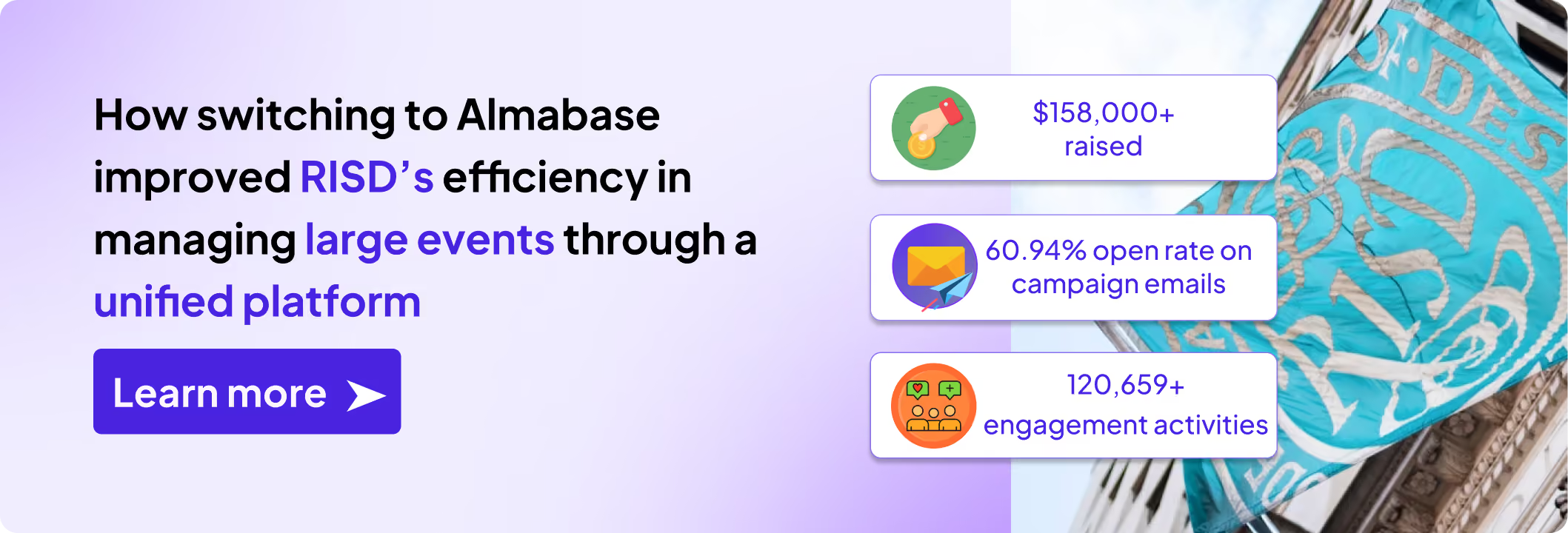
The biggest change most teams feel is the removal of manual work that had become part of everyday operations. Fewer exports, fewer reconciliation tasks, and fewer systems to manage means more time spent on fundraising, events, and alumni engagement.
The planning around the migration is almost as important as the platform you switch to. You want something your team will actually use, something that doesn't force you to rebuild everything from scratch or hunt down missing records.
If you want to see how different platforms stack up, here's a breakdown of top 5 BBNC alternatives.
Or if you're curious how Almabase handles this kind of migration specifically, request a demo to see how an integrated approach works for your team.
Table of Contents
Subscribe
See how modern advancement teams bring alumni engagement and fundraising together.
It’s never an easy decision to switch to a new platform and if you’ve been a frequent user of Blackbaud NetCommunity (BBNC) for a while, you might have a fair amount of questions about moving elsewhere.
In case you’re on the lookout for BBNC alternatives, we’ve rounded up 5 potential replacements for you and your team to consider. Our choices are based on a variety of factors which we’ll be getting into first.
While evaluating alternatives, you might feel like most platforms have similar feature lists with a few differences here and there. But the way those features are organized and how they work together can reveal the best fit for your team.
Here's what to evaluate:
For most BBNC users, Raiser's Edge NXT is already at the center of donor management. The rest of your advancement tools must work seamlessly alongside it and help your team stay coordinated.
That means having giving, events, email, and community engagement data flow into your CRM automatically and in real time. When a donor makes a gift, your team should be able to see it right away in RE NXT.
Most advancement teams likely do not have a dedicated tech person. The people using these tools should find it easy to navigate (and this shouldn’t only be the most tech-savvy member in your team!).
This means your team should be able to create event pages, build audience segments, send emails, and manage campaigns with confidence, because doing all this on the platform feels intuitive to them. Some platforms pay close attention to the user experience and take special care to make it easier for them to work on.
Just as important is the experience for alumni. The more alumni can do for themselves, the easier it is for your team to keep data current and engagement high. Features like profile updates, event registration, class note submissions, and communication preferences give alumni greater control while helping you maintain accurate records.
The platform you choose today should still work for you down the line as your alumni community grows and fundraising efforts expand in scale and complexity. Whether you're managing 5,000 alumni or 50,000, the experience should remain consistent.
This is particularly important for colleges and universities planning for long-term growth. The best platforms scale alongside your institution, making it easy to increase capacity and expand programs without disrupting day-to-day operations. As your needs evolve, your team can stay focused on engaging alumni and advancing institutional goals rather than managing technology transitions.
If you've spent years juggling multiple systems, you've probably accepted a certain amount of friction as part of the job. This could look like pulling different places or reports that take longer than they should. As a result, your team spends more time making sense of information between platforms instead of building relationships with alumni and donors.
So moving platforms becomes an opportunity to look for a platform that does the work your old platform was doing, but does it better, and preferably, in one place.
On paper, many advancement teams have everything they need: tools for fundraising, events, email, and alumni engagement. But if those systems don’t work together smoothly, your team could find itself in a bit of a fix, managing tools when they could be managing experiences for attendees and donors. It's rarely a major problem on any given day, but the time and effort add up over the course of recurring issues across events.
In fact, we saw something similar firsthand at Almabase: Cornell College moved from managing alumni engagement across BBNC and multiple tools to one integrated platform, and the shift eliminated the constant back-and-forth that was taking up their team's time.
Before we get into the deep-dive, here is a quick look at the platforms we’ve listed for you:
Almabase was built with advancement teams in mind. Instead of juggling separate tools for giving, events, email, and alumni engagement, teams can manage everything in one place. It also integrates closely with Raiser's Edge NXT, helping data flow naturally between systems and giving staff a more complete view of alumni activity.
Best for: Institutions on BBNC struggling with complexity, looking to simplify their tech stack by bringing key advancement activities together on a single platform. It is a great fit for colleges and universities of all sizes.
Key Strengths:
Almabase in action:
Cornell College manages a community of 15,000-17,000 alumni with a remarkably lean advancement team. Before Almabase, staff were piecing together BBNC and other tools, spending valuable time managing disconnected systems and manual processes.
After moving giving, events, email, forms, and community engagement into Almabase, event registrations flowed in smoothly and alumni could update their own information. With an alumni community that cares about staying connected, the college was able to elevate their Giving Day experience with leaderboards, campaign pages, and real-time participation tracking.
After the switch, Cornell exceeded its Giving Day goal, reaching 1,008 donors and earning a 4.7/5 participant rating. Homecoming attracted more than 430 attendees, and their "All In for the Hilltop" campaign raised over $226,000 from 992 donors.
Watch the team from Cornell College share their experience here.
.avif)
What it's not great at: Almabase does not include prospect research or wealth screening tools. If major gifts research is a priority, you'd need to layer in a separate platform.
Pricing: Custom pricing based on institution size and needs.
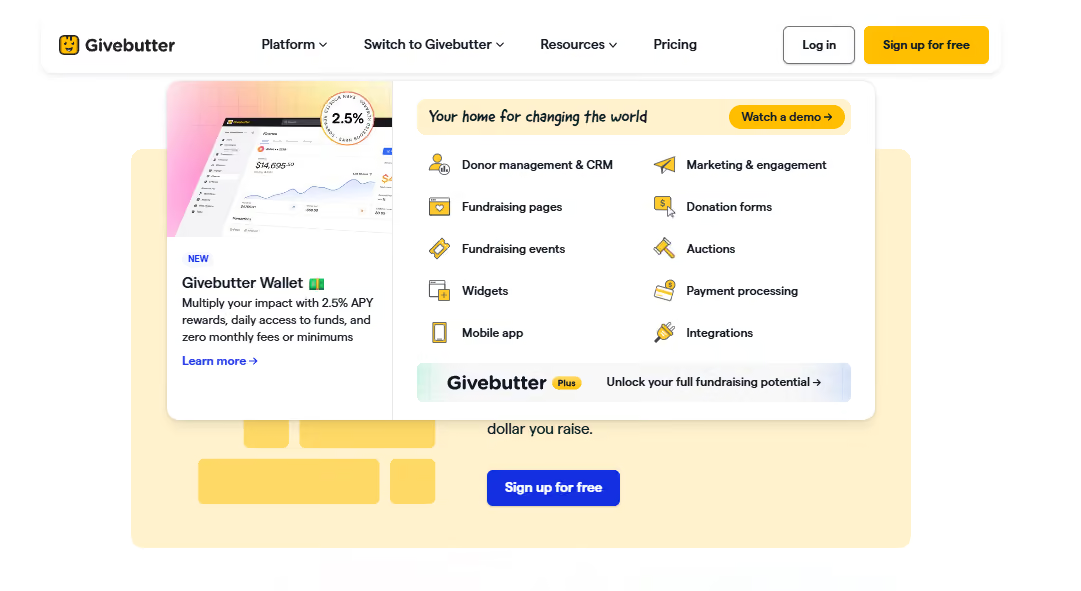
GiveButter is an all-in-one fundraising platform designed to help nonprofits raise funds, engage donors, and manage donor relationships through customizable donation forms, embedded donation widgets, and various payment options. The platform is known for its transparent pricing model, operating on a "tip-or-optional-fee" basis, meaning nonprofits receive 100% of their donations with no hidden fees.
Best for: Organizations looking to launch peer-to-peer campaigns without a subscription commitment, schools running crowdfunding initiatives on a low budget, and nonprofits seeking easy-to-navigate platforms for both staff and donors.
Best for: Organizations looking to launch peer-to-peer campaigns without a subscription commitment, schools running crowdfunding initiatives on a low budget, and nonprofits seeking easy-to-navigate platforms for both staff and donors.
Key Strengths:
What it's not great at: GiveButter primarily caters to nonprofits and may not be as experienced with educational institution's needs, especially volunteer management and alumni engagement like platforms built specifically for higher education. If you’re looking for advanced alumni networking, community engagement, or multi-day event management at institutional scale, you'll likely need to supplement GiveButter with other tools.
Pricing: The platform’s core features are available at zero platform fee when optional donor tips are enabled. If you turn off tips, a flat 3% platform fee applies.
Givebutter Plus, which is their paid tier, starts at $29/month and provides advanced automation and analytics.
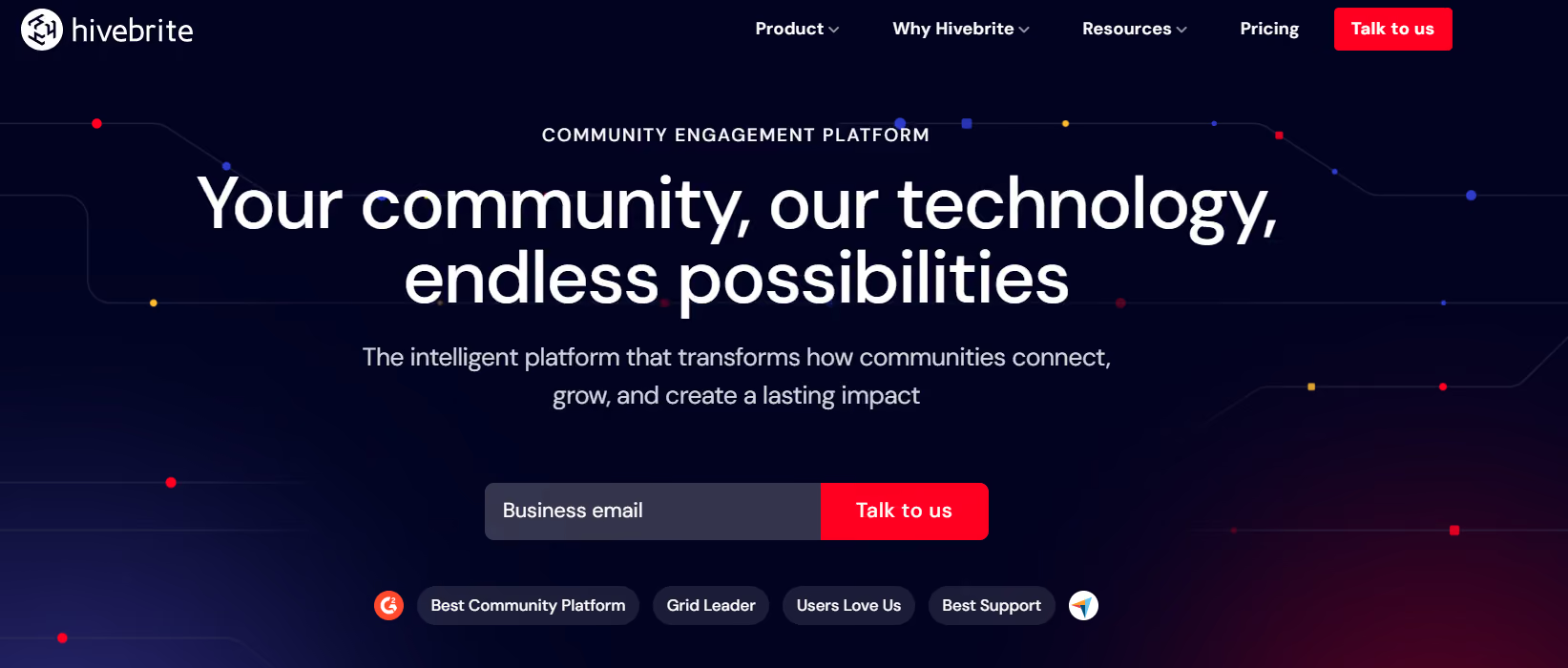
Hivebrite started as a community platform and has evolved into a comprehensive alumni engagement hub. If your priority is building a place where alumni actively engage with each other (not just receive messages from the institution), Hivebrite delivers that experience.
Best for: It's a great pick when your goal is fostering actual peer-to-peer connections: discussion spaces, networking, job boards, and mentoring. It works well for schools with large, geographically dispersed alumni networks that want to position the platform as a living community.
Key Strengths:
What it's not great at: While Hivebrite features direct, bidirectional integrations with major CRMs like Blackbaud Raiser's Edge NXT and Salesforce to prevent manual data syncing, its transactional giving modules are still not at the center of operations. If your team requires advanced fundraising toolsets like gamified giving day leaderboards or major gift prospect tracking, you will likely need separate, dedicated tools alongside it.
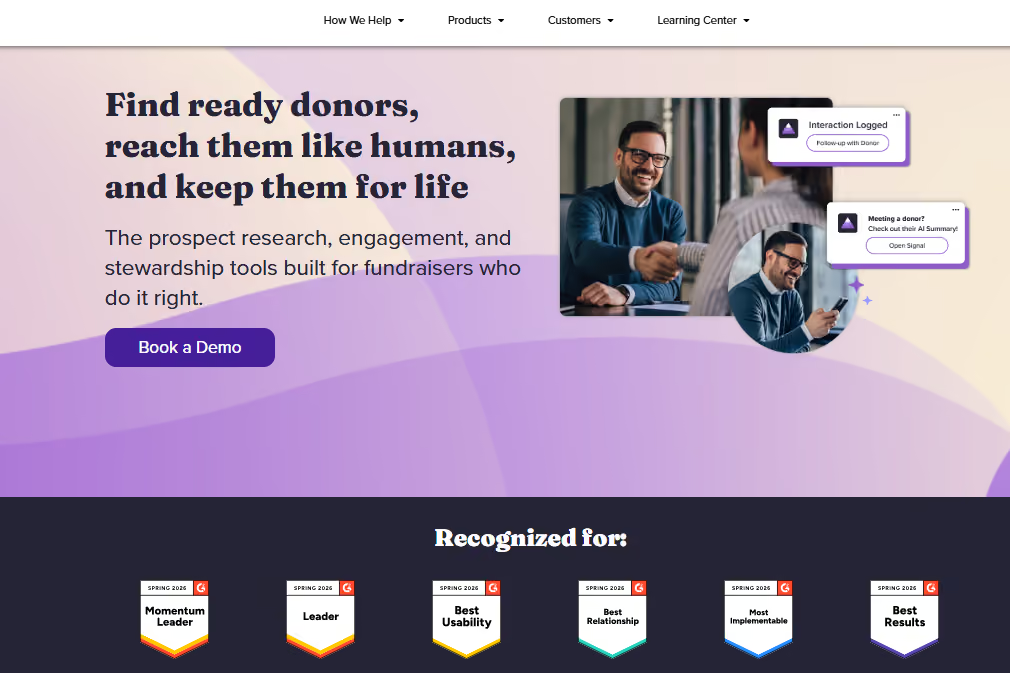
EverTrue brings prospect research and wealth screening directly into the platform. It's built for institutions focused on major gifts and looking to connect engagement data with donor intelligence. It really stands out with helping teams identify which alumni are most likely to give and when. This is fundamentally different from the other platforms in that it's more specialized than all-in-one.
Best for: Institutions with a dedicated major gifts program and the capacity to leverage wealth screening and engagement data together. Works best for universities managing alumni records where prospect identification directly feeds major gifts strategy.
Key Strengths:
What it's not great at: It’s not a full platform replacement. You still manage separate systems for events, email marketing, and community. Best used alongside other tools, not instead of them.
Pricing: EverTrue offers custom pricing based on institutional requirements.

360Alumni is an all-in-one platform similar to Almabase, but leans more into networking and community as the centerpiece. It's built for schools that want to give alumni a branded, customizable space to connect and engage while also managing fundraising and events. The platform launched in 2013 with a specific mission: help institutions deliver value through their alumni network, not just extract giving.
Best for: Institutions wanting a modern, integrated alternative with strong community and engagement features. It works well for colleges prioritizing alumni network building alongside fundraising, particularly schools at earlier stages of alumni relations sophistication.
Key Strengths:
What it's not great at: CRM integration maturity is less established than some other platforms on this list. The community-first approach can mean fundraising and advancement workflows feel secondary. Smaller user base means fewer case studies and peer reference institutions compared to more established platforms.
Pricing: EverTrue offers custom pricing for institutions based on alumni count and feature requirements.
Setting expectations around things like how data migration will work, what resources your team will need, and what “success” looks like in the first few months will help you and your team down the line.
Before you commit, it helps to get clear on a few key areas:
Get answers to these before you sign anything:
1. Data migration: Think about all the logistical parts:
2. Timeline: What's a realistic implementation schedule? If a vendor suggests a short implementation window, like a week, for a full migration, it might be time to invoke some healthy skepticism. Most implementations take 3 weeks to two months when you factor in data cleanup, staff training, and testing.
3. Training and onboarding: What does the platform’s ongoing support look like after go-live? Will you get a dedicated implementation manager, or are you on your own, and does that work for you?
4. CRM integration: Work out the specifics: will it be real-time or batch sync? How often do you sync? What happens if something breaks, who takes the responsibility to troubleshoot?
5. Costs: Consider implementation, ongoing licensing, and any integration fees you might not have anticipated. Ask for a three-year cost projection, not just the first-year number.
6. Contingency: What happens if you need to run both systems in parallel? Can the vendor accommodate that, or are there any additional costs there?
Your current platform isn't disappearing tomorrow. You have time to approach this strategically.
Running parallel systems briefly costs less than rushing the transition and spending months fixing mistakes. Early vendor conversations will tell you a lot about their implementation approach and about gaps in your own readiness. Budget time for staff training alongside platform setup. Even the best platform in the world won't work out if your team doesn't know their way around it.
Choosing the best alternative to BBNC is a chance to make day-to-day work easier for your team and create a smoother experience for alumni and donors. We've seen institutions get the most value when they reduce the number of disconnected tools staff have to manage. Cornell College achieved this by bringing critical functions together in one connected ecosystem.
That same pattern shows up in other institutions that have modernized their BBNC setup: cleaner workflows, less manual work, and a better experience for the people interacting with the institution.
If you'd like to explore more, these stories are a good place to start:
Whatever platform you choose, the goal is the same: give your team fewer systems to wrestle with and more time to focus on alumni, donors, and the work that matters most.
If you're exploring alternatives to BBNC and want to see what a more connected advancement experience could look like, request a demo and we'd be happy to walk you through it.
.avif)
Top 5 Blackbaud NetCommunity Alternatives
Considering a move from BBNC? Compare the top alternatives and what to look for before making the switch.
Lorem ipsum dolor sit amet, consectetur adipiscing elit. Suspendisse varius enim in eros elementum tristique. Duis cursus, mi quis viverra ornare, eros dolor interdum nulla, ut commodo diam libero vitae erat. Aenean faucibus nibh et justo cursus id rutrum lorem imperdiet. Nunc ut sem vitae risus tristique posuere.
June 11, 2026
12 minutes
Alumni are one of an institution’s greatest assets and engaging them isn’t just a matter of maintaining their bond with your institution, but also strengthening it. This is where alumni management software come in to help teams reach out to an ever-increasing alumni population.
Over time, it has developed into its own market with many great choices available. In this blog, we’d like to present you with some of the best options available and what you need to consider so that you can find the best alumni management software for you.

First things first, let’s understand what you should expect from an alumni management software. It serves as the central hub for all alumni bookkeeping and engagement efforts.
It works with your alumni database and/or CRM to maintain an up-to-date directory of your alumni. With this data, it allows you to segment, analyze, and engage your alumni for all your fundraising, communication, and networking needs. Today, alumni management tools can automate directory updates, personalize and automate communication, manage events and programs, and serve as the main hub for all your analytics and reports for these and other efforts. Some tools focus on excelling at a specific offering, such as directory management, while others offer an integrated approach that encompasses your entire alumni relations efforts.
Below, in no particular order, we’ve compiled a list of 10 alumni management software you should consider in 2026.
Please note that certain features and details are subject to change over time.
Almabase is an all-in-one alumni engagement and fundraising platform. Almabase offers an impressive set of features designed to seamlessly integrate with popular CRMs and help teams set up fundraisers, mentorship programs, digital engagement programs, and much more.
Pros:
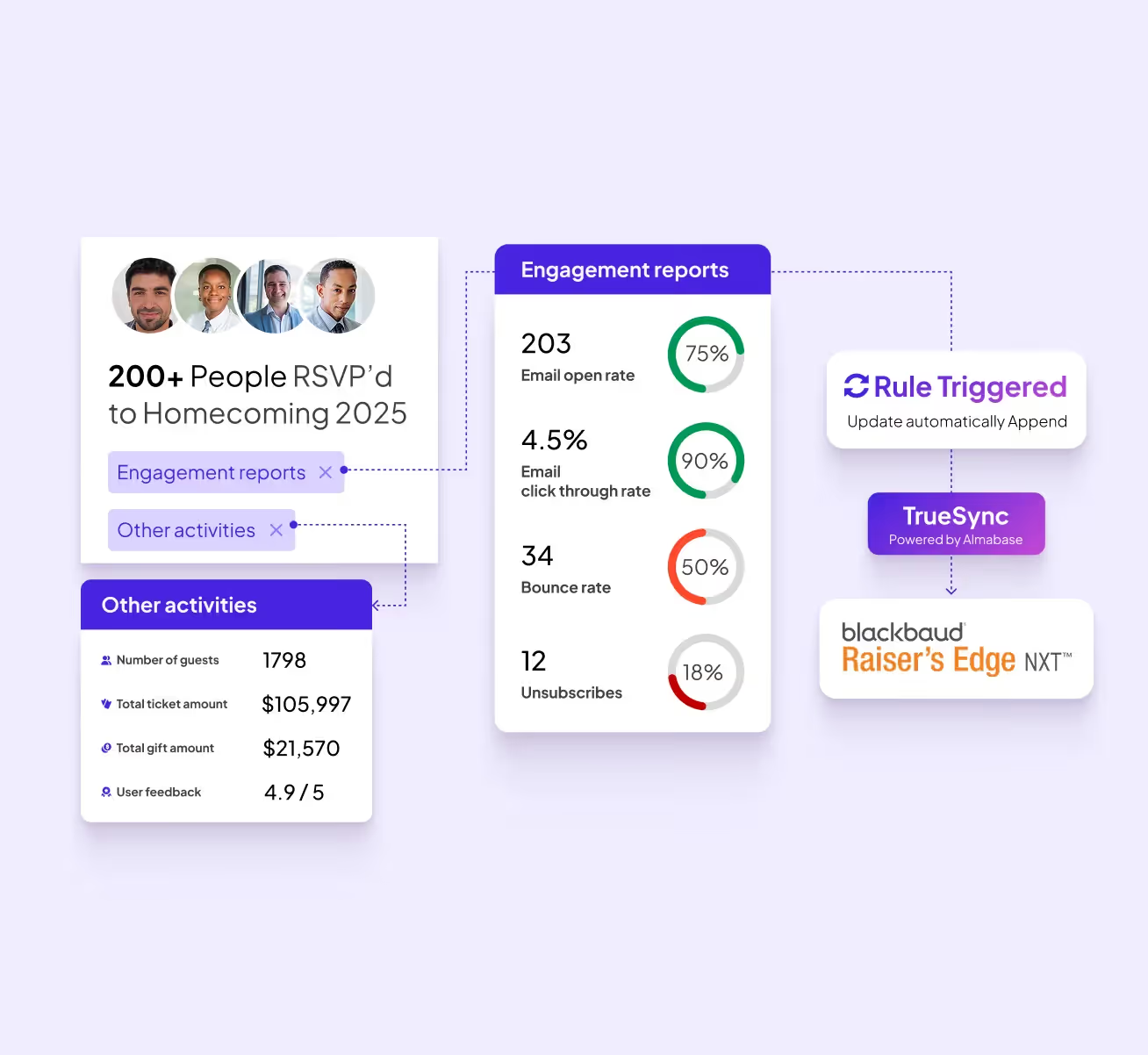
Cons:
Best for: educational institutions and small to medium nonprofits
Pricing: Almabase offers friendly and personalized pricing based on user needs. Get in touch with us here to get a free personalized demo.

PeopleGrove focuses on the career and networking aspect of alumni and students by offering tools for alumni engagement, career advancement, and mentorship among others.
Pros:
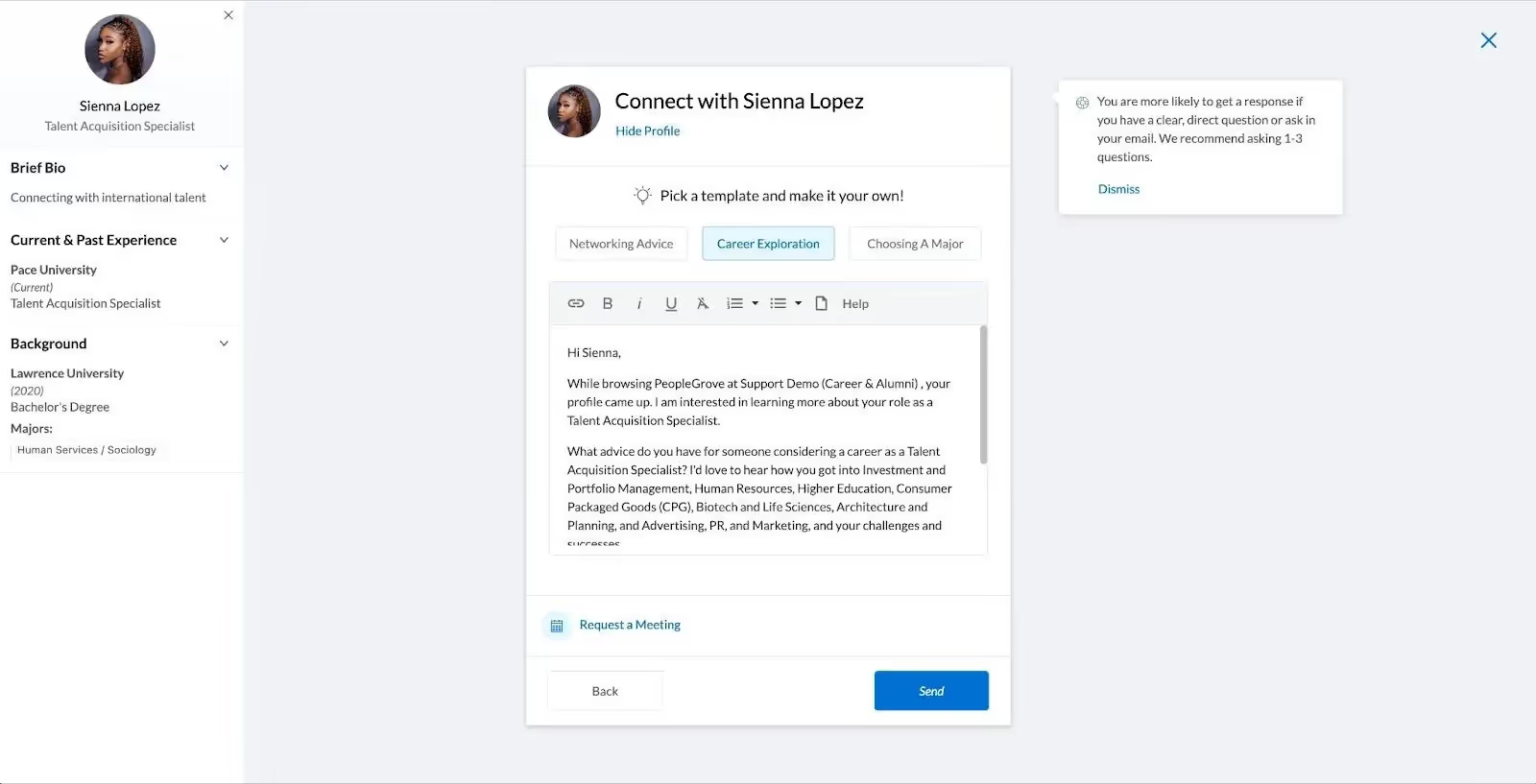
Cons:
Best for: Institutions looking specifically for a mentor/mentee management tool
Pricing: No public pricing. You can speak to a representative to get a quote here.
Hivebrite is an all-in-one community management platform used by universities, nonprofits, and corporate alumni networks. Hivebrite provides a customizable hub for alumni engagement. It’s often praised for combining a wide range of alumni activities – from events and groups to mentoring and fundraising – into one unified platform.
Pros:
Cons:
Best for: Large institutions looking to invest in a comprehensive engagement program
Pricing: Hivebrite has three pricing tiers: Connect, Scale, and Enterprise, with baseline pricing that varies based on each customer. Learn more here.
Graduway (now part of Gravyty) specializes in helping educational institutions build exclusive online communities for their alumni, focusing mainly on alumni engagement and fundraising.
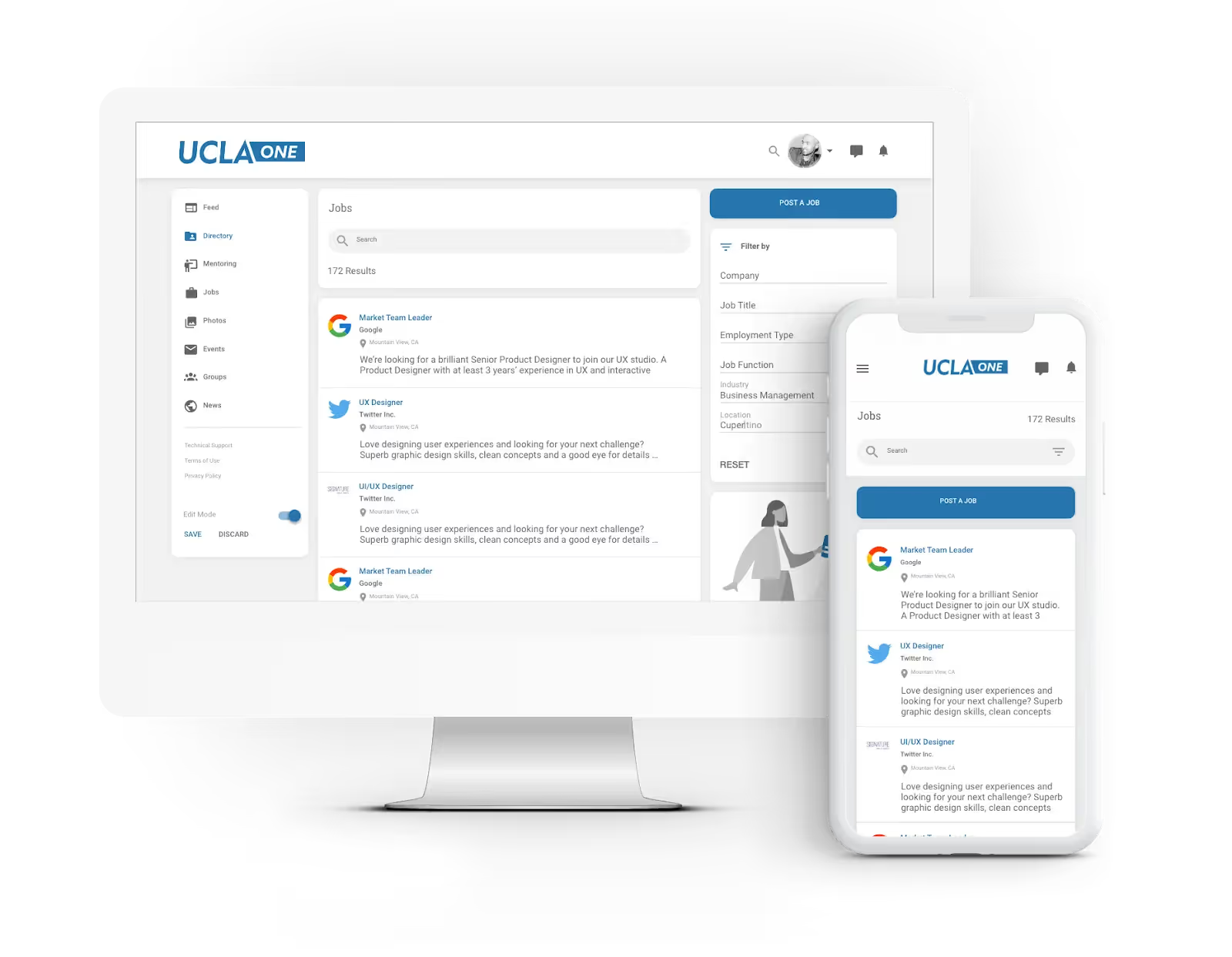
Pros:
Cons:
Best for: Higher-ed institutions looking for versatile administrative tools
Pricing: Graduway’s pricing is not publicly posted. You can request a demo or contact them here.
Encompass (formerly iModules and Anthology Encompass) is a supporter engagement solution. It has a data-driven approach intended to cover each stage of alumni engagement. It is best used in combination with other other ecosystem tools such as Raise and Advance.

Pros:
Cons:
Best for: Customers who enjoy the Encoura software environment
Pricing: Encompass does not have public pricing. You can request a demo or speak to a sales representative here.
EverTrue is an advancement platform that helps alumni and development offices personalize outreach and fundraise more effectively. It’s not a traditional alumni social platform; rather, EverTrue focuses on equipping your advancement team with rich insights about alumni and donors – pulling in data from social media, career info, wealth indicators, and more.
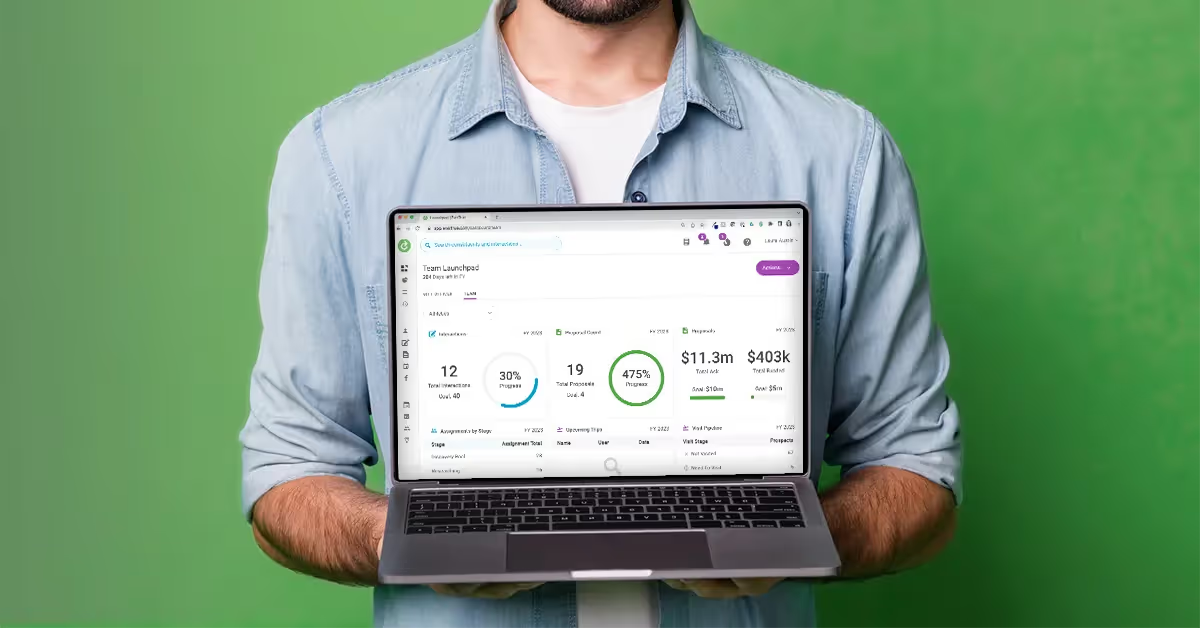
Pros:
Cons:
Best for: Teams who want to engage alumni active on Facebook and mainly prioritize fundraising
Pricing: EverTrue’s pricing is not publicly available. You can request a demo to get a quote here.
360Alumni is an all-in-one alumni networking, management, and fundraising platform geared towards schools and nonprofits that want to build an engaged alumni community and also facilitate giving.
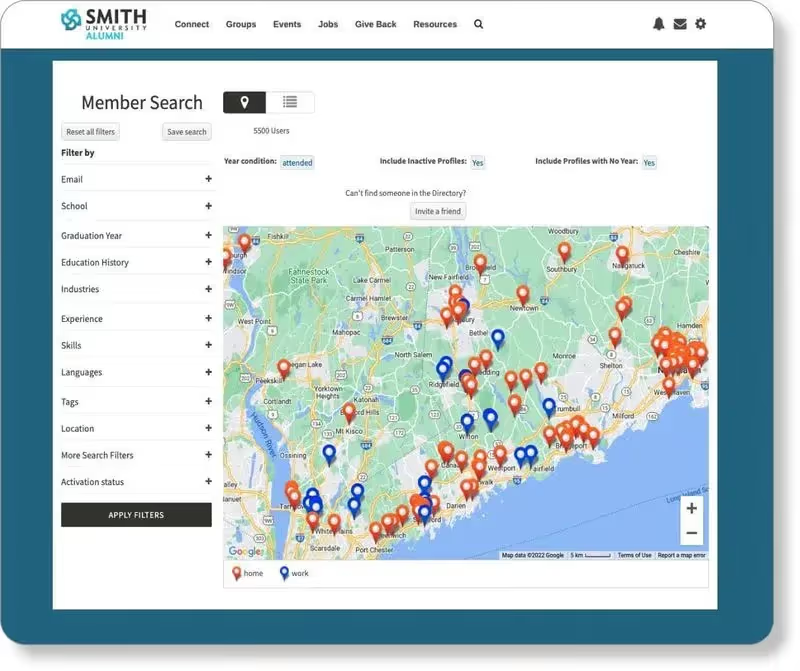
Pros:
Cons:
Best for: Institutions with a technologically proficient alumni pool and a higher budget.
Pricing: 360Alumni requires an initial setup cost, an annual subscription, and transaction fees. You can find more information and request a demo here.
Wild Apricot is a membership management software used mainly by associations, clubs, and nonprofits. It’s known for being affordable and user-friendly, essentially a one-stop system for managing contacts, collecting dues or donations, registering event attendees, and even building a basic website.
Pros:
Cons:
Best for: Associations looking for a simple membership solution
Pricing: Wild Apricot has a transparent payment scheme based on number of contacts and billing cycle. It also has a free 60-day demo. You can find more information here.
ToucanTech is a UK-based alumni management software built for independent schools, colleges, and alumni foundations. It offers an elegant, all-in-one alumni portal that combines a database, community news, events, fundraising, and email features.
Pros:
Cons:
Best for: Teams looking to get started with a comprehensive alumni management CRM
Pricing: ToucanTech’s pricing isn’t publicly listed. You can request a demo and get a quote here.
Join It is a lightweight, user-friendly membership management software. While it’s not exclusively built for alumni engagement, its affordability and ease of use make it a great option for smaller alumni groups, associations, and nonprofit networks.
Pros:
1. While not built specifically for educational institutions, it is one of the more affordable options
2. Has a wide range of integrations with popular tools
3. Users report that it is easy to use and setup
Cons:
1. Does not include fundraising or mentorship features.
2. Basic customization: The platform offers limited branding and customization features, which may not meet the specific needs of larger institutions seeking a tailored experience.
Best for: Small teams that need an affordable and simple member management only solution
Pricing: Join It offers a starter, total, and extra package as well as a custom enterprise package that can be paid monthly or yearly. It also has a free trial. You can find the exact prices here.
Alumni relationships don’t maintain themselves. Without the right systems in place, institutions risk losing the interest of their alumni and missing out on valuable engagement as well as mentorship and fundraising opportunities. An alumni management software helps prevent this by:
1. Organizing and updating alumni directories
2. Building hubs and touchpoints for alumni to get in touch with each other and your institution
3. Simplifying, personalizing, and automating communication (depending on the platform)
4. Facilitating career and networking opportunities, mentorship programs, and exclusive events for alumni
5. Building a strong community online for fundraisers, reunions, and other important events
With so many alumni management platforms available, we’d like to help you refine your shortlist by highlighting some key considerations to make when choosing your next platform. Let’s get
Depending on your institution, you may want a solution that comes with its own CRM or integrates seamlessly with an already existing CRM. Whatever you go with, make sure that there are as little data siloes as possible between your various solutions.
Keep your alumni pool in mind and what social media platforms they historically prefer. A Facebook integration-heavy tool may not be right for you if your alumni prefer LinkedIn groups or Instagram pages. Once you identify a few tools that fit that niche, make sure the level of engagement analytics is to your liking.
Depending on how big your alumni base is, your needs for segmentation, personalization, and automation will vary. If your team is focused on fundraising for a large institution, a platform that includes giving and engagement history may be important for you while it may be an unneeded cost for a small school only looking for simple membership management.
Many of the tools in alumni management offer customizable or contact-based pricing. Try to get a feel for what feels right considering both the short-term (your next three events for example) and long-term (Will the platform scale well into your third annual subscription?) needs. Also keep in mind your already existing software and what you may need to pay extra for considering additional integration costs to keep them in line with your chosen solution.
Most alumni management tools also offer fundraising tools as well. Depending on how the tool is set up, consider how your potential and past donors will engage with your efforts. A solution may be really intuitive for you but be clunky and hard to navigate for your donors. Some donors may prefer networking and donating from the same platform while others think it’s a hassle. Always keep your donor’s preferences in mind before making a choice.
At its core, the effectiveness of alumni software comes down to how well it enables institutions to connect with alumni in meaningful ways and drive tangible outcomes—whether that’s increased participation, stronger professional networks, or higher donations
We’d love to work with you to connect and engage with your alumni better. If you’re interested in learning more about how we can help you, feel free to get in touch with us and we’ll be glad to give you a personalized demo!


Top Alumni Management Software in 2026
Compare the 10 best alumni engagement software for alumni relations and advancement teams in 2026. Our blog compares features, pricing, as well as pros and cons.
Lorem ipsum dolor sit amet, consectetur adipiscing elit. Suspendisse varius enim in eros elementum tristique. Duis cursus, mi quis viverra ornare, eros dolor interdum nulla, ut commodo diam libero vitae erat. Aenean faucibus nibh et justo cursus id rutrum lorem imperdiet. Nunc ut sem vitae risus tristique posuere.
A well run reunion event offers a seamless experience to your attendees. They register once, select a few events for the weekend, receive timely reminders, check in and move smoothly from one gathering to the next. From their perspective, the whole thing only takes a few seconds and minimal effort.
Behind the scenes, however, is an enormous amount of coordination happening across teams and timelines.
For smaller gatherings, lightweight event tools may still work perfectly well. But once reunions become larger, multi-event set ups, or tied to broader advancement goals, managing registrations or ticketing is just one cog in the wheel. That’s when many alumni and advancement teams eventually move toward platforms designed specifically for reunion and alumni engagement workflows. In this blog, we’ll break down the platforms best suited for different types of reunion events, team structures, and engagement goals.
Many teams begin with the tools already available internally, like spreadsheets for guest tracking, email platforms for outreach, online forms for RSVPs, and a ticketing platform layered on top to handle payments. And that set up works well for a while too.
Most event platforms are designed to handle transactions: collect registrations, process payments, send confirmation emails. While this works just fine for one-off events, reunions call for something more.
Most advancement and alumni teams are already familiar with the friction points:
Individually, none of these problems are unusual. But together, a combination of any of these issues creates significant overhead. This holds especially true for leaner teams, when the issue becomes even more visible after the event ends. They might find themselves having to spend days cleaning spreadsheets, confirming attendance records, updating CRM systems, and piecing together engagement data that should have been captured automatically.
Reunions are complex and involve long-term alumni relationships, donor engagement, segmented outreach, multi-day programming, and post-event reporting that extends well beyond the weekend itself. They require platforms that will understand the context behind why all this needs to be connected.
For example, knowing that 400 people registered for a reunion is useful. But knowing which classes had the strongest turnout, which former volunteers re-engaged, or which lapsed donors attended for the first time in years is significantly more valuable.
The same applies operationally. Generic platforms often require teams to manage communications, reporting, and CRM updates separately, creating duplicate work across systems that don’t naturally connect to one another.
That’s why many institutions eventually move toward platforms designed specifically for alumni engagement and reunion management. It makes a huge difference to reduce manual coordination, improve data continuity, and make reunions easier to manage as part of a larger alumni strategy.
Milestone reunions sit at the intersection of emotional significance and operational intensity. These are your 10th, 25th, 50th year reunions.
You need class-year segmentation for targeted invitations, multi-day session management, integrated giving pages and CRM sync so reunion attendance feeds your donor records. Here are our recommendations:
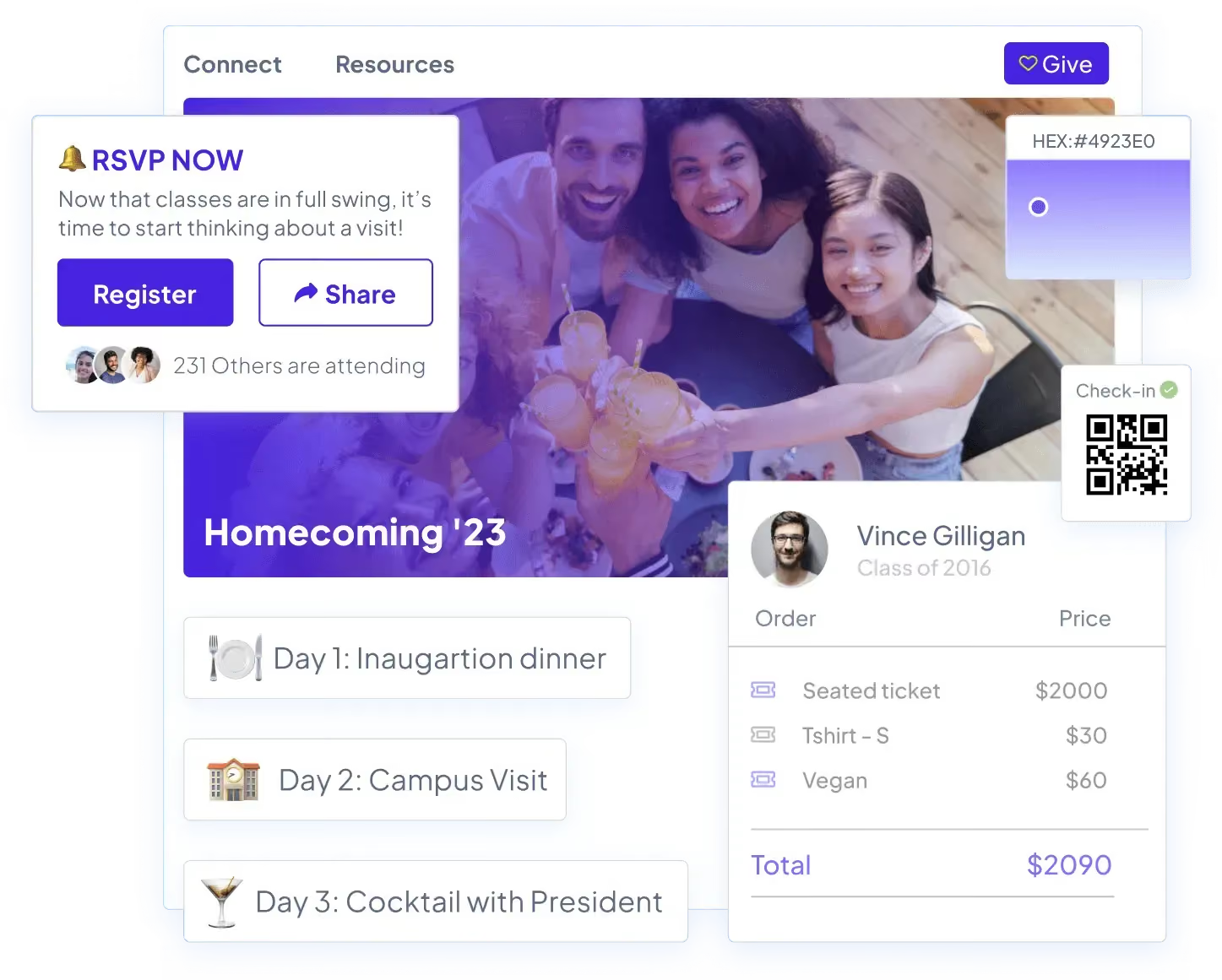
Almabase is particularly well suited for milestone reunions because it brings event management and alumni fundraising into one place. Alumni can sign up for multiple reunion activities, contribute to a class gift campaign, and receive communication tailored to their class year, all within the same experience. On the admin side, QR code check-ins and automatic CRM syncing make it easier to track both attendance and giving, which is especially useful when reunion engagement feeds into long-term donor stewardship efforts. Custom pricing offered.
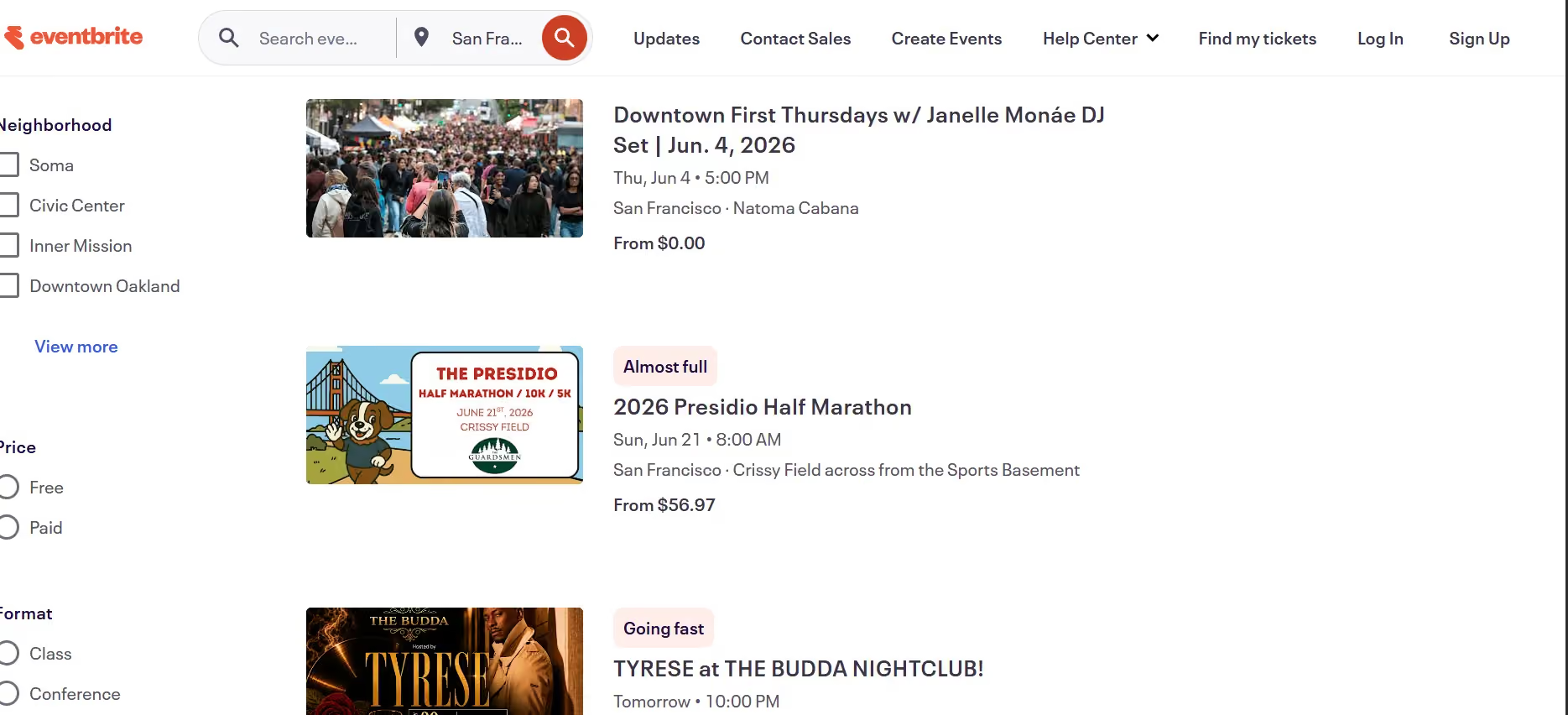
Eventbrite is a practical option for smaller institutions or volunteer-led reunion committees where the goal is mainly registration and payment collection rather than advancement integration. The platform is for free events; and fees apply for paid ticketing, which can be borne by the organizers or passed on to attendees.
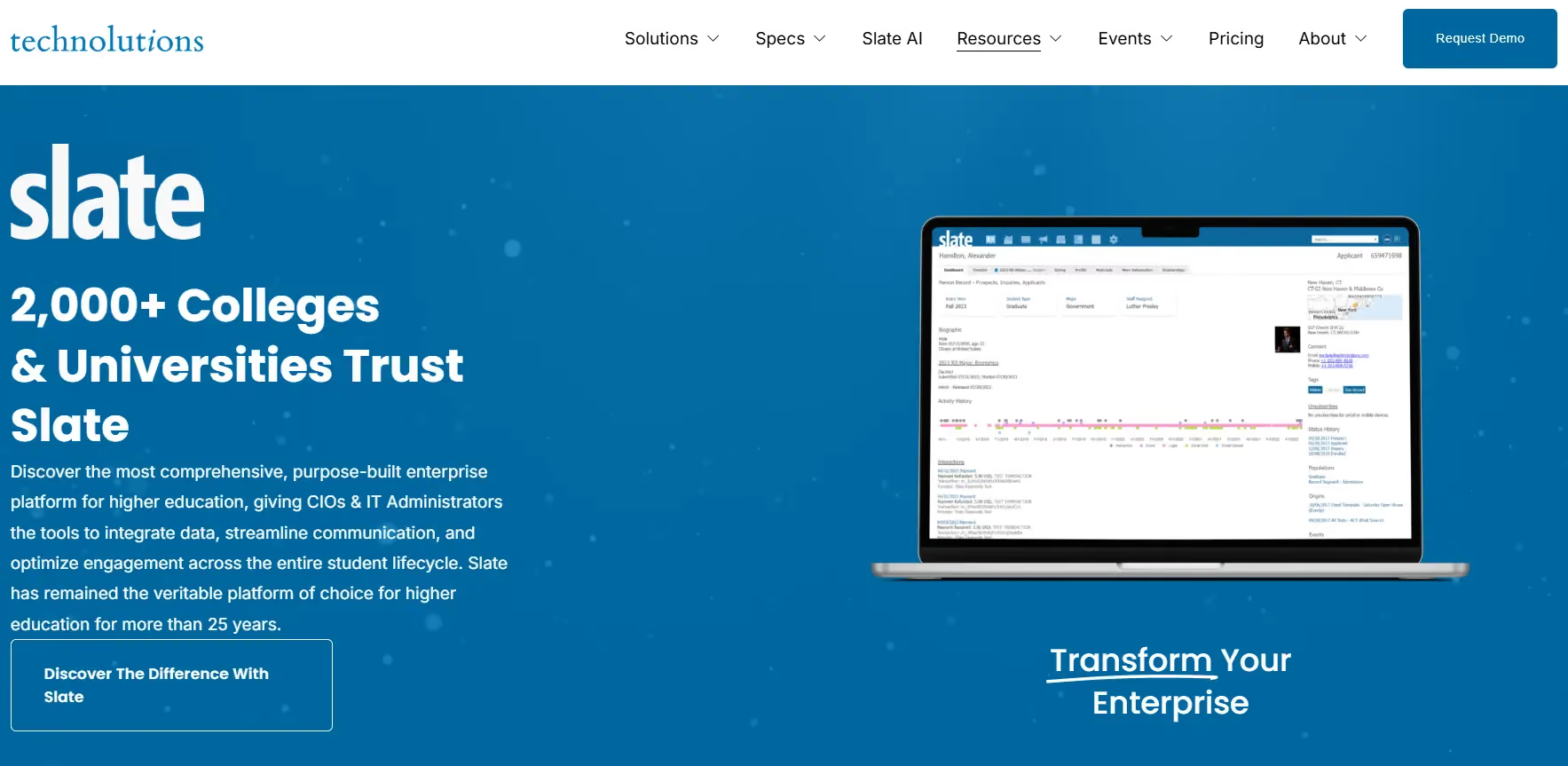
Slate is a unified, enterprise-grade CRM tool built exclusively for educational institutions that manages the entire student-to-alumnus lifecycle within a single database. For institutions already using Slate, reunion data flows natively into existing student-to-alumni records with absolutely no external CRM sync needed. The platform offers heavy-duty fundraising support with dedicated giving portals, customized gift processing, and major gift pipeline management. It’s a great fit for institutions that want a complete ecosystem to bridge admissions, student engagement, and advanced donor stewardship. Base licensing starts at $30,000/year.
Multi-day reunions are a little tricky to coordinate, because they demand seamless coordination across fragmented schedules, multiple venues, and diverse participant needs. Your platform should be able to handle sub-events, inventory management for ticketed activities, provide attendees with scheduling tools so they can build their own agenda, and give organizers visibility into logistics in real time.
Almabase brings event management and multi-day scheduling into one place. This means attendees can sign-up for personalized itineraries across sessions, receive real-time updates about capacity and changes, and organizers track attendance by session and segment. Capacity management, dietary tracking, and tiered pricing (full weekend vs. individual days) are straightforward to configure. Another great feature is the CRM sync which captures which alumni attended which sessions, giving organisers a comprehensive picture of attendance.
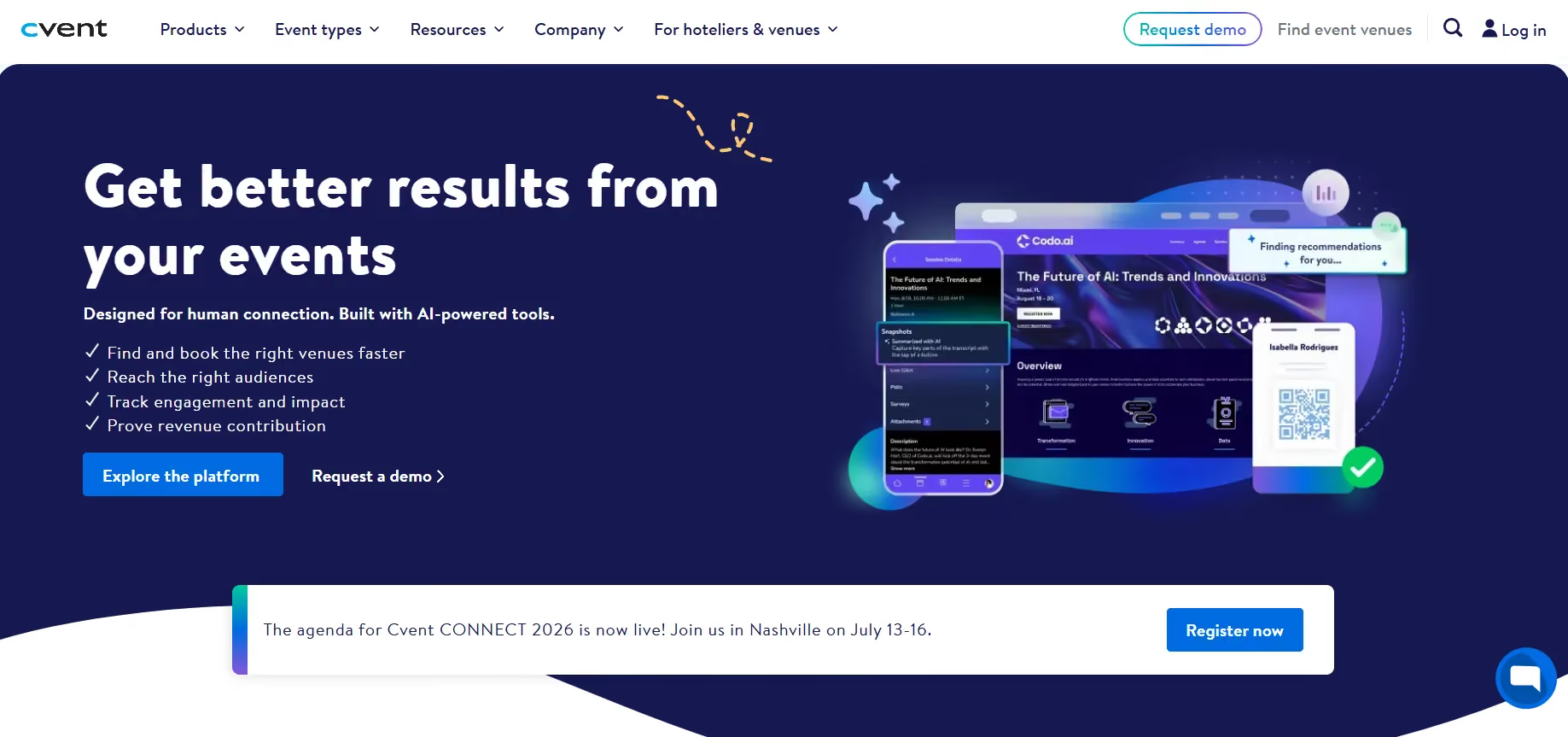
Cvent is purpose-built for multi-venue, multi-day events with precision logistics. Its session management capabilities include capacity limits, waitlists, and real-time room changes. Attendees can even use a mobile app to build schedules; while organizers see live dashboards by session and venue. It also offers venue integration, dietary management, badge printing, and check-in workflows, which are all native to the platform. The pricing for Cvent is based on event size and features.
These are the more happening, lively events: Homecoming weekends, sports alumni reunions, performing arts gatherings, and these are usually built around movement and participation rather than a single formal gathering.
Almabase is a strong fit for institutions running reunion weekends with multiple parallel events and alumni segments. You can create separate registration flows, send targeted communication to different affinity groups, track attendance across activities, and connect participation back to alumni engagement records. It works especially well when the reunion weekend also includes fundraising or volunteer engagement initiatives. Almabase offers custom pricing.
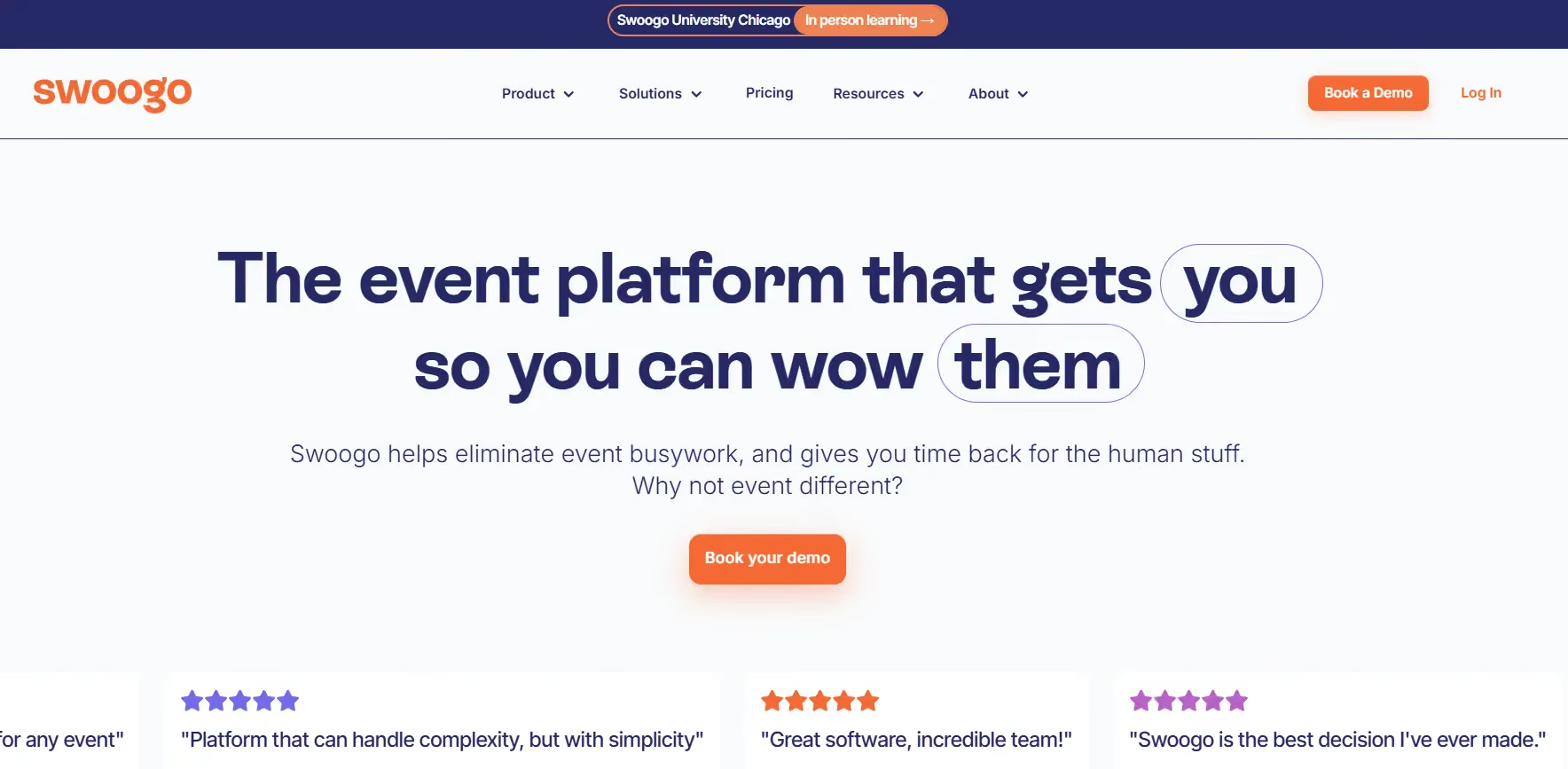
Swoogo is best suited for highly programmed reunion weekends with complex schedules and session tracks. Teams can use the platform to build personalized agendas, move between activities, and manage multi-day itineraries through one system. Their pricing starts around $11,800 a year for a single-user license.
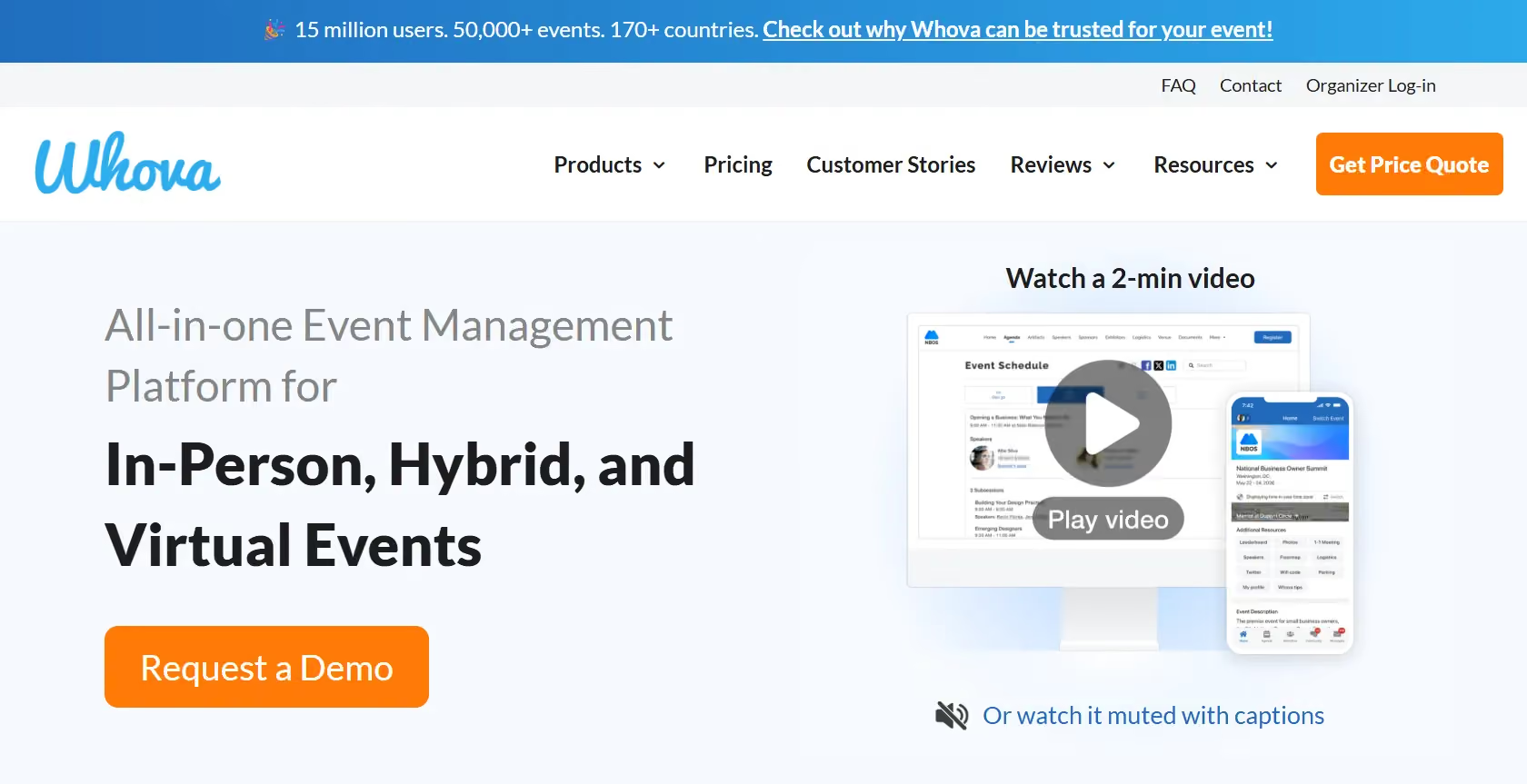
Whova is a useful option for highly social reunions where interaction between attendees is part of the experience itself. Features like attendee networking, live messaging, digital photo galleries, and mobile directories make it well suited for homecoming-style events. Custom pricing is offered based on requirements.
Many reunions are designed to bring entire alumni communities together, including spouses, children, volunteers, and local alumni chapters. These events usually require flexible registrations, family-friendly ticketing, and simple communication workflows.
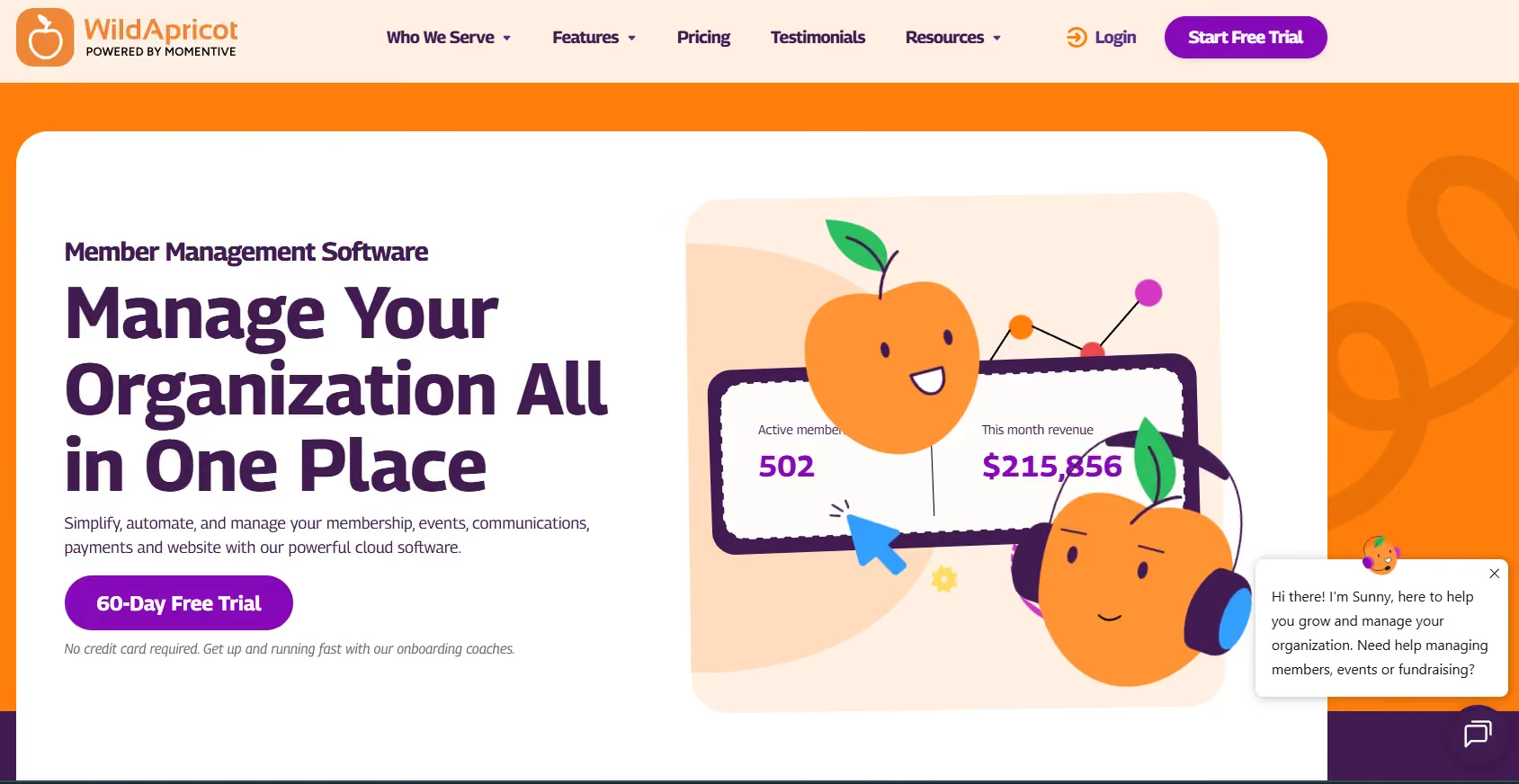
WildApricot is a natural fit for community-oriented reunions because it combines event management with membership and volunteer coordination. Family registrations, recurring events, and simple payment collection make it particularly useful for alumni associations and smaller institutions trying to manage ongoing community engagement beyond a single reunion weekend. Pricing starts around $60/month.
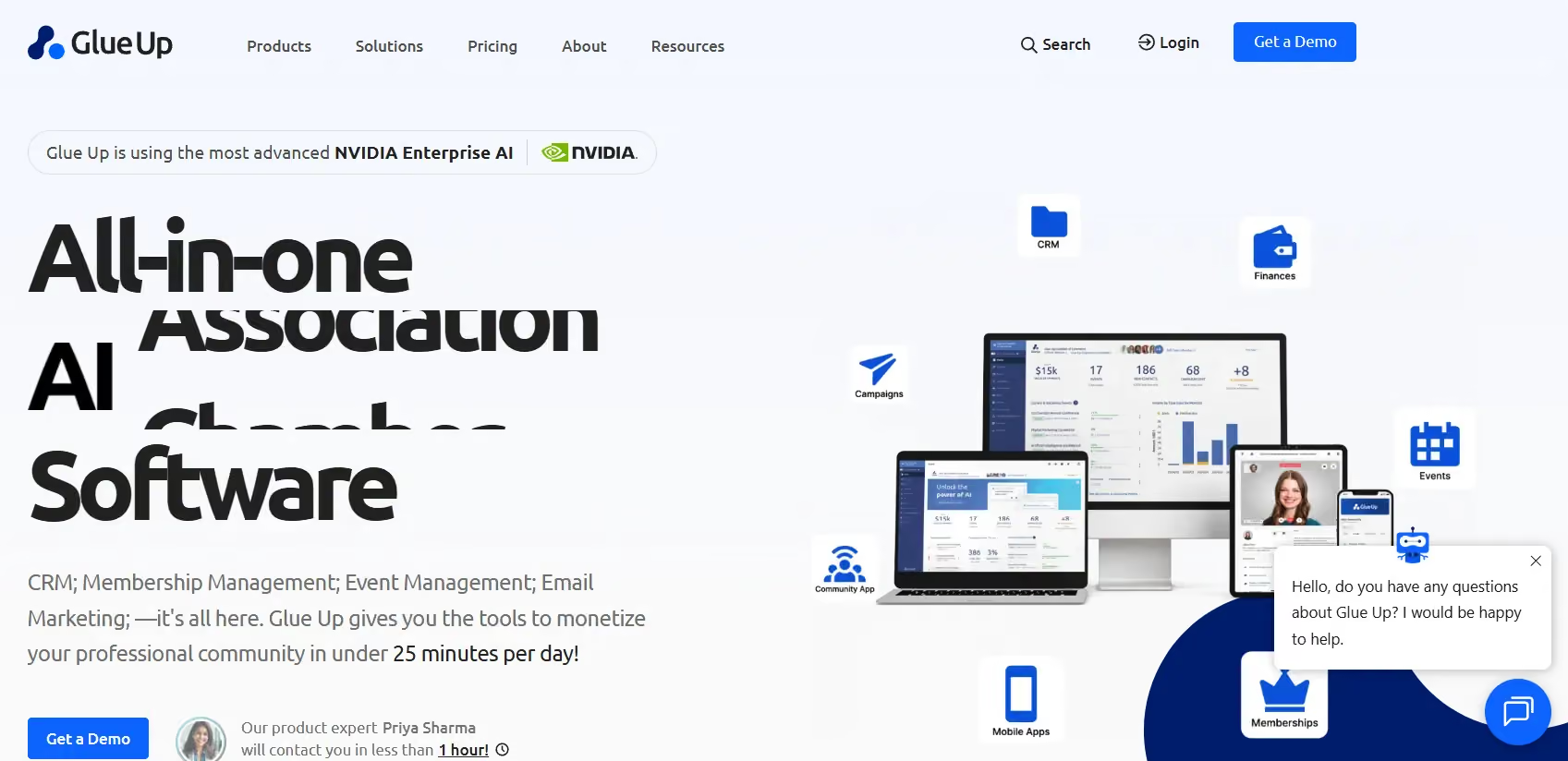
Glue Up works well for alumni associations with active local chapters and recurring community events. The platform focuses heavily on member engagement and ongoing relationship management over one-off events. Custom pricing is offered for enterprise level subscriptions, while the ‘Plus’ tier is priced at $4500 a year.
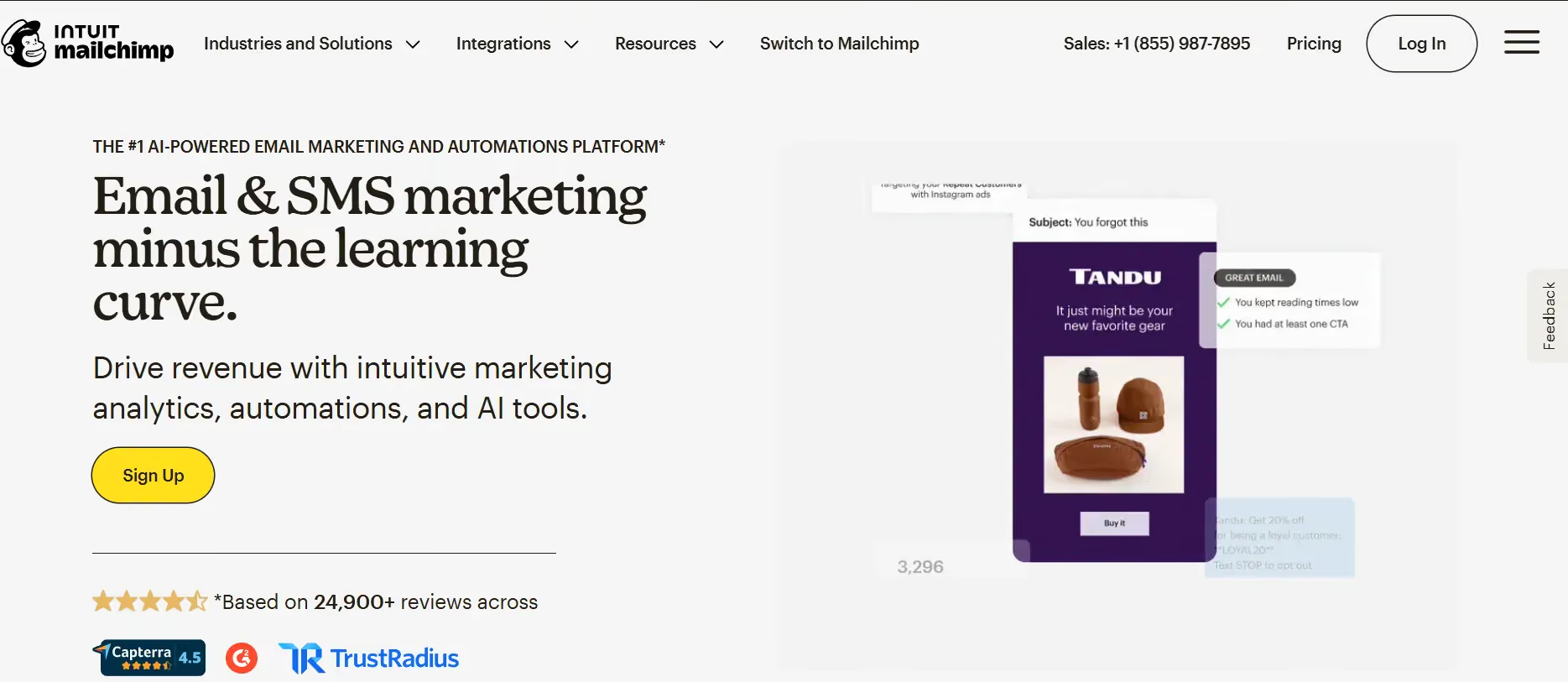
Using Mailchimp and Google Forms together is a practical setup for smaller reunion teams with limited budgets. This combination makes for a nifty set up when the reunion is simple enough that teams mainly need RSVP collection, reminder emails, and attendee exports. Mailchimp is free for up to 250 contacts; paid plans start at $13/month and scale based on your chosen features.
Reunions under the five-year milestone and professional networking events for recent graduates have a different priority: career connection and networking over nostalgia. Attendees want a professional directory, session selection (panels, workshops, speaker talks), and a way to connect with people in their industry after the event.
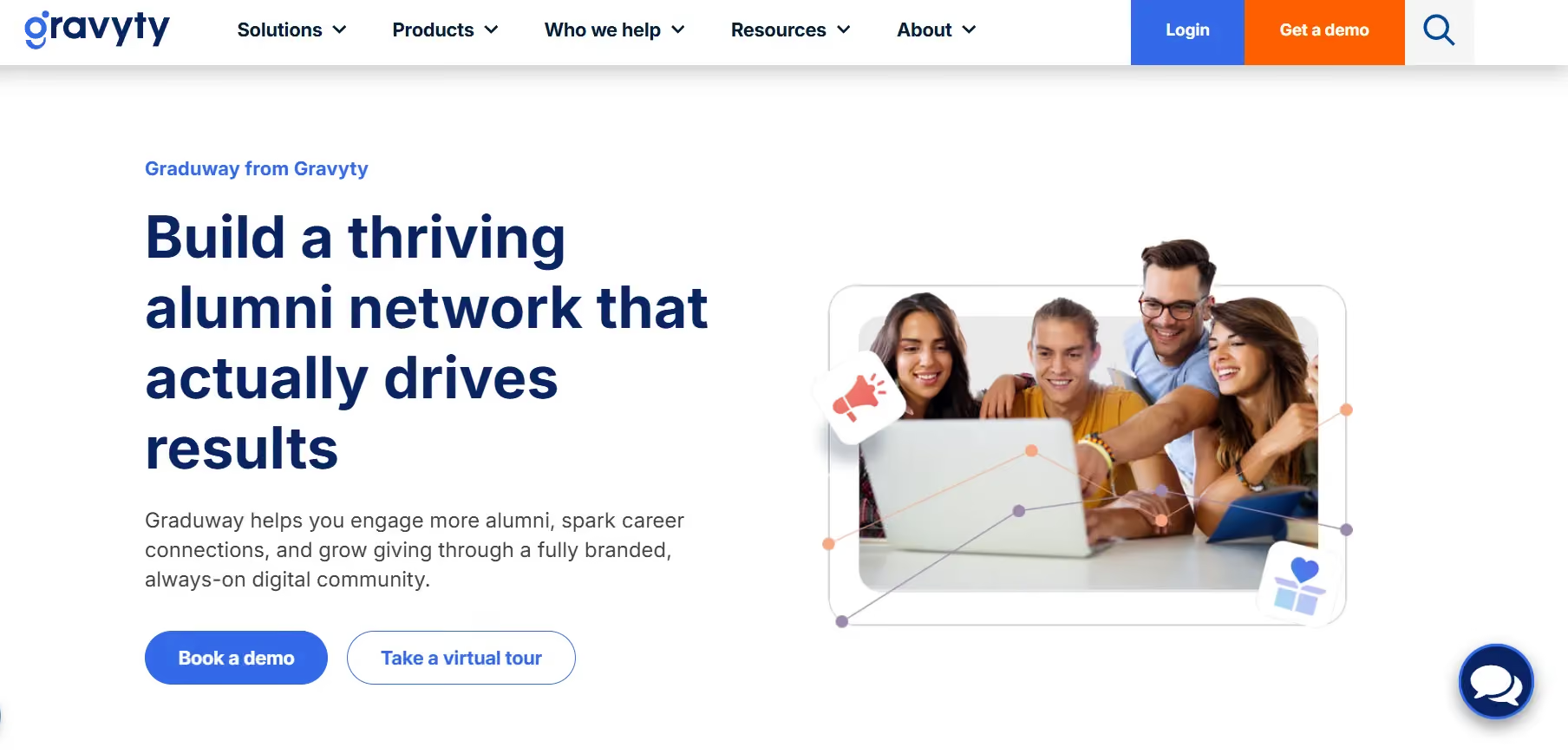
Graduway is designed specifically for career-focused alumni engagement. Its tools are geared toward helping alumni build meaningful professional connections through mentorship programs, networking communities, alumni directories, and ongoing career engagement initiatives. The platform offers custom enterprise pricing.
Almabase is particularly useful when institutions want professional reunions to feed into broader alumni engagement and advancement efforts. Teams can segment alumni by industry or graduation year, manage multiple networking sessions, track attendee engagement, and continue communication after the event through the same platform. Custom pricing.
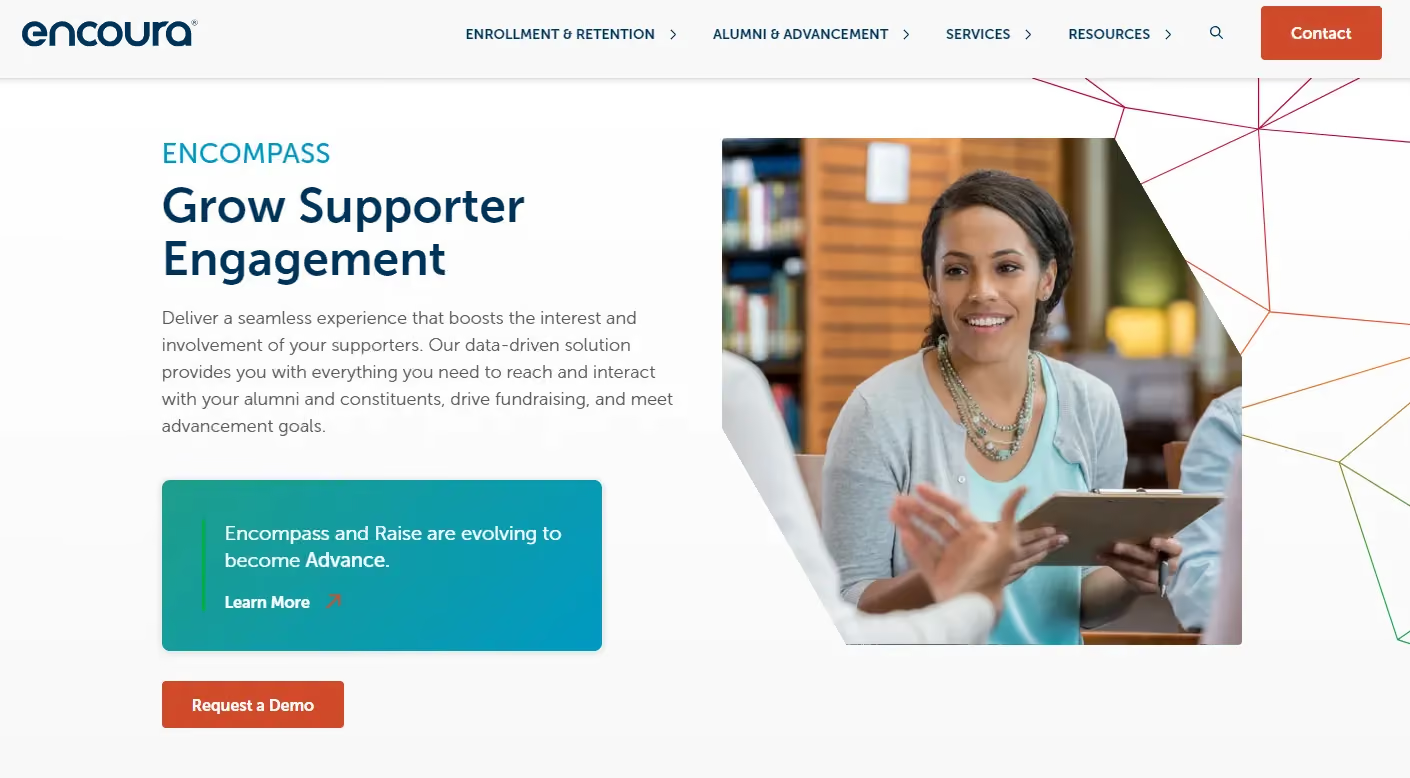
Built for institutional database workflows, Encompass (formerly iModules) is a great fit for professional reunions with multiple panels, workshops, or speaker tracks. Attendees can register for individual sessions, while its built-in capacity controls help manage high-demand events more smoothly. It also automatically logs attendance and engagement data back into advancement records. Pricing for the platform depends on the broader institutional enterprise license.
Not every alumnus can fly back to campus. You need virtual and/or hybrid attendance registration separate from in-person, live streaming or integration with a streaming tool, the ability to capture virtual check-ins for your CRM, and post-event recordings so remote alumni can watch sessions they missed.
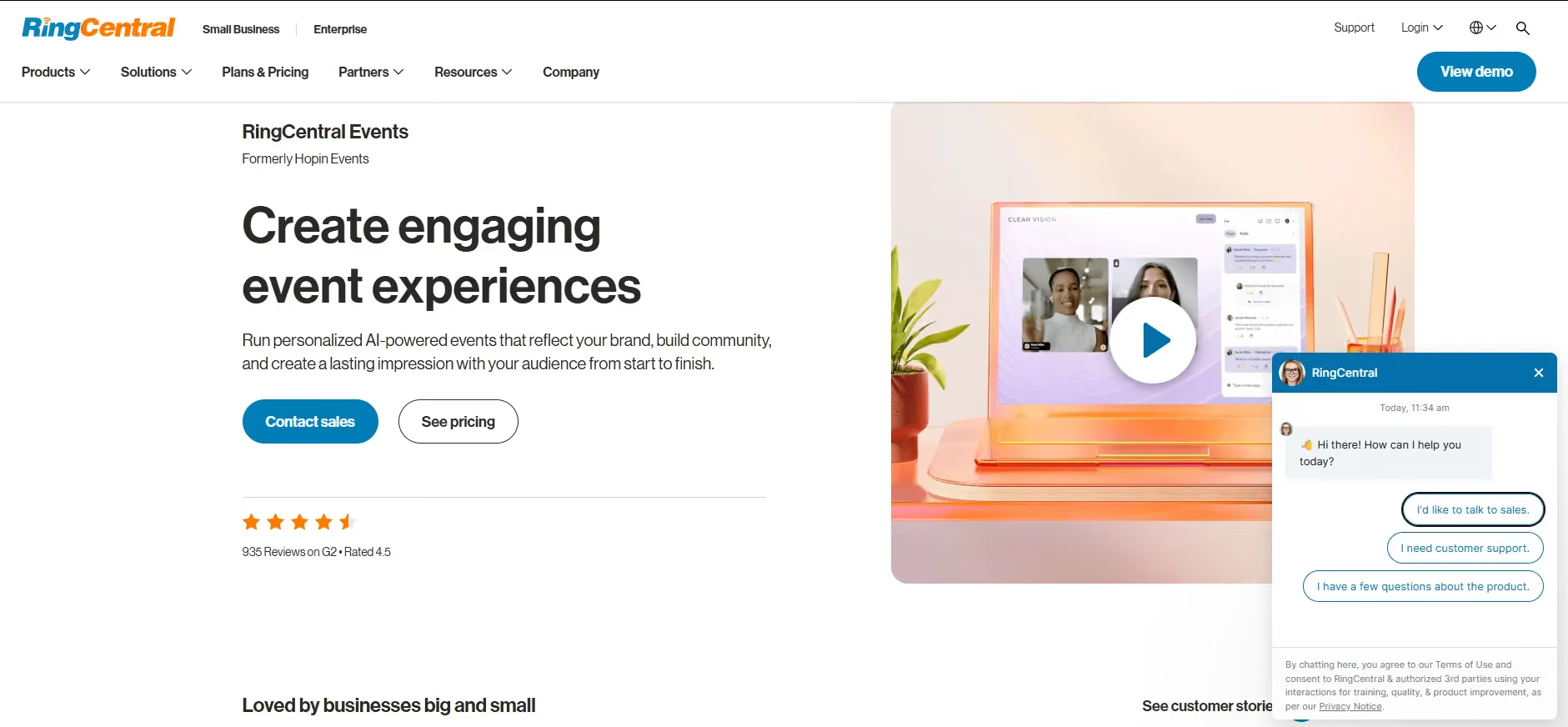
Hopin is best suited for large hybrid reunion experiences with multiple simultaneous sessions and networking layers. Features like virtual expo halls, breakout spaces, and structured networking make it work more like a digital conference than a webinar being held with minimal interaction. Pricing starts at $99/month per organizer.
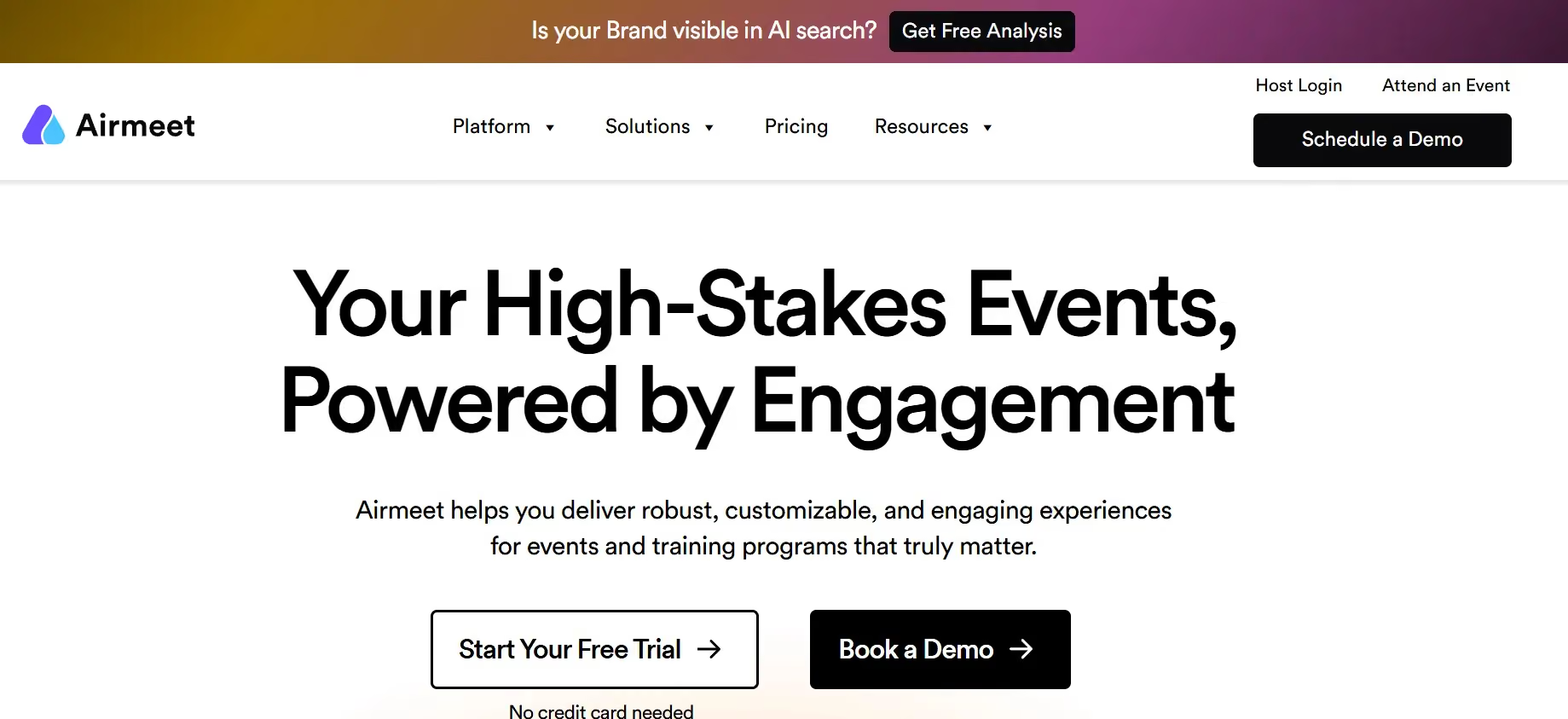
Airmeet is a good option if you have an interaction-heavy virtual reunion in mind. Social lounges and networking tables create smaller conversational spaces, which helps remote attendees participate more actively instead of simply watching a stream. Entry tiers start around $167/month.
As reunions have evolved over the years, so too have the platforms that they are hosted on. However, there are always new as well as persistent issues for which you will want the right features to fit your needs. Here are a few features worth looking into:
Especially when the reunion is a large one, registrations, check-ins, and RSVP management is often a big headache both for staff and attendees if not done well. When platforms aren’t built for that complexity, your staff end up having to compensate with manual work: tracking waitlists in spreadsheets, reconciling duplicate records before CRM uploads, or maintaining separate documents just to manage attendee data accurately.
A strong reunion platform keeps all of your ticketing, payments, and gifts connected in a single system, handling pricing, refunds, add-ons, as well as reporting together so staff aren’t left reconciling records after the event ends.
Reunion communication begins long before the event itself. A reunion platform should be able to keep communication connected to registration data, allowing updates and messaging to adjust automatically based on schedules, roles, and attendee preferences.
Mobile check-in reduces friction by allowing volunteers to scan QR codes, process attendees quickly, and log attendance automatically in real time.
A reunion platform becomes even more relevant for large, multi-day reunions because it keeps attendance connected directly to attendee records from the start, making it easier to understand who attended, which sessions saw engagement, and where follow-up should happen next.
Reunions offer institutions a rare opportunity to understand alumni behavior in real time. A strong reunion platform integrates cleanly with systems like Raiser's Edge NXT, Salesforce, or HubSpot so reunion engagement becomes part of the institution’s larger alumni record instead of remaining isolated event data.
Don’t start by comparing feature lists side by side. The decision usually becomes clearer once the event objectives and operational constraints are visible. Think about what the reunion is trying to achieve, who is running it, and how much of the work needs to connect back into long-term alumni data.
In practice, the “right” platform is the one that reduces the most friction in your specific setup, rather than the one with the most capabilities on paper.
Reunions that are focused on increasing attendance depend heavily on segmentation and communication. Getting the right message to the right cohort at the right time has more impact than any individual feature in the registration flow.
For teams focused on reducing administrative load, the issue is not necessarily the event itself, but the amount of manual reconciliation required afterward. If reunion data doesn’t flow back into the CRM, the operational work doesn’t disappear but moves to a later stage in the process.
Allow your team size and structure to shape platform choice! Smaller alumni teams need systems that can be set up quickly and managed without dedicated technical support. In those environments, simplicity and speed matter more than deep configuration options, because the same person managing the reunion is often also handling communications, donor outreach, and reporting.
Larger advancement teams operate under a different set of constraints. They have larger targets tied to advancement goals which require deeper CRM integration, more structured data flows, and systems that can support multiple stakeholders working in parallel.
Data requirements are one of the main deciding factors. Some institutions need full CRM synchronization, where registrations, attendance, and gift activity flow automatically into systems like Raiser's Edge NXT.
Other teams operate with simpler needs: clean registration exports, basic attendance tracking, and manual uploads into existing systems. In those cases, lighter platforms can be perfectly sufficient without introducing unnecessary complexity.
Confusing registration flows, unclear session structures, or poorly timed communication show up quickly in abandonment rates. In case alumni have not interacted with institutional systems in years, clarity and simplicity in the registration process will go a long way.
The same applies at check-in: a smooth entry experience sets a very different tone compared to visible queues or manual lookups at the door.
What happens afterward is just as likely to determine whether the event contributes to long-term engagement or remains an isolated activity in the calendar. Attendance data, donor participation, volunteer sign-ups, and communication history all become more valuable when they can be carried forward into future outreach.
In practice, the most useful systems make post-event work feel like a continuation of the same workflow. When reunion data feeds cleanly into CRM records and follow-up communications, each event builds on the last.
Yes, particularly for institutions on Raiser's Edge NXT. Almabase covers registration, ticketing, segmented email, mobile check-in, peer-to-peer fundraising, and CRM sync in one system. The bi-directional RE NXT integration means reunion attendance flows into constituent records automatically. Request a demo to see how the event and CRM workflows connect.
They can handle basic ticketing. They can't segment alumni by class year, sync attendance to an advancement CRM, or connect the event to a giving campaign. For a small, informal reunion without advancement goals, a generic platform works. Once class-year data, giving campaigns, or donor stewardship are involved, purpose-built tools are worth it.
Mostly in how success gets measured. Institutional reunions typically include a fundraising component tracked against engagement and giving metrics in a CRM. Nonprofit reunions center on volunteer engagement and cause-based giving. The platform features that matter shift accordingly.
Not for simple events. A Google Form and Venmo can get 40 people to a dinner. The complexity scales when you're managing class-year segmentation, multi-day scheduling, tiered pricing, CRM data requirements, and post-event reporting. At that scale, doing it manually costs more in staff hours than the platform does.
Choosing the right reunion platform comes down to the goals of the event and the challenges your team is trying to solve.
For smaller reunions with simple registration and communication needs, lightweight tools like WildApricot or Eventbrite are quite enough. They work well for straightforward ticketing, RSVPs, community events, and recurring alumni gatherings without adding unnecessary complexity.
As reunions become more activity-driven or networking-focused, platforms like Almabase, Whova, and Graduway offer stronger support for multi-day programming, attendee engagement, and professional networking experiences.
For advancement teams running milestone reunions with a fundraising component, Almabase is one of the strongest options because registration, communication, check-ins, reunion giving, segmentation, and CRM sync all work together in one system. Instead of becoming isolated event data, reunion participation becomes part of the long-term alumni engagement record.
If you want to see how Almabase can power your next reunion, feel free to request a personalized demo, or if you want a self-guided look, head over to our product tour!

Top Platforms for A Successful Reunion Event
Find the right platform to host your reunion events whether it's a multi-day, professional, activity-based, or milestone reunion. Find your best fit.
Lorem ipsum dolor sit amet, consectetur adipiscing elit. Suspendisse varius enim in eros elementum tristique. Duis cursus, mi quis viverra ornare, eros dolor interdum nulla, ut commodo diam libero vitae erat. Aenean faucibus nibh et justo cursus id rutrum lorem imperdiet. Nunc ut sem vitae risus tristique posuere.
May 29, 2026
12 minutes

.svg)

.avif)
.webp)