Considering a move from BBNC? Compare the top alternatives and what to look for before making the switch.

Anwesha Kiran
Published:
June 11, 2026
Updated:
June 16, 2026
.avif)
It’s never an easy decision to switch to a new platform and if you’ve been a frequent user of Blackbaud NetCommunity (BBNC) for a while, you might have a fair amount of questions about moving elsewhere.
In case you’re on the lookout for BBNC alternatives, we’ve rounded up 5 potential replacements for you and your team to consider. Our choices are based on a variety of factors which we’ll be getting into first.
While evaluating alternatives, you might feel like most platforms have similar feature lists with a few differences here and there. But the way those features are organized and how they work together can reveal the best fit for your team.
Here's what to evaluate:
For most BBNC users, Raiser's Edge NXT is already at the center of donor management. The rest of your advancement tools must work seamlessly alongside it and help your team stay coordinated.
That means having giving, events, email, and community engagement data flow into your CRM automatically and in real time. When a donor makes a gift, your team should be able to see it right away in RE NXT.
Most advancement teams likely do not have a dedicated tech person. The people using these tools should find it easy to navigate (and this shouldn’t only be the most tech-savvy member in your team!).
This means your team should be able to create event pages, build audience segments, send emails, and manage campaigns with confidence, because doing all this on the platform feels intuitive to them. Some platforms pay close attention to the user experience and take special care to make it easier for them to work on.
Just as important is the experience for alumni. The more alumni can do for themselves, the easier it is for your team to keep data current and engagement high. Features like profile updates, event registration, class note submissions, and communication preferences give alumni greater control while helping you maintain accurate records.
The platform you choose today should still work for you down the line as your alumni community grows and fundraising efforts expand in scale and complexity. Whether you're managing 5,000 alumni or 50,000, the experience should remain consistent.
This is particularly important for colleges and universities planning for long-term growth. The best platforms scale alongside your institution, making it easy to increase capacity and expand programs without disrupting day-to-day operations. As your needs evolve, your team can stay focused on engaging alumni and advancing institutional goals rather than managing technology transitions.
If you've spent years juggling multiple systems, you've probably accepted a certain amount of friction as part of the job. This could look like pulling different places or reports that take longer than they should. As a result, your team spends more time making sense of information between platforms instead of building relationships with alumni and donors.
So moving platforms becomes an opportunity to look for a platform that does the work your old platform was doing, but does it better, and preferably, in one place.
On paper, many advancement teams have everything they need: tools for fundraising, events, email, and alumni engagement. But if those systems don’t work together smoothly, your team could find itself in a bit of a fix, managing tools when they could be managing experiences for attendees and donors. It's rarely a major problem on any given day, but the time and effort add up over the course of recurring issues across events.
In fact, we saw something similar firsthand at Almabase: Cornell College moved from managing alumni engagement across BBNC and multiple tools to one integrated platform, and the shift eliminated the constant back-and-forth that was taking up their team's time.
Before we get into the deep-dive, here is a quick look at the platforms we’ve listed for you:
Almabase was built with advancement teams in mind. Instead of juggling separate tools for giving, events, email, and alumni engagement, teams can manage everything in one place. It also integrates closely with Raiser's Edge NXT, helping data flow naturally between systems and giving staff a more complete view of alumni activity.
Best for: Institutions on BBNC struggling with complexity, looking to simplify their tech stack by bringing key advancement activities together on a single platform. It is a great fit for colleges and universities of all sizes.
Key Strengths:
Almabase in action:
Cornell College manages a community of 15,000-17,000 alumni with a remarkably lean advancement team. Before Almabase, staff were piecing together BBNC and other tools, spending valuable time managing disconnected systems and manual processes.
After moving giving, events, email, forms, and community engagement into Almabase, event registrations flowed in smoothly and alumni could update their own information. With an alumni community that cares about staying connected, the college was able to elevate their Giving Day experience with leaderboards, campaign pages, and real-time participation tracking.
After the switch, Cornell exceeded its Giving Day goal, reaching 1,008 donors and earning a 4.7/5 participant rating. Homecoming attracted more than 430 attendees, and their "All In for the Hilltop" campaign raised over $226,000 from 992 donors.
Watch the team from Cornell College share their experience here.
.avif)
What it's not great at: Almabase does not include prospect research or wealth screening tools. If major gifts research is a priority, you'd need to layer in a separate platform.
Pricing: Custom pricing based on institution size and needs.
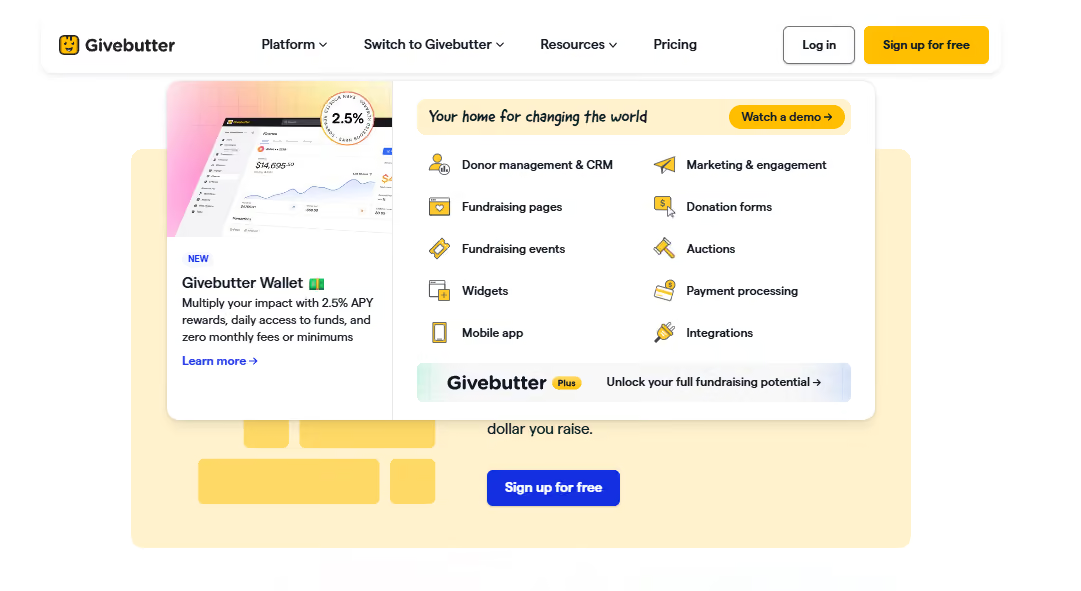
GiveButter is an all-in-one fundraising platform designed to help nonprofits raise funds, engage donors, and manage donor relationships through customizable donation forms, embedded donation widgets, and various payment options. The platform is known for its transparent pricing model, operating on a "tip-or-optional-fee" basis, meaning nonprofits receive 100% of their donations with no hidden fees.
Best for: Organizations looking to launch peer-to-peer campaigns without a subscription commitment, schools running crowdfunding initiatives on a low budget, and nonprofits seeking easy-to-navigate platforms for both staff and donors.
Best for: Organizations looking to launch peer-to-peer campaigns without a subscription commitment, schools running crowdfunding initiatives on a low budget, and nonprofits seeking easy-to-navigate platforms for both staff and donors.
Key Strengths:
What it's not great at: GiveButter primarily caters to nonprofits and may not be as experienced with educational institution's needs, especially volunteer management and alumni engagement like platforms built specifically for higher education. If you’re looking for advanced alumni networking, community engagement, or multi-day event management at institutional scale, you'll likely need to supplement GiveButter with other tools.
Pricing: The platform’s core features are available at zero platform fee when optional donor tips are enabled. If you turn off tips, a flat 3% platform fee applies.
Givebutter Plus, which is their paid tier, starts at $29/month and provides advanced automation and analytics.
Hivebrite started as a community platform and has evolved into a comprehensive alumni engagement hub. If your priority is building a place where alumni actively engage with each other (not just receive messages from the institution), Hivebrite delivers that experience.
Best for: It's a great pick when your goal is fostering actual peer-to-peer connections: discussion spaces, networking, job boards, and mentoring. It works well for schools with large, geographically dispersed alumni networks that want to position the platform as a living community.
Key Strengths:
What it's not great at: While Hivebrite features direct, bidirectional integrations with major CRMs like Blackbaud Raiser's Edge NXT and Salesforce to prevent manual data syncing, its transactional giving modules are still not at the center of operations. If your team requires advanced fundraising toolsets like gamified giving day leaderboards or major gift prospect tracking, you will likely need separate, dedicated tools alongside it.
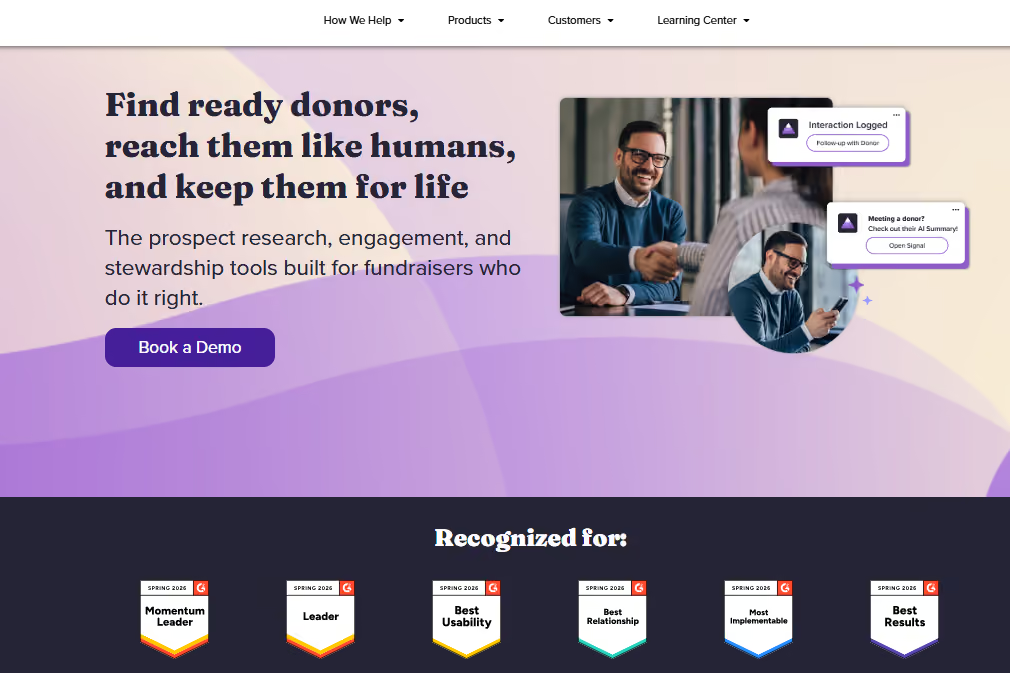
EverTrue brings prospect research and wealth screening directly into the platform. It's built for institutions focused on major gifts and looking to connect engagement data with donor intelligence. It really stands out with helping teams identify which alumni are most likely to give and when. This is fundamentally different from the other platforms in that it's more specialized than all-in-one.
Best for: Institutions with a dedicated major gifts program and the capacity to leverage wealth screening and engagement data together. Works best for universities managing alumni records where prospect identification directly feeds major gifts strategy.
Key Strengths:
What it's not great at: It’s not a full platform replacement. You still manage separate systems for events, email marketing, and community. Best used alongside other tools, not instead of them.
Pricing: EverTrue offers custom pricing based on institutional requirements.

360Alumni is an all-in-one platform similar to Almabase, but leans more into networking and community as the centerpiece. It's built for schools that want to give alumni a branded, customizable space to connect and engage while also managing fundraising and events. The platform launched in 2013 with a specific mission: help institutions deliver value through their alumni network, not just extract giving.
Best for: Institutions wanting a modern, integrated alternative with strong community and engagement features. It works well for colleges prioritizing alumni network building alongside fundraising, particularly schools at earlier stages of alumni relations sophistication.
Key Strengths:
What it's not great at: CRM integration maturity is less established than some other platforms on this list. The community-first approach can mean fundraising and advancement workflows feel secondary. Smaller user base means fewer case studies and peer reference institutions compared to more established platforms.
Pricing: EverTrue offers custom pricing for institutions based on alumni count and feature requirements.
Setting expectations around things like how data migration will work, what resources your team will need, and what “success” looks like in the first few months will help you and your team down the line.
Before you commit, it helps to get clear on a few key areas:
Get answers to these before you sign anything:
1. Data migration: Think about all the logistical parts:
2. Timeline: What's a realistic implementation schedule? If a vendor suggests a short implementation window, like a week, for a full migration, it might be time to invoke some healthy skepticism. Most implementations take 3 weeks to two months when you factor in data cleanup, staff training, and testing.
3. Training and onboarding: What does the platform’s ongoing support look like after go-live? Will you get a dedicated implementation manager, or are you on your own, and does that work for you?
4. CRM integration: Work out the specifics: will it be real-time or batch sync? How often do you sync? What happens if something breaks, who takes the responsibility to troubleshoot?
5. Costs: Consider implementation, ongoing licensing, and any integration fees you might not have anticipated. Ask for a three-year cost projection, not just the first-year number.
6. Contingency: What happens if you need to run both systems in parallel? Can the vendor accommodate that, or are there any additional costs there?
Your current platform isn't disappearing tomorrow. You have time to approach this strategically.
Running parallel systems briefly costs less than rushing the transition and spending months fixing mistakes. Early vendor conversations will tell you a lot about their implementation approach and about gaps in your own readiness. Budget time for staff training alongside platform setup. Even the best platform in the world won't work out if your team doesn't know their way around it.
Choosing the best alternative to BBNC is a chance to make day-to-day work easier for your team and create a smoother experience for alumni and donors. We've seen institutions get the most value when they reduce the number of disconnected tools staff have to manage. Cornell College achieved this by bringing critical functions together in one connected ecosystem.
That same pattern shows up in other institutions that have modernized their BBNC setup: cleaner workflows, less manual work, and a better experience for the people interacting with the institution.
If you'd like to explore more, these stories are a good place to start:
Whatever platform you choose, the goal is the same: give your team fewer systems to wrestle with and more time to focus on alumni, donors, and the work that matters most.
If you're exploring alternatives to BBNC and want to see what a more connected advancement experience could look like, request a demo and we'd be happy to walk you through it.
Subscribe
See how modern advancement teams bring alumni engagement and fundraising together.
Plan faster. Execute better
Explore free templates designed for alumni and fundraising teams.
.png)

.avif)
Anwesha Kiran
Alumni are among your institution's most valuable assets. They provide mentorship, career opportunities, financial support, and serve as natural, authentic brand ambassadors for your school. This, of course, depends on the extent to which they feel connected to their alma mater once they’ve graduated. But nurturing relationships is a complex undertaking, and especially so at scale. Keeping alumni engaged across multiple touchpoints like events, communications, giving, and career networking remains a persistent (as well as rewarding) challenge for advancement teams. The right alumni management software solves this by bringing engagement activity, fundraising, and community into a single system.
Choosing the right alumni management system cuts through the fragmentation that typically forces teams to stitch together multiple disconnected tools, and makes it easier to track which initiatives drive outcomes.
With so many options available, this blog compares the ten best platforms that could help you get there, based on your specific requirements.

Almabase brings alumni engagement and fundraising into the same workflow, connecting the activities between constituents and institutions. The platform builds interactions such as alumni events, email campaigns, or giving days into a shared engagement history rather than treating them as standalone features, giving your team a complete picture of constituents’ journeys.
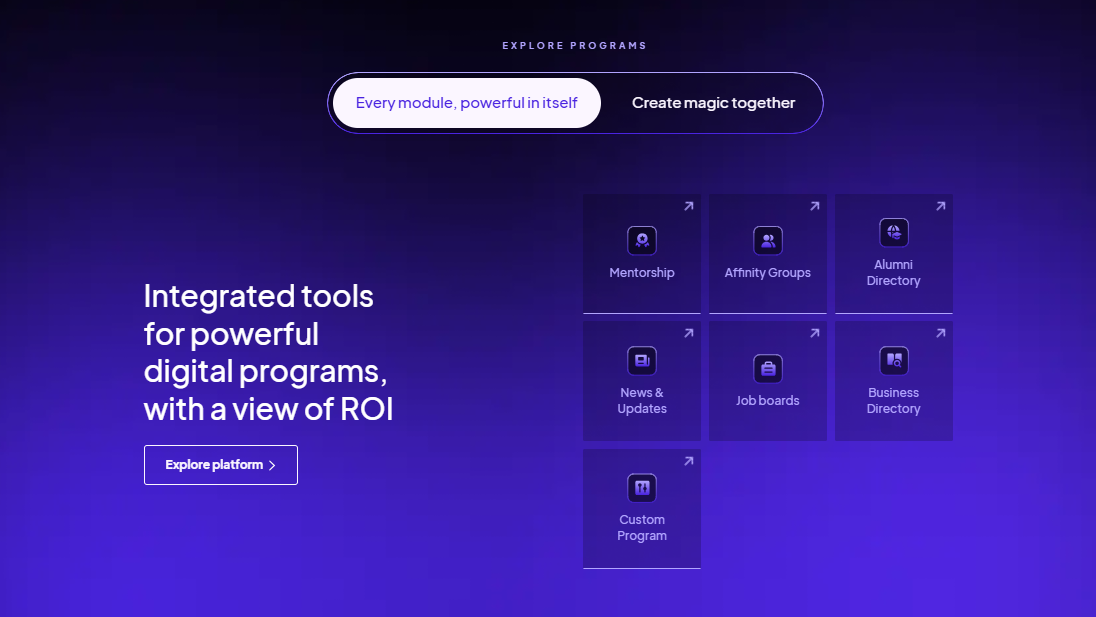
Almabase’s engagement tools connect with your CRM seamlessly. Its TrueSync integration with Raiser’s Edge NXT supports two-way, real-time data sync, so information can move between Almabase and RE NXT without the recurring exports, imports, and manual updates that can come with managing separate systems.
The platform also brings alumni-facing programs such as directories, mentorship, job boards, events, and email campaigns into the same environment. This means fewer disconnected tools and less work trying to piece together engagement data afterward for institutions running several of these programs at the same time.
That makes it relevant for teams of all sizes running all types of events: reunions, regional events, giving days, donor events, and ongoing alumni communications.
All of these features make Almabase particularly suited to advancement teams that want engagement activity and fundraising data to work together. It's also a natural fit for institutions already working in Raiser’s Edge NXT and looking to connect their alumni-facing activities more closely to their advancement database.
Pricing: Custom pricing based on institution size, requirements and alumni count.
EverTrue is a fundraising intelligence and donor engagement platform built to help advancement teams find better prospects, understand their constituents, and give fundraisers more context for their outreach. EverTrue sits alongside your CRM and enriches constituent records with engagement, career, social, and wealth information.
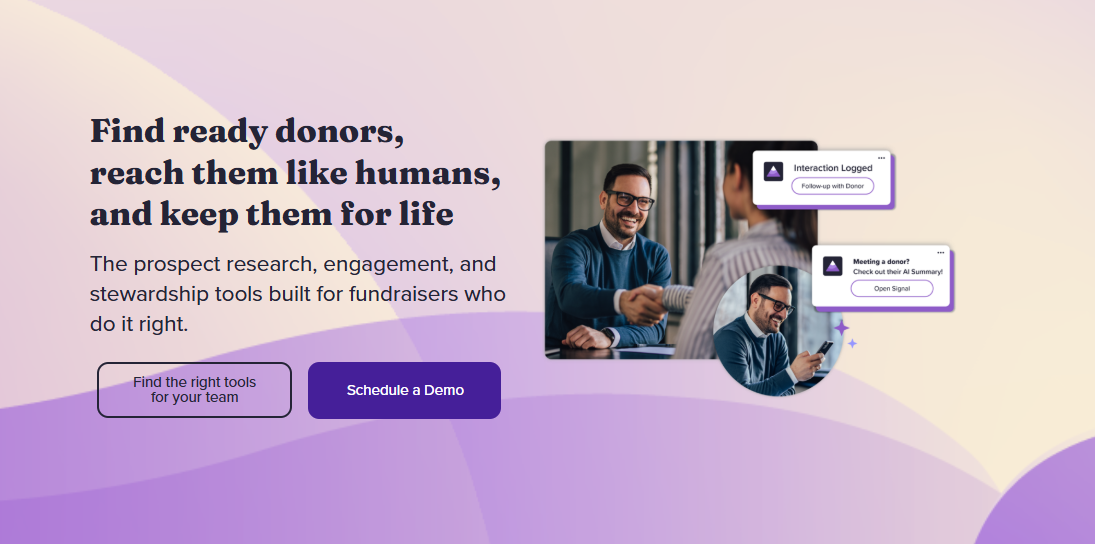
EverTrue brings a lot of external intelligence into constituent records. TrueView profiles can combine your existing CRM data with career changes, social media activity, donor interests, wealth indicators, and other signals, giving fundraisers a more current picture of the people they're trying to engage. The platform also supports prospect discovery, segmentation, mapping, and alerts to help teams identify people who may be worth a closer look.
It's a good fit when you already have a CRM you want to keep and need additional intelligence to help fundraisers identify prospects, prioritize portfolios, plan visits, and personalize outreach. However, it's less suited to institutions looking for a single platform to run their broader alumni engagement program.
Pricing: Custom pricing based on the EverTrue products and capabilities an institution selects. Estimates place the starting quote at about $5000 a year.
360Alumni brings together an alumni directory, networking, events, fundraising, mentoring, job boards, and email marketing in a single branded environment. Its focus is less on advancement operations and more on giving alumni a place to find each other, build connections, and participate in their alumni community.
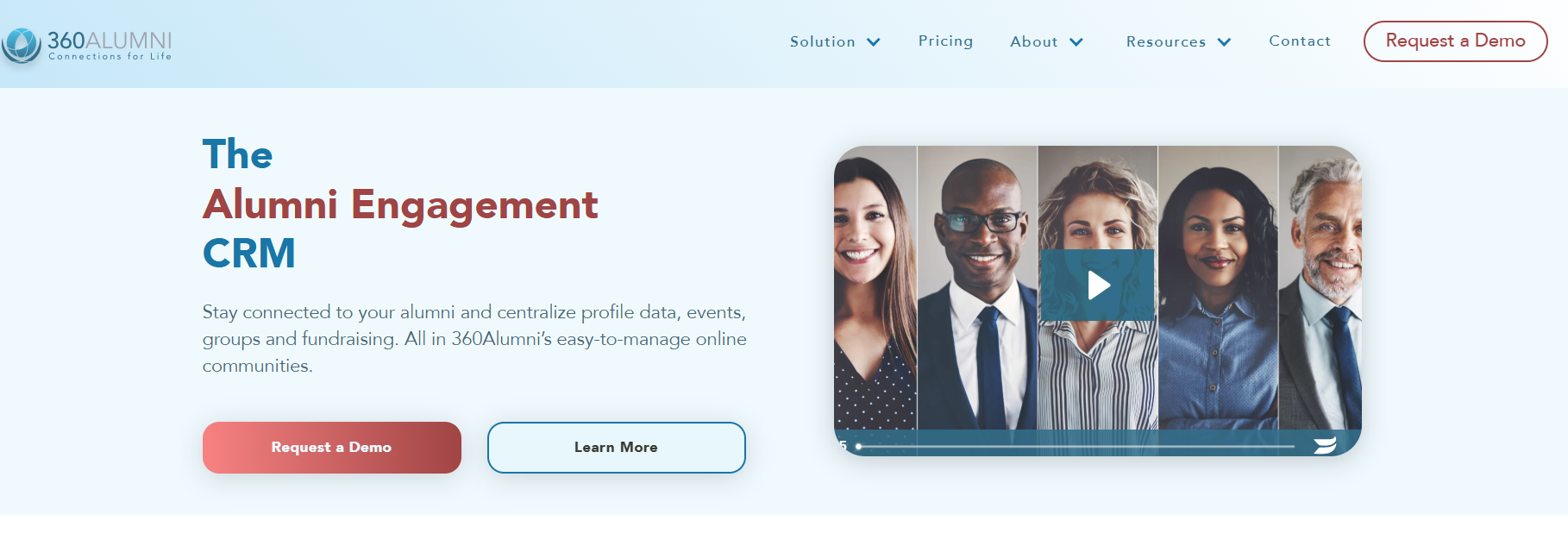
360Alumni stands out as being a more alumni-facing platform. It puts its interactive alumni directory and map at the center and makes it easy for users to search for other alumni by a range of metrics: location, profession, interests, and other criteria.
360Alumni is well suited for schools where an alumni directory, career networking, mentoring, and geographically based connections are all important parts of the engagement strategy.
Pricing: Custom pricing based on record count, with an initial setup cost and annual subscription. 360Alumni also charges a 3% credit-card processing fee plus a plan-dependent service charge on event ticket sales, donations, and membership payments.
Graduway is built around the idea of an alumni community as an active digital space, giving alumni a place to connect with each other as well as stay connected to their institution.
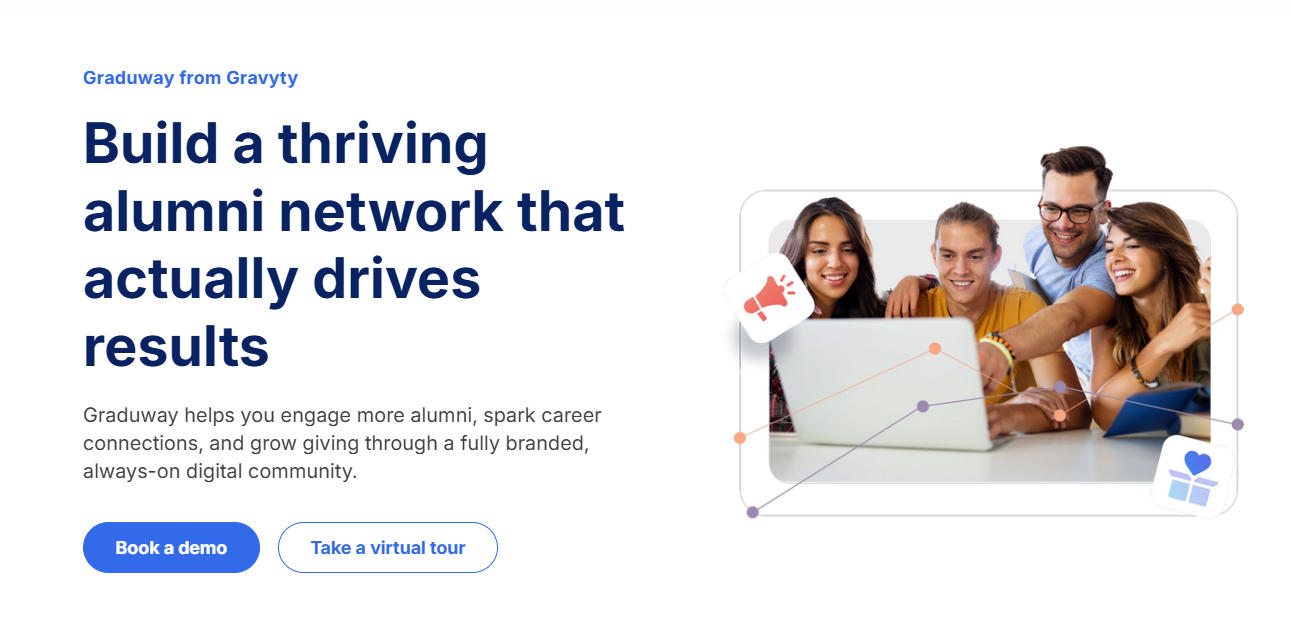
What sets Gravyty apart is alumni-to-alumni engagement. Alumni can connect with peers, participate in mentoring programs, join communities, and build professional relationships through the platform.
Graduway is particularly suited to institutions where community building, networking, and mentoring are central to the alumni engagement strategy. It's especially relevant for institutions with geographically dispersed alumni or large professional networks, where mentoring, career connections, affinity groups, and peer networking offer a major push to stay engaged throughout the year.
Pricing: Custom pricing based on the institution's requirements and alumni community size.
HiveBrite is a community platform designed for organizations that want more control over how their online communities look, work, and evolve. For higher education, it can bring alumni networking, groups, events, mentoring, career opportunities, and other engagement programs into a branded community environment.
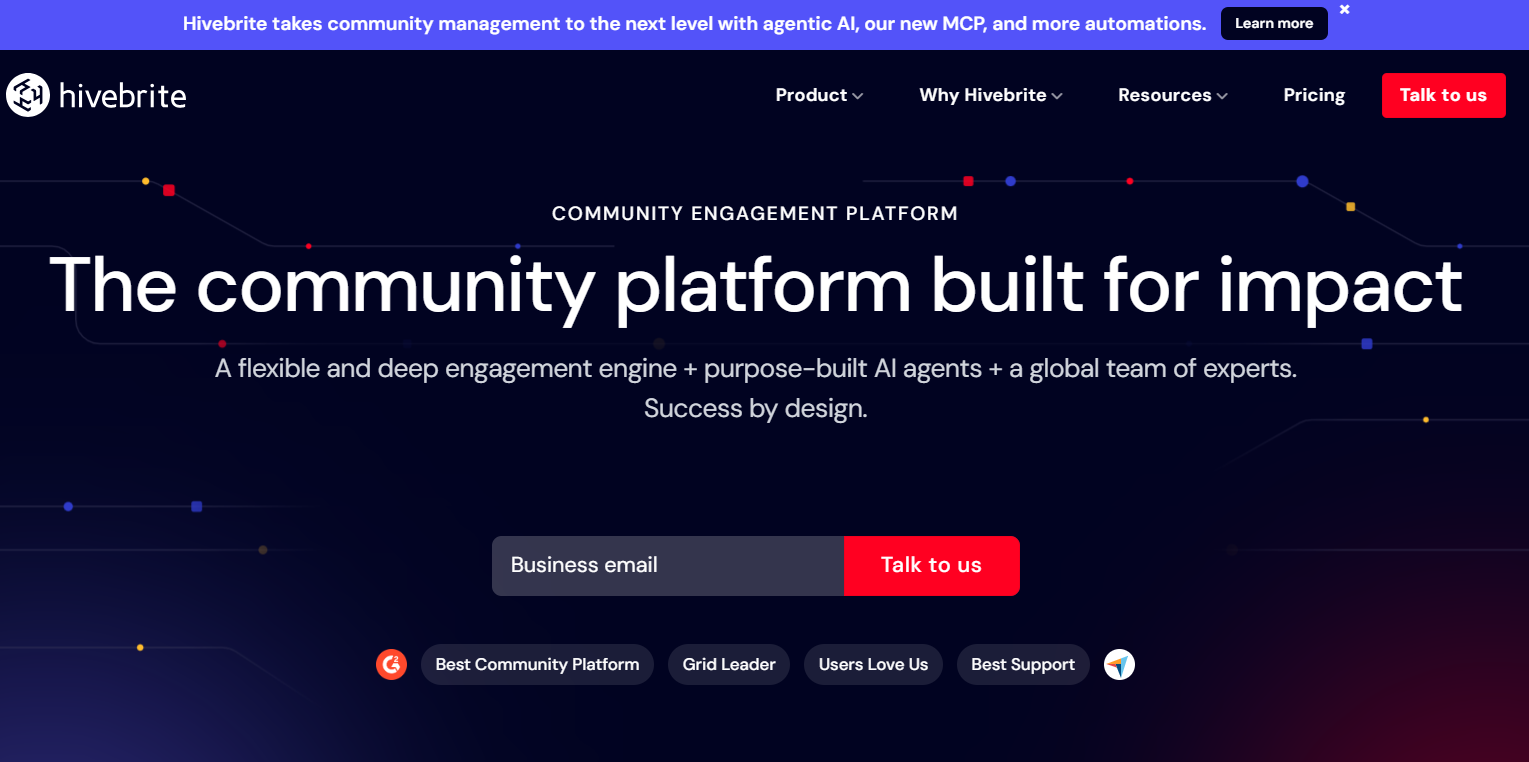
HiveBrite offers a good level of customization: institutions can shape member journeys, create different community spaces and permissions, customize the platform's design, and tailor experiences for different audiences.
The platform also supports events, groups, discussions, mentoring, career networking, and other community activities. Its multilingual capabilities and support for international communities make it relevant for institutions managing alumni networks across multiple countries and regions.
HiveBrite is particularly suited to larger institutions that want to build a highly tailored alumni community and have the resources to support implementation and ongoing administration.
Pricing: HiveBrite offers tiered and custom pricing starting at $895/month depending on the size and requirements of the community.
PeopleGrove is an alumni engagement platform built around helping institutions create stronger connections between students and alumni.
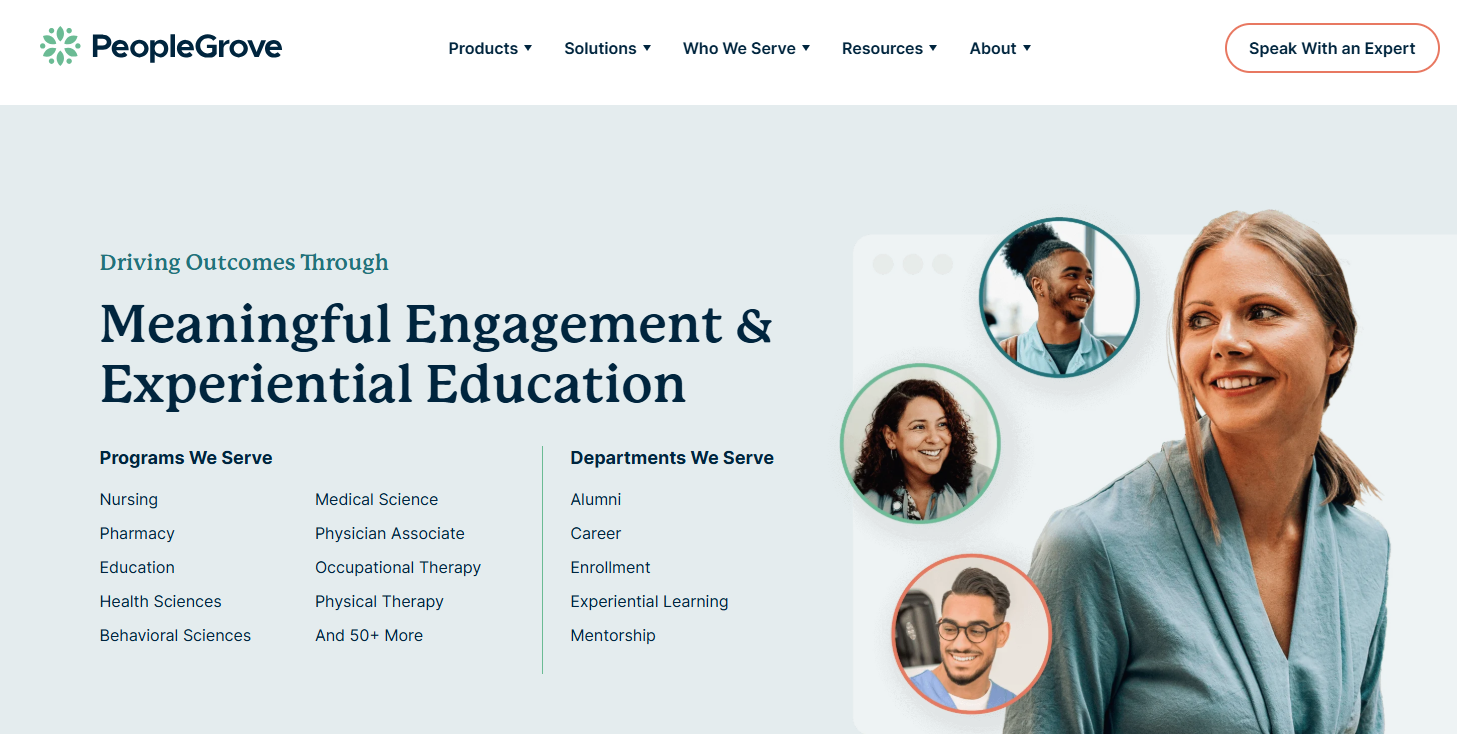
PeopleGrove particularly excels at structured program management. Teams can set up mentoring programs, match participants based on skills, interests, and goals, establish milestones, and track participation and outcomes. Rather than simply giving alumni a directory and letting them find one another, the platform gives institutions tools to actively shape how those connections happen.
The platform also enriches profiles with professional information from LinkedIn, helping you maintain more current information about where alumni work and what they do without relying entirely on manual profile updates. This information is useful when building targeted programs or helping users find relevant connections.
Pricing: Custom pricing offered based on the institution's requirements.
Encoura Encompass is a constituent engagement platform for higher education that brings website management, email marketing, event management, online giving, membership, and other alumni-facing functions into one system.
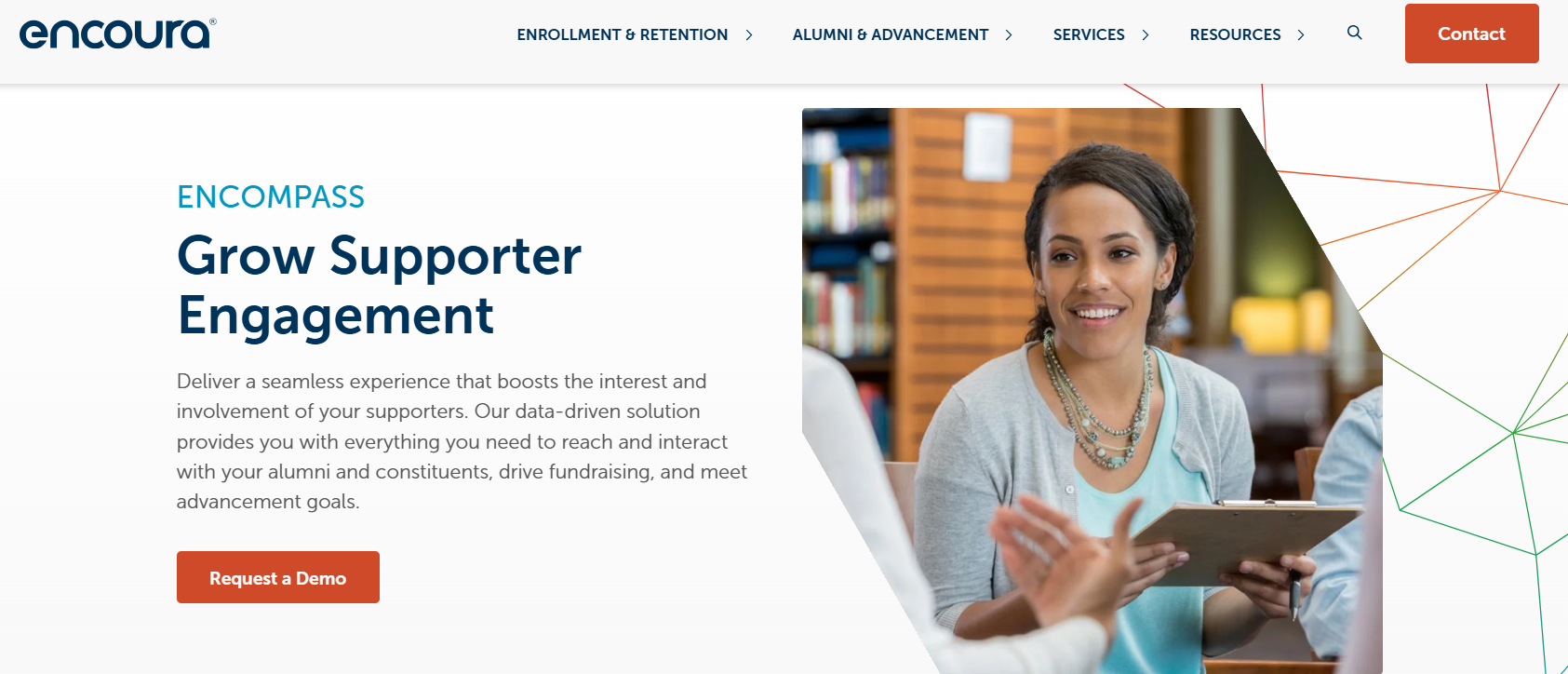
One of Encompass's biggest strengths is its breadth of constituent-facing functionality. Instead of using separate systems for an alumni website, communications, events, giving, and membership management, institutions can manage these activities through one connected platform. This breadth is particularly useful for institutions already working within the Anthology ecosystem.
For institutions evaluating it, the recent ownership transition is an important part of the conversation: Encoura acquired the service in 2026, so teams should evaluate the current product roadmap, support model, and integration plans alongside the platform's existing functionality.
Pricing: Estimate currently place pricing starting at $7,500 per year, but the platform does not publicly disclose its prices.
ToucanTech is an alumni and community platform that brings together an alumni database, website and portal, email marketing, events, fundraising, memberships, and career networking. Built specifically for schools and educational institutions, it aims to give teams a broad set of alumni engagement tools without requiring extensive technical configuration.
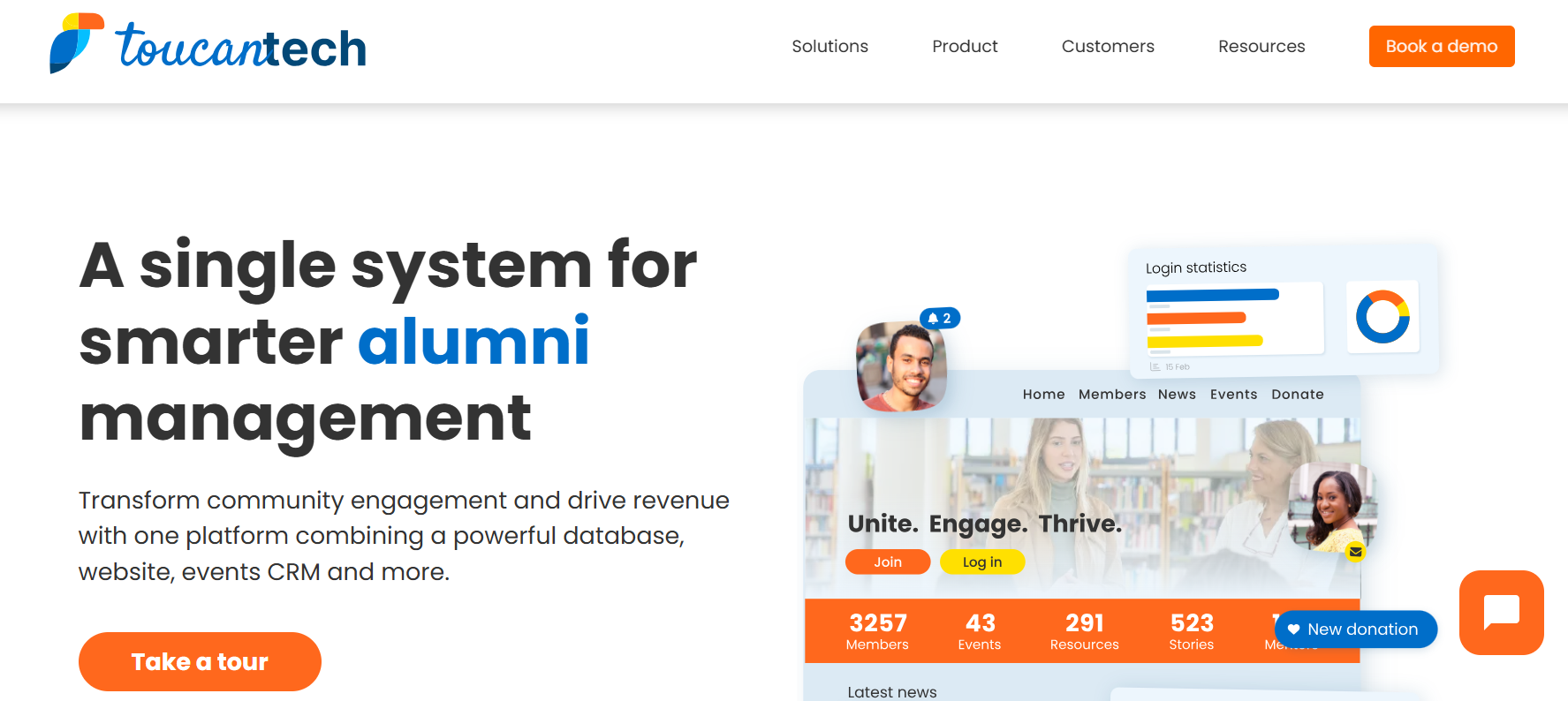
ToucanTech champions ease of use as one of its core principles. Users frequently highlight its intuitive interface and customer support. The platform also keeps common alumni activities connected. Event registrations, donations, communications, memberships, and constituent information can be managed within the same system, giving teams one place to work from rather than stitching together several point solutions.
It's a useful option for teams replacing a legacy alumni system, building a program with a relatively small staff, or looking to consolidate several alumni-facing tools into one platform.
Pricing: ToucanTech's core plan has a flat rate of $8,000 per year.
WildApricot is a membership management platform used by associations, nonprofits, and community organizations.
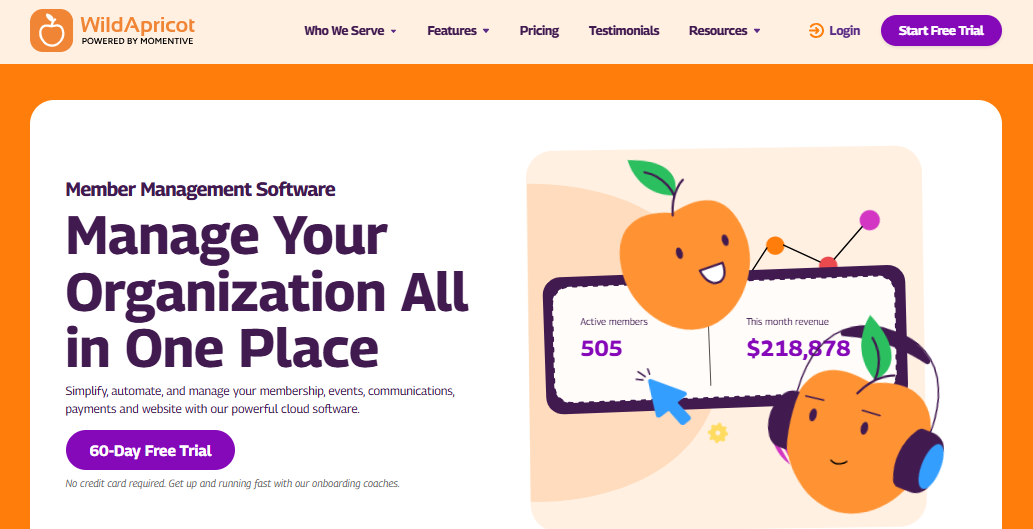
The platform sets itself apart with its straightforward pricing and setup. Unlike many enterprise alumni platforms that require a sales conversation before you can estimate costs, WildApricot publishes its plans based on the number of contacts you manage. It also offers a 60-day free trial, making it easier for smaller organizations to test the platform before committing.
The platform is also designed to be managed without extensive technical expertise. Teams can build a member-facing website, maintain a directory, create events, collect payments, and send communications from the same system.
WildApricot is a good fit for small alumni associations and organizations with simpler membership and event needs, such as maintaining a member directory, managing memberships, organizing events, sending communications, and collecting payments.
It may become less suitable as an institution's needs expand into larger and more specialized alumni engagement or advancement workflows.
Pricing: Plans are based on contact volume, starting at $63/month for 100 contacts and increasing with database size. WildApricot also offers a 60-day free trial.
GiveCampus is built around fundraising, alumni engagement, events, volunteer management, and frontline fundraising. As an engagement layer that sits on top of your CRM, it brings together constituent, gift, event, volunteer, and frontline fundraising data.
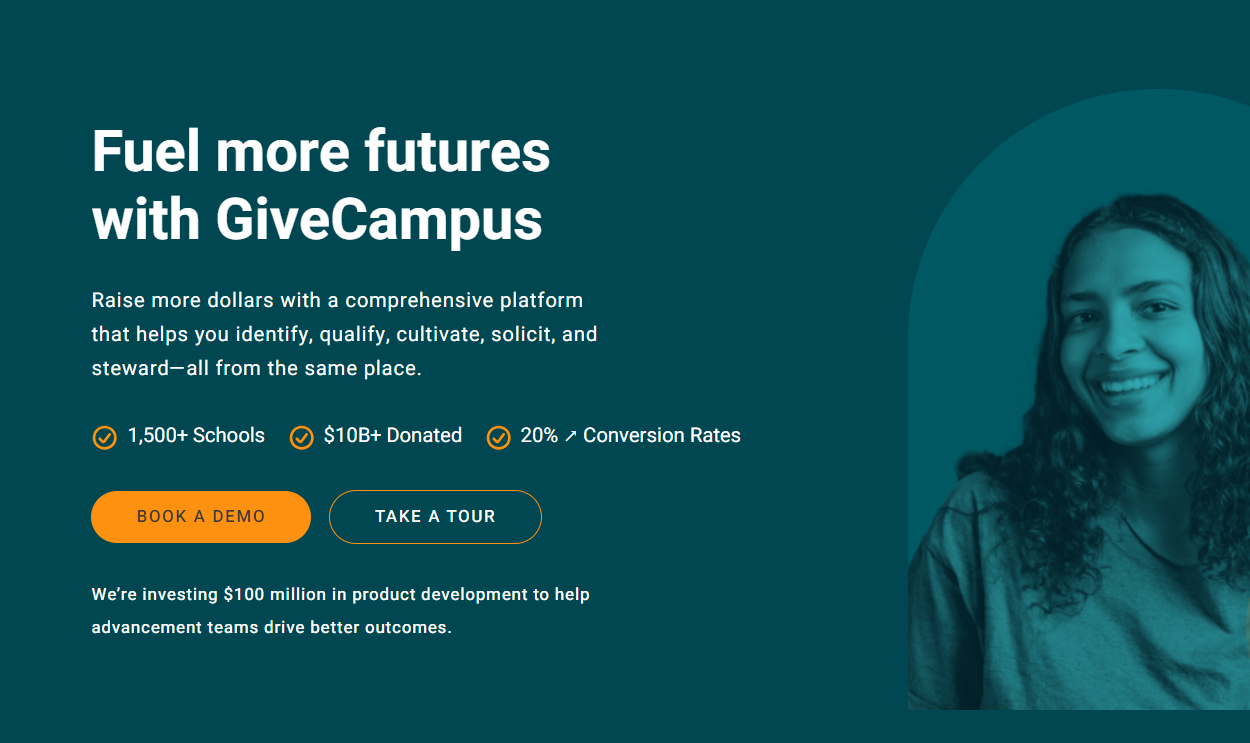
This is particularly useful for advancement teams that want events and alumni engagement to feed directly into fundraising workflows. GiveCampus also supports email and text outreach, volunteer management, and fundraising campaigns within the same ecosystem.
It's a strong fit for institutions running a lot of giving campaigns, reunions, alumni events, volunteer programs, and donor outreach from the same advancement operation.
It's less of a traditional alumni-community platform built primarily around directories, mentoring, or social networking.
Pricing: Custom pricing offered based on the institution and products selected.
There’s no single alumni management platform that will be the right fit for every institution. Think on the question of what you need the platform to do, and you’ll be able to approach the decision with much clarity.
If fundraising and advancement are at the center of your alumni strategy, look for a platform that can connect engagement activity with your CRM and give your advancement team useful donor context. Almabase and GiveCampus are worth a closer look here, while EverTrue makes more sense for teams that need deeper prospect and donor intelligence.
If your priority is building an active alumni community, Graduway and HiveBrite take a more community-first approach, with tools for networking, groups, mentoring, and member interaction.
For institutions where alumni-to-student connections, mentoring, and career engagement are a major part of the strategy, PeopleGrove is built around those programs rather than treating them as an add-on. And if you're looking for something simpler to get up and running, ToucanTech offers a broader set of alumni tools, but with less emphasis on extensive customization.
Before you start booking demos, definitely get clear on what your institution actually needs from an alumni management platform and what you can realistically expect from your budget, team, and existing tech stack. That’s exactly what we cover in our Alumni Management Software Buying Guide. It walks through the key features to evaluate, questions to ask vendors, implementation considerations, and how to compare platforms against your institution’s specific needs.
If you’re unsure what to prioritize, flipping through the guide before comparing vendors might help!
Choosing alumni management software is a big decision, especially when your team will be relying on it for everything from everyday alumni communications to major events and fundraising campaigns. Take the time to see how each platform handles your actual workflows, what implementation involves, and how well it works with the systems you already use.
Almabase is worth exploring if bringing alumni engagement and fundraising closer together is a priority. It brings events, communications, giving, and alumni data into one platform, with CRM integrations to reduce manual work for your team. 🤗
You can read more about what makes Almabase a good alumni management software and how it supports different alumni programs.
Ultimately, the goal is to find the platform your team can comfortably use, your alumni will want to engage with, and your institution can continue to rely on as its programs grow.
Request a demo today to see how Almabase can help your institution nurture deeper relationships with your alumni. 💜

An institution can get by with spreadsheets and basic CRM functions, but a dedicated alumni management software makes a huge difference when you need to map engagement, personalize communications, giving, and complex events. So while not always necessary, it becomes almost essential as an institution scales its alumni management efforts.
There’s no single best option for every institution. The right platform depends on your goals, existing technology, budget, and whether you need deeper capabilities or customizations. Ultimately it’s about finding the right fit for your requirements.
Pricing varies widely depending on the platform, number of alumni, and features you need. Some platforms offer tiered pricing, while others use custom pricing based on the institution’s requirements.
Free tools can work for institutions with smaller alumni programs or straightforward needs, but they often come with limits on features, users, data, or customization. If your programs are growing, paid software may offer more room to scale.
You might find the terms being used interchangeably, but an alumni platform usually focuses on the alumni-facing experience, while alumni management software could also include the operational side, including data management, events, communications, and fundraising.

Best Alumni Management Software in 2026: 10 Platforms Compared
Lorem ipsum dolor sit amet, consectetur adipiscing elit. Suspendisse varius enim in eros elementum tristique. Duis cursus, mi quis viverra ornare, eros dolor interdum nulla, ut commodo diam libero vitae erat. Aenean faucibus nibh et justo cursus id rutrum lorem imperdiet. Nunc ut sem vitae risus tristique posuere.
Anwesha Kiran
April 20, 2026
12 minutes
Fundraising events are a mainstay in institutional and nonprofit advancement strategies across the board. With 77% of nonprofits that host fundraising events meeting or exceeding their fundraising goals, events remain one of the most effective ways to engage supporters and generate revenue.
Whether it’s a charity gala for a hospital foundation, a school auction for a K-12 PTA, or an alumni giving day, your choice of event management fundraising software can really affect the kind of experience you’re able to offer to your team as well as your attendees.
And with so many platforms that seem to do it all, picking which one actually fits your needs is easier said than done.
In this blog, we take a closer look at what fundraising event software helps with, what features to look for, and which platforms are worth considering depending on your goals and use case.
Fundraising event software is any platform that helps nonprofits, schools, and advancement teams plan, promote, manage, and measure fundraising events.
This usually covers everything from registration and ticketing to donation collection, guest check-in, and post-event reporting. This list of features can look a little different across different platforms, but a good platform usually has a combination of these to offer, all in one place. The types of events it can support include:
With a general tool you might stop at RSVPs and ticketing, but with a fundraising event software you’d be able to connect registrations to donor records, process gifts, track giving history, and feed all of that data back into your CRM so you can inform your future fundraising strategy.
While it might seem like every platform offers a set of similar features, it is important to be very clear about exactly what combination of features fits your fundraising event requirements the best.
Here are a few features that we think could set you up for success:
The platform should allow your team to create branded registration pages, sell tickets, manage guest lists, and track RSVPs. Support for multiple ticket types, table sales, and promo codes is essential, especially if you run complex, multi-day events.
Your event software should make it easy to collect donations before, during, and after the event in multiple ways: could be giving forms, donation add-ons at checkout, or live appeals during an event.
For some galas and charity dinners, features like silent auctions, mobile bidding, paddle raises, and item management are central to the fundraising strategy.
Many fundraising events depend on sponsorship revenue to break even or exceed their goals. You’ll want to manage sponsor packages, track visibility (logos on event pages, branded displays, etc.), and process sponsorship payments cleanly.
The platform should support personalized event invites, automated reminders, confirmations, and post-event follow-ups.
QR code and mobile check-in options reduce event-day mismanagement and capture accurate attendance data. This becomes especially relevant if you’re running multi-day fundraising events.
Your event data should sync back to your donor database or CRM automatically so your team doesn't have to spend time after every event manually reconciling lists and data across registrations, attendance and giving.
The right platform should report exactly what happened in your events with the right metrics: registrations, attendance, donations raised, revenue per event, expenses, donor participation rates, and follow-up opportunities.
As more and more organizations continue to adopt both in-person and virtual events (or a combination of both), the ability to support virtual attendance, livestream integration, and online-only becomes much sought-after.
Best for: schools, universities, and advancement teams
Almabase is built for educational advancement teams that want event management, giving, engagement, and CRM sync in one connected platform. It links registration, attendance and gift records back to your constituent's engagement history, so events become part of a donor journey.
Its TrueSync integration with Raiser's Edge NXT allows two-way, real-time data sync without manual intervention, saving your team lots of time and effort. The platform works well for alumni reunions, giving days, donor stewardship events, and school fundraising events.
Almabase is a good fit for teams that don't want event data sitting in a separate tool. It helps teams keep event management, gifts, communication and engagement data unified so every event can feed into a larger donor engagement strategy.
Best for: galas, auctions, and live fundraising events
OneCause (now part of Bonterra) is a well-known platform for nonprofit fundraising events, mostly galas, auctions, mobile bidding, and paddle raises. It supports unlimited events, a customizable event website, ticket sales, QR code check-in, seating management, real-time scoreboard displays, and text campaigns, all within a single platform.
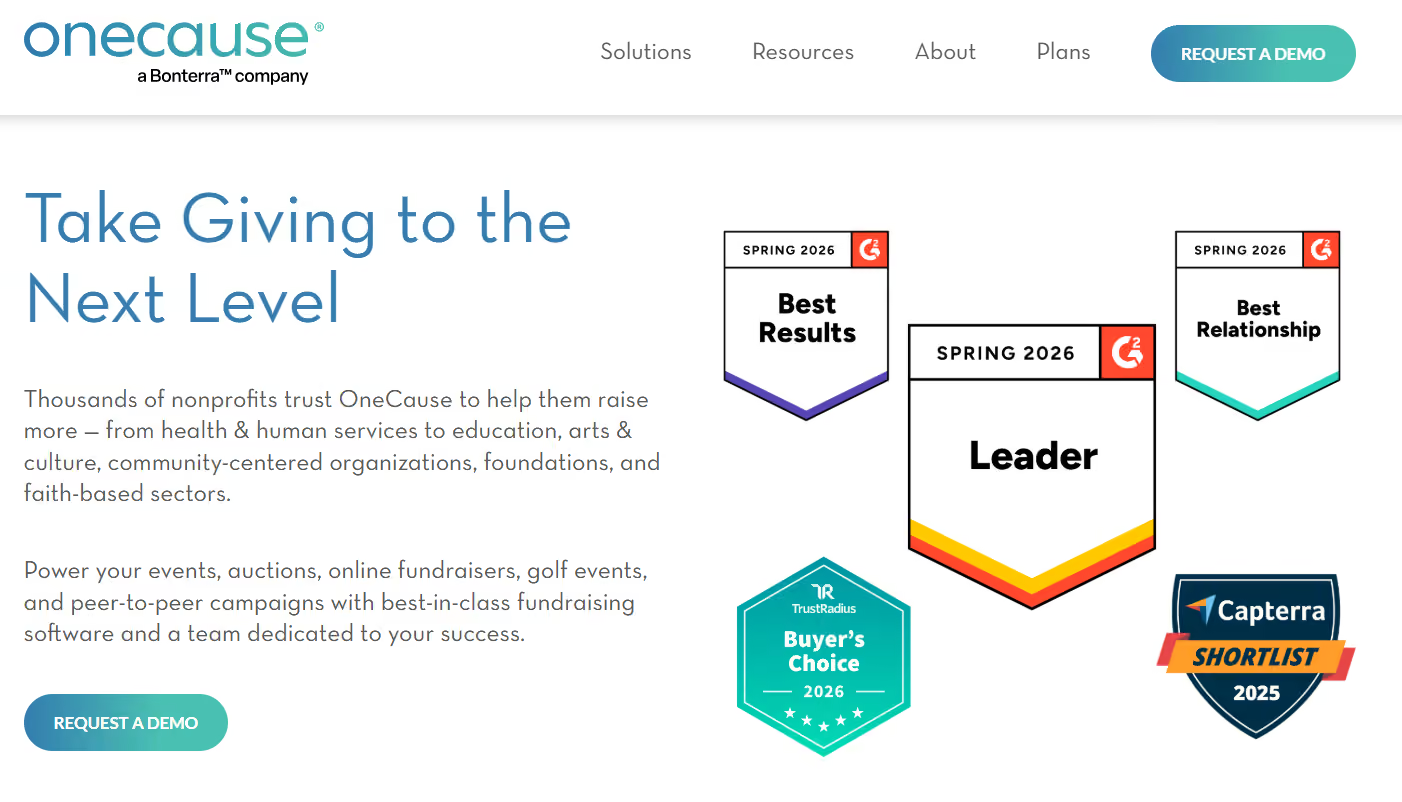
Its mobile bidding and auction tools are purpose-built for high-energy, donor-facing events for which real time engagement is really important.
OneCause is a great fit if your organization runs mid-to-large fundraising events and needs a reliable platform that keeps bidders engaged from start to finish.
Best for: mobile bidding and auction-heavy events
GiveSmart is an all-in-one fundraising platform with mobile bidding, event management, and donor engagement features. With an annual subscription, your team can run unlimited events like galas and golf tournaments, complete with text-to-give appeals all year-round, without needing separate tools for each.
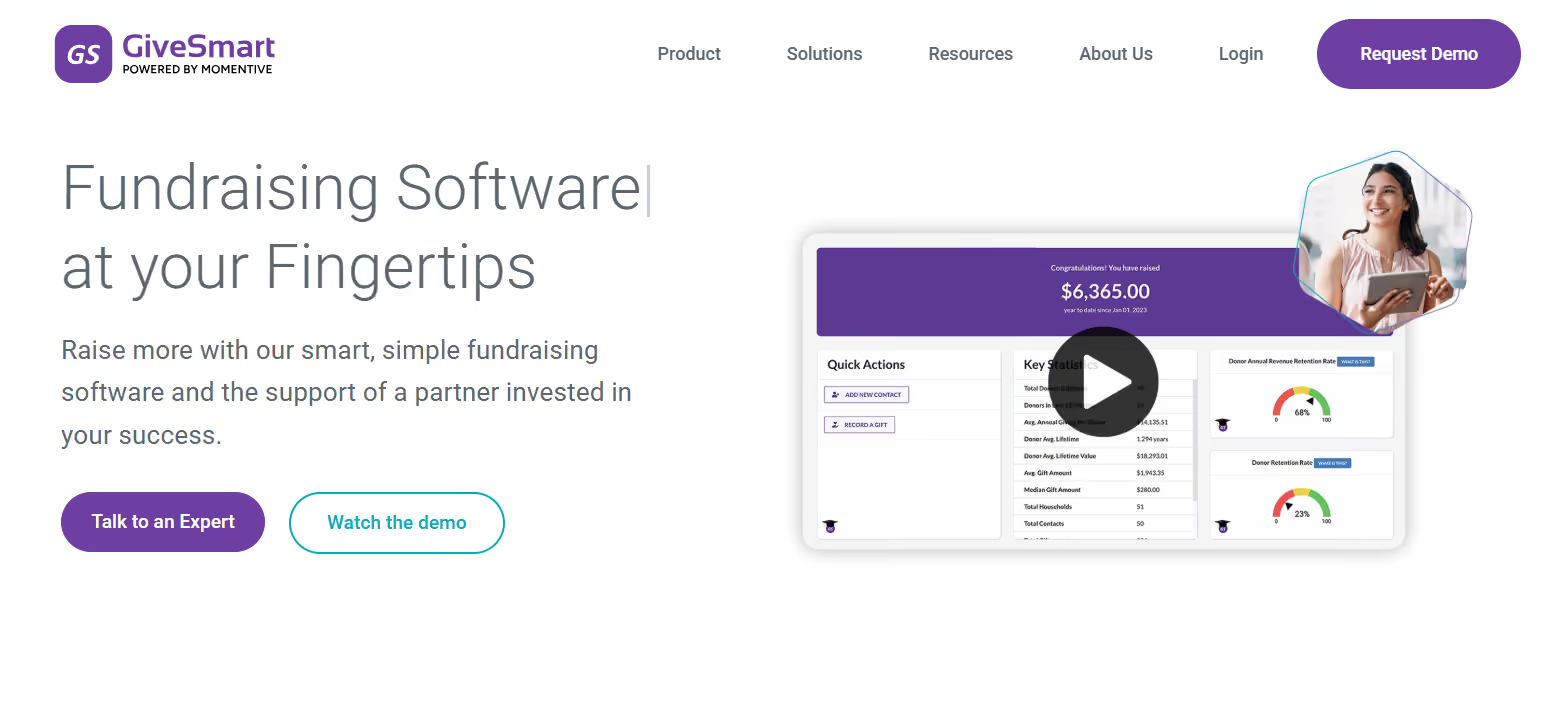
GiveSmart has an impressive feature set including ticketing and seating, customizable event websites, mobile bidding, live donation displays, and donor management. This makes it a good choice for nonprofits and schools that run multiple event-based fundraisers throughout the year.
Best for: silent auctions
Handbid is a mobile-first auction and fundraising platform designed specifically for organizations running silent auctions. Built by nonprofit fundraisers who decided to fix the chaos of paper bid sheets, Handbid replaces that process with a native mobile app, automated outbid notifications, real-time leaderboards, and streamlined guest check-in and checkout.

Over 40,000 auctions, Handbid has helped organizations raise more than a billion dollars. Beyond auctions, it also supports live events, paddle raises, peer-to-peer campaigns, text-to-give, and hybrid events with livestreaming.
For private schools, nonprofits, and any organization where the silent auction is central to the fundraising strategy, Handbid is the platform for you.
Best for: free or low-cost fundraising events
Givebutter is an all-in-one nonprofit fundraising platform that combines donation forms, event management, auctions, peer-to-peer fundraising, as well as a built-in CRM and offers all of these features under a free pricing model.

These core features are available at no platform fee when optional donor tips are enabled. If you prefer to turn off tips, a flat 3% platform fee applies.
Their paid tier, Givebutter Plus, starts at $29/month, which provides advanced automation and analytics.
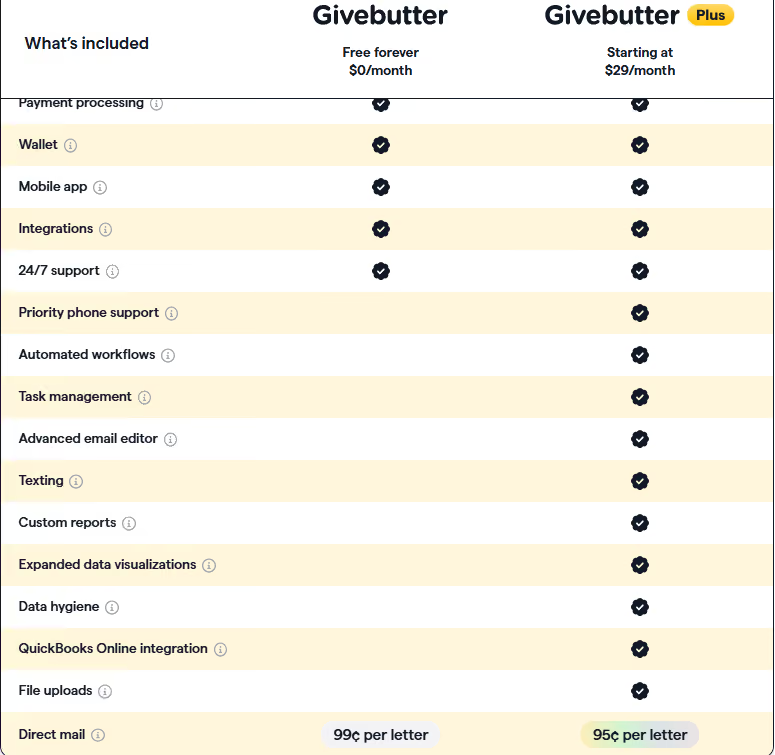
Givebutter is a great choice for small to mid-sized nonprofits and schools looking for a capable, budget-friendly platform that handles both events and broader fundraising without adding platform costs.
Best for: budget-conscious nonprofits and schools
Zeffy is the only fully zero-fee fundraising platform for nonprofits. It asks for zero setup fees, no monthly subscriptions, and no platform or processing fees. It is funded through voluntary contributions from donors, meaning 100% of what you raise goes directly to your organization.
Over 100,000 nonprofits across the US and Canada use Zeffy.
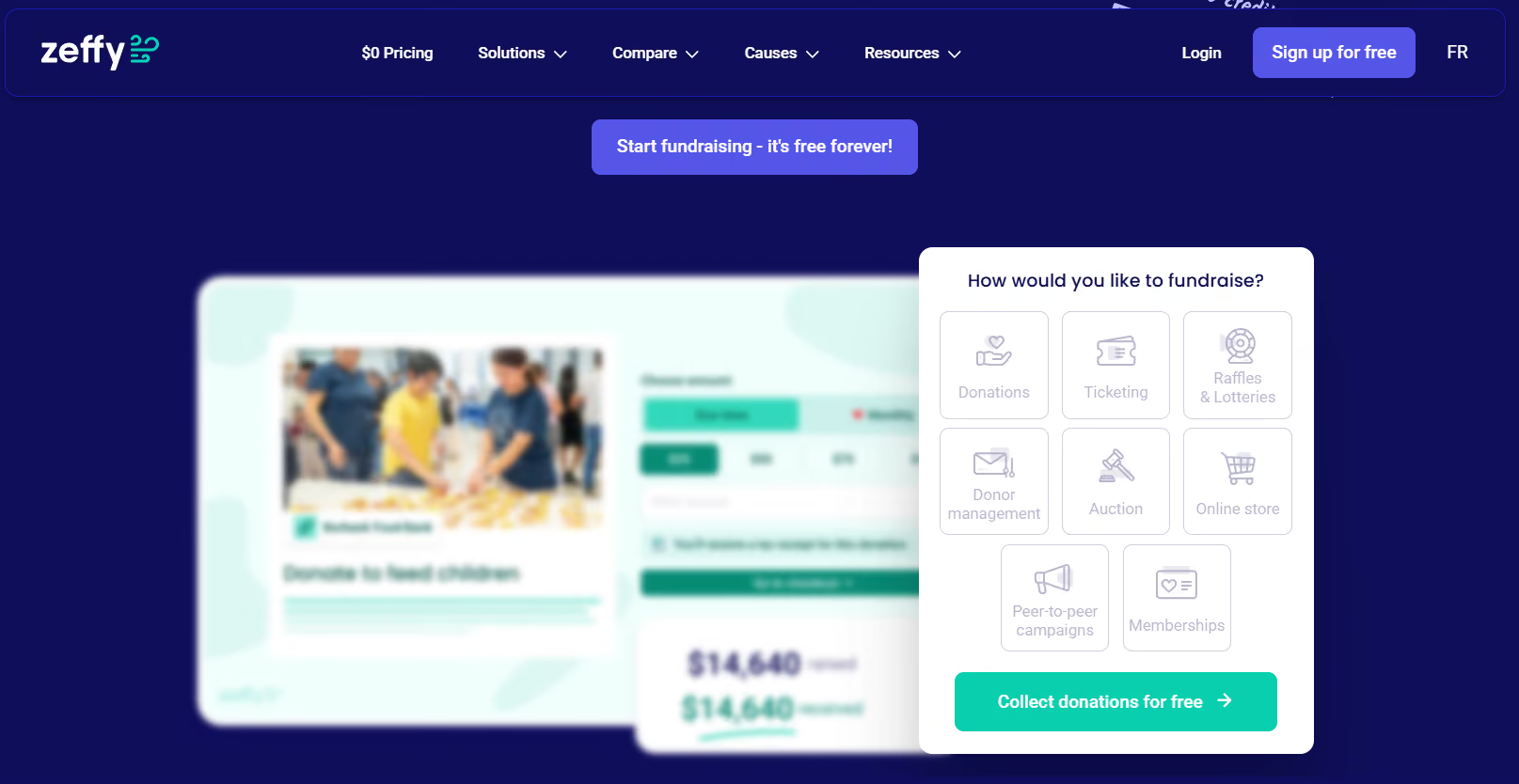
For event management specifically, Zeffy offers customizable event pages, multiple ticket types, QR code check-in, in-person tap-to-pay capabilities, as well as detailed reporting.
It's the choice for smaller institutions, nonprofits or smaller schools that need professional event management tools but are operating on limited or no budget.
Best for: donation forms and simple campaigns
Donorbox, previously known for its embeddable donation forms, has grown into a broader fundraising suite that includes event ticketing, peer-to-peer fundraising, recurring giving, and a donor CRM. Since its event feature was launched in 2022, organizations have sold over $25 million worth of tickets through the platform.
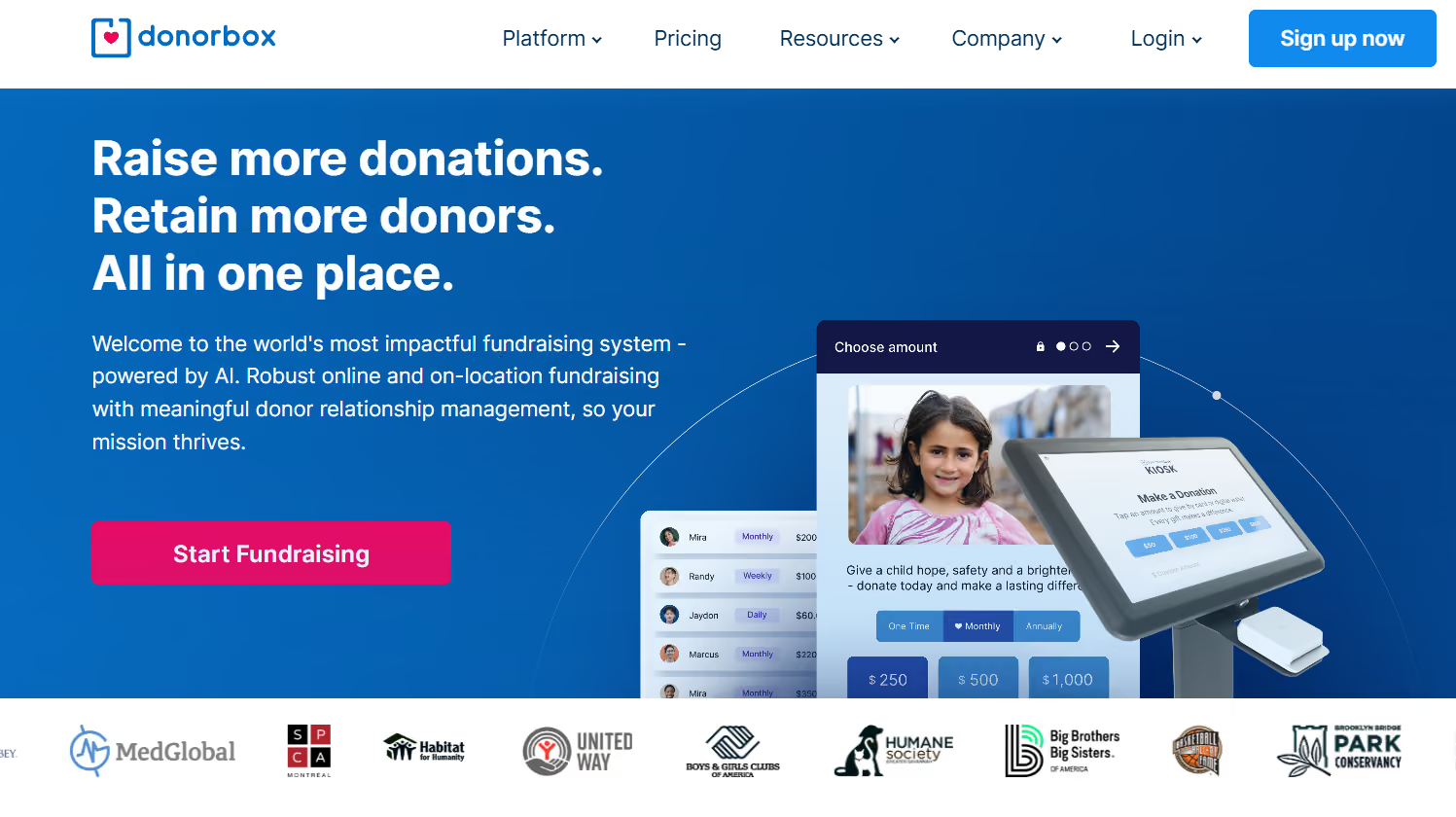
Its event ticketing tool supports multiple ticket types, fair market value calculations for tax receipts, QR code check-in, and integrations with payment processors like Stripe and PayPal.
Donorbox is a great option if your team wants reliable donation forms and basic event ticketing within the same tool.
Best for: donor management with event capabilities
Bloomerang is a giving platform that brings together donor management, fundraising tools, volunteer management, and event management in one system. Its event management module has a massive set of features including ticketing, QR code check-in, auctions, peer-to-peer campaigns, and text-to-give, with AI-powered features that reportedly boost giving form conversions by up to 55%.

Events are tracked alongside giving history, engagement scores, and communication records, making it easier to identify your most active supporters and tailor follow-up accordingly.
For teams that put long-term donor relationships at the center of their fundraising strategy, Bloomerang is a great fit.
Best for: simple ticketed events
Eventbrite has been one of the most widely recognized event platforms, and it remains a good fit for institutions that need quick, reliable ticketing. Publishing events on the platform is free, while ticketing fees apply to paid tickets. Even so, nonprofits can access a 50% discount on Pro plans.

Eventbrite is best for straightforward fundraising events where the goal is getting people in the door. Millions of people turn to Eventbrite to find local events. For nonprofits, it’s a good way to reach new people and get more attendees to community events.
Where it falls short for fundraising purposes is deeper donor engagement: it doesn't offer native donor record creation, CRM integration, or fundraising-specific tools like auction management or pledge tracking. If you need those capabilities, you'll likely need to layer another tool on top of Eventbrite.
Best for: large-scale event logistics
Cvent is an enterprise-grade event management platform designed for organizations with complex, high-volume events. These events are supported across multiple formats: in-person, virtual, as well as hybrid. It handles end-to-end event planning, from venue sourcing and registration to session management, and provides detailed analytics as well.
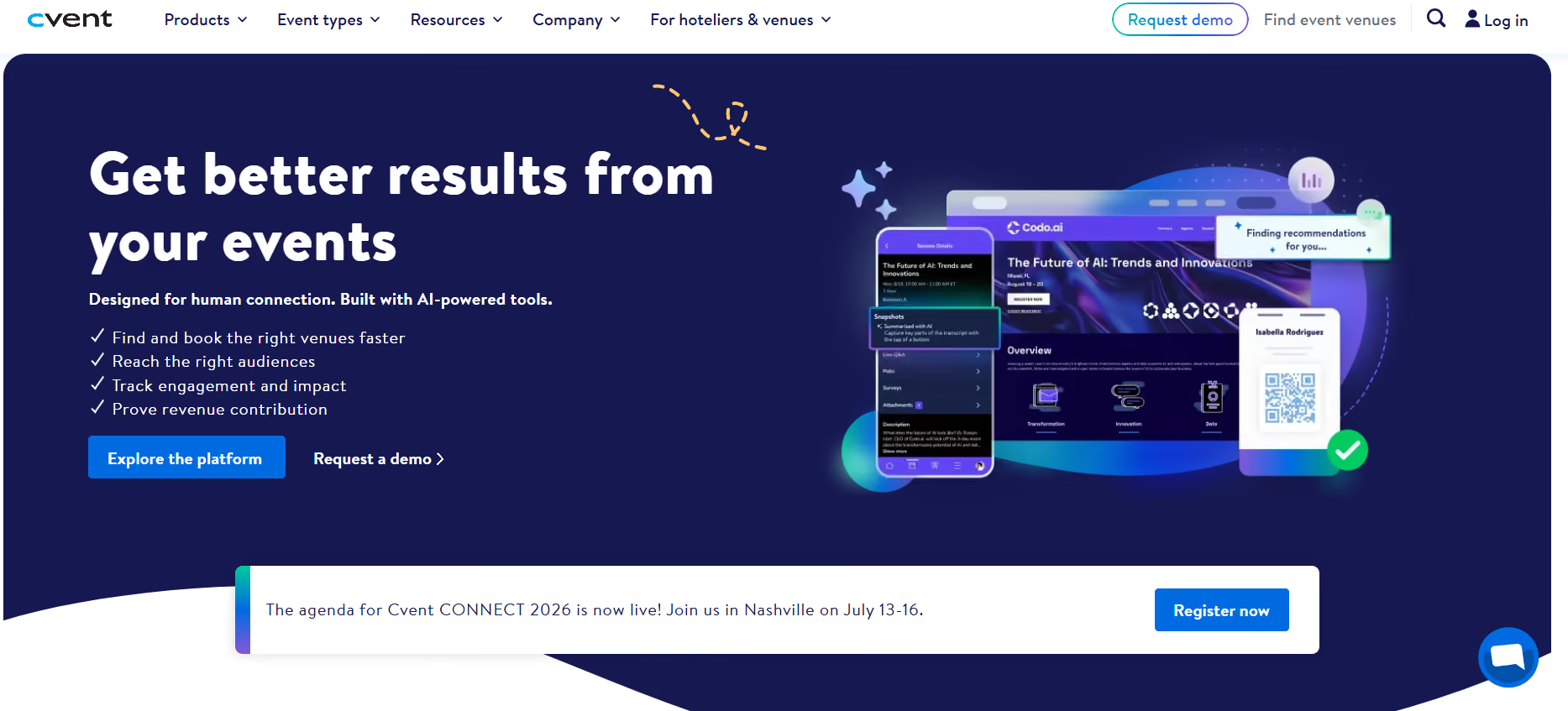
Given its scale, Cvent is most at home in larger environments: hospital foundations, university advancement offices, and associations that run many events annually and are looking for scalability, and integration across an existing tech stack. It's generally better suited for institutions with dedicated event operations staff and complex event programs than for smaller teams running one or two fundraisers a year.
The right platform depends heavily on the kind of event you're running, who's attending, and how much work your team is left with after the event ends. Here’s a quick look at everything we discussed so far:
Free tools work well for smaller teams, simpler events, or organizations that are just getting started. Platforms like Givebutter and Zeffy offer a good set of features with little to no platform cost, and for many, it’s a perfectly reasonable starting point.
That said, as your event complexity rises, so do the capabilities you look for from the platform you’re using. You might still find a few of your requirements on free platforms, but if you need more than a basic set of features, you might need to consider a paid platform. So the choice really comes down to if your event requires the following (or any combination of these):
If your platform cannot handle the scale of your event, the free tool might cost you more in staff time and missed opportunities than a paid platform would have, simply because it was not built to handle a complex set of requirements.
With so many options available, choosing one might seem challenging. After a point, everything starts looking the same. We suggest working through these questions with your team before you start comparing platforms. It can save a lot of time (and help you avoid a costly switch down the road).
Your primary event format should drive the decision. Auction-heavy events, peer-to-peer campaigns, and large galas all have different platform needs.
Some platforms specialize in one area. Ensure the tool you’ve chosen handles the full scope of what you actually do.
If supporters fundraising on behalf of your organization is part of your strategy, it is a core feature for you and your platform too should support it as such, and not as an add-on.
This is probably the easiest of the lot. If the answer is yes (and for most advancement teams, it is) this should be non-negotiable for you.
If your team spends days reconciling spreadsheets post-event, you need a platform with stronger automation and integration.
Branded, professional registration pages bring credibility to your event. This can affect the donor’s first impression when they see your giving page. Building trust with your donors matters!
If you're accountable to a board or leadership team, choose a platform that reports the right set of metrics to give you clear visibility into revenue, expenses, and donor participation.
Consider who in your team will work with the tool the most. Whether it's your advancement team, alumni relations staff, or volunteers, make sure that the platform is easy to use for those who will work with it. Implementation support is also a factor to consider at this point.
For K-12 schools and universities, Almabase is a great fit. It is built for teams that want to connect event management, giving, and alumni engagement in one place with CRM sync back to Raiser's Edge NXT or other systems.
For nonprofits running galas, auctions, or multi-event programs, platforms like OneCause, GiveSmart, and Bloomerang are strong contenders. For budget-conscious teams, Givebutter and Zeffy offer free-tier options.
Event ROI is calculated by subtracting your total event costs (venue, catering, platform fees, staff time, marketing) from the total revenue generated (ticket sales, donations, auction proceeds, sponsorships), then dividing by the total costs. A positive ROI means the event generated more than it cost.
.avif)
Best Fundraising Event Software for Institutions and Nonprofits
Lorem ipsum dolor sit amet, consectetur adipiscing elit. Suspendisse varius enim in eros elementum tristique. Duis cursus, mi quis viverra ornare, eros dolor interdum nulla, ut commodo diam libero vitae erat. Aenean faucibus nibh et justo cursus id rutrum lorem imperdiet. Nunc ut sem vitae risus tristique posuere.
Anwesha Kiran
June 5, 2026
12 minutes
School fundraising software has come a long way from bake sales and car washes. Today, administrators, parent organizations, and athletic directors are turning to purpose-built fundraising software to run campaigns that are more complex than ever before.
But with dozens of platforms on the market, choosing the right one can feel overwhelming. Should you go with an all-in-one solution that handles donor management and online giving? Or do you need something specialized for auctions, walk-a-thons, or youth sports? In this blog, we want to walk you through the top fundraising software options for K–12 schools, depending on your needs so you can find the best fit for your institution.
Institutional fundraising has never been more data-driven than it is today, and your school (or team) needs to be able to make use of it to keep up with the increasing expectations of your constituents. Apart from that, here are some things that make fundraising software so important for schools today:
A search for the best fitting fundraising platforms for schools starts with features. However, consider an alternative starting point: the workflow. Where does friction show up in your current workflow? The right platform should reduce that friction.
Most donors give from their phones. A donation page that loads quickly, requires minimal steps, and clearly communicates impact can influence completion rates more than design aesthetics alone.
Look for clarity around how transactions are processed, what payment gateways are supported, and how refunds or chargebacks are handled.
Equally important is reconciliation. Can your finance team easily track revenue, fees, and deposits without rebuilding reports manually? The back-end experience matters as much as the front-end donation page.
Platforms should allow segmentation, automated thank-you emails, tax receipts, and visibility into donor history. If you cannot quickly identify repeat donors or first-time supporters, future outreach becomes guesswork.
K-12 schools frequently depend on events such as walk-a-thons, auctions, and ticketed fundraisers. Peer-to-peer tools, personal fundraising pages, and live progress tracking can increase visibility and participation, especially when families are sharing within their networks.
We have picked out some of the top options available in 2026 and categorized them by different use cases to suit your team’s current needs. Have a look!
For schools serious about building lasting donor relationships through event and donor management, an all-in-one platform might just be what you need.
Almabase is a fundraising and donor management platform built specifically for schools, higher-ed institutions, and nonprofits that want to build meaningful, long-term relationships with their alumni and donors. Almabase focuses on branding and easy to set-up giving pages, event management, memorable donor experiences and giving data sync to provide a comprehensive yet easy to use platform that both staff and donors will appreciate. Schools can run annual giving campaigns, peer-to-peer fundraisers, set up recurring gifts, and track engagement across touchpoints for better engagement and fundraising.
What sets Almabase apart is its focus on data-driven relationship building. It integrates well with popular education CRMs like Raiser’s Edge NXT, making it a strong fit for schools that want to get the most out of each fundraiser. For schools looking to grow their fundraising program and engage constituents over the long term, Almabase offers the infrastructure to support that growth.
Bloomerang is a popular nonprofit CRM and fundraising platform known for its clean interface and strong donor retention focus. The platform tracks donor engagement scores, helping development staff identify who is most likely to give again. Bloomerang includes online donation forms, email marketing tools, and reporting features that are accessible even for small development teams.
For schools without a dedicated development director, Bloomerang's simplicity is a major advantage. The platform is designed to be used by generalists, not just fundraising professionals. It is particularly well-suited for independent schools, charter networks, and private K–12 institutions that want a solid foundation for donor management without a steep learning curve.
DonorPerfect is one of the most established names in nonprofit fundraising software and offers a comprehensive suite of donor management tools. The platform handles recurring gifts, pledge tracking, grant management, event registration, and online fundraising all in one place. It is a strong choice for schools with larger development operations that need deep customization and integration options.
DonorPerfect's strength lies in its flexibility. The platform can be configured to match almost any fundraising workflow, and it comes with reporting capabilities. Schools with complex fundraising operations such as multiple campaigns, major gift programs, and foundation support may find DonorPerfect's depth particularly valuable.
Givebutter is a modern, all-in-one fundraising platform with strong auction and event features. It supports silent auctions, livestream fundraising, and ticket sales, all from a visually polished interface. The platform is free to use and relies on optional donor-covered tips to sustain operations. If you want to opt out of optional tips, a 3% platform fee applies to every donation on top of processing fees.
Schoolfundr is a fundraising platform built specifically for schools. Similar to Givebutter, it charges no subscription fees, relying on optional tips from donors as well as charging transaction fees.
🪶We’ve narrowed down the budget-friendly options to two choices which we think are the easiest to get started with whether you want to scale down costs or are looking to start small. However, we still highly recommend talking to each platform’s representatives to understand pricing models, data policies, and features. Also keep in mind how your donors might feel about adding a tip on top of a donation and try to find what works best for your school.
Auctions remain one of the most popular and lucrative school fundraising formats. These platforms are built specifically to make auction management simple.
OneCause (formerly BidPal) is purpose-built for nonprofit event fundraising and is widely used by schools running gala-style events and auctions. The platform covers everything from mobile bidding and item catalog management to paddle raise fundraising and live auction tools. It also handles event ticketing, seating management, and sponsorship tracking.
OneCause is particularly strong for schools that host large, formal fundraising events with hundreds of attendees. The platform's mobile bidding experience is intuitive for guests, and the backend management tools give event organizers full visibility into real-time results. The platform does come at a higher price point, making it better suited for schools with larger events that can justify the investment.
GoFundMe Pro (formerly Mightycause) is the enterprise tier of the widely recognized GoFundMe brand and is designed specifically for nonprofits and educational institutions. It offers peer-to-peer fundraising, event fundraising, and a suite of campaign management tools along with auction capabilities.
GoFundMe's brand recognition works in schools' favor when it comes to donor trust. Many parents and community members are familiar with the platform and are comfortable donating through it. GoFundMe Pro adds deeper customization, reporting, and donor management features on top of the consumer platform's usability.
Walk-a-thons, read-a-thons, and similar pledge-based events are a staple of school fundraising especially at the elementary and middle school level. These platforms are built for exactly this format.
99Pledges is one of the simplest and most popular platforms for running pledge-based fundraising events at schools. Students create personal fundraising pages, solicit pledges from family and friends, and the platform tracks all commitments and payments automatically. There is no app to download, no complex setup, and the per-student pages are easy to share via text and email.
What makes 99Pledges stand out is its sheer simplicity. Schools can launch a campaign in under an hour, and parents can make pledges in just a few clicks. The platform charges a small platform fee and standard payment processing fees but requires no upfront cost, making it accessible for even the smallest schools and parent organizations.
RallyUp is a versatile fundraising platform that supports a wide range of event-based fundraising formats, including walk-a-thons, jog-a-thons, read-a-thons, and virtual events. It includes peer-to-peer fundraising pages, donation tracking, and tools for motivating student participants through leaderboards and milestone celebrations.
RallyUp is particularly well-suited for schools that want to run engaging, gamified fundraising events that get students excited to participate. The platform's interface is colorful and student-friendly, and its reporting tools help organizers see participation rates and revenue in real time. It supports both pledge-per-activity and flat donation models.
Matching gift programs are one of the most underutilized sources of fundraising revenue for schools. Many constituents work for companies that will match their charitable donations dollar-for-dollar, or even two-to-one. But most donors never bother to check or submit a match request.
Double the Donation is a dedicated matching gift software for nonprofits and educational institutions. It integrates with most major fundraising platforms and automatically prompts donors to check their employer's matching gift eligibility at the point of donation. The platform maintains a database of over 20,000 companies and their matching programs, making it easy for donors to find and submit their employer's match.
For schools, even a modest improvement in matching gift submission rates can translate into thousands of additional dollars per campaign. Double the Donation's automation makes that improvement achievable without adding workload to development staff.
For schools, volunteers can often be one of the most important assets. However, not every school can afford or needs to have a dedicated volunteer management system. We’ve picked out some of the best options for schools looking to manage volunteer signups and related tasks such as scheduling, organizing, etc.
Many event management or donor management platforms also come with volunteer management features as a complementary tool or an add-on which can be a good choice. For any option you are considering, keep certain nuances in mind such as ad presence, ease of use for volunteers, and pricing structures to make sure you pick the right tool for your team.
With so many options available, the right can help you narrow down your choices:
What is your primary fundraising model? If you run a gala every year, prioritize auction tools. If your revenue comes from an annual giving program, prioritize donor management. If you rely on walk-a-thons, look at pledge-based platforms.
What do your donors want? Some donors might be turned away by pre-filled tips or ads while others may not mind. Some donors may prefer sleek UI elements and mobile-friendly design while others don’t mind as long as their donations go into a meaningful cause.
What is your team's capacity? A small PTA with volunteer leadership needs something simple and fast. A professional development office can handle more complex tools with greater customization.
What is your budget? Free platforms with optional tips work well for smaller campaigns. For larger programs, a platform fee may be worth paying for better support, integration, and features.
What is your long-term vision? If you want to build a lasting alumni and donor community, invest in a platform with strong CRM and relationship management capabilities now. Even if it costs more upfront, it can be more cost-effective than accumulating a ton of single purpose tools over the years.
What integrations do you need? Check whether the platform connects with your school's existing tools: your SIS, accounting software, email platform, or website CMS.
Taking the time to answer these questions before evaluating platforms will save significant time and help you avoid switching costs down the road.
Among the platforms covered in this guide, Almabase is a great choice for schools that are ready to build a serious, sustainable fundraising program. It goes beyond one-off campaigns to help schools develop the donor relationships that drive long-term revenue growth.
Almabase provides a unified platform for donor management, online fundraising, and event management.. Schools can launch giving day campaigns, manage peer-to-peer fundraising, track donor engagement over time, and generate detailed reports all from a single interface. The platform is originally designed for educational institutions, which means the tools, updates, and data models are built around real-world problems that schools face.
For schools that rely on annual fund campaigns, alumni giving, and major gift cultivation, Almabase provides the tools to segment donors, personalize outreach, and track the full donor journey from their first gift to becoming a loyal supporter. It’s integration with CRM systems means school data flows smoothly into the fundraising platform, reducing manual data entry and improving accuracy.
If your school is ready to move beyond spreadsheets and disconnected tools and invest in a platform that can grow with your program, Almabase is worth a serious look.
Free fundraising platforms usually mean no platform or subscription fees. However, they typically have transaction fees and depending on the platform, may come with a percentage of your raised funds as fees, ads, or per transaction fees.
A fundraising platform primarily helps you collect donations and run campaigns. A donor management system helps you track donor relationships and nurture relationships over time.
Yes, many schools use multiple platforms. Just be mindful of managing donor data across multiple systems and increasing the cost of stacking too many single-purpose tools.
Integrate a matching gift tool like Double the Donation with your primary fundraising platform. Prompt donors to check their employer's match eligibility immediately after they give, while the donation is still top of mind.
Even small schools and associations can benefit from the efficiency, and donor experience improvements that dedicated software provides. Many platforms are free or very low cost at smaller volume levels, making the ROI compelling even for modest campaigns.
The fundraising software landscape for schools has never been more robust. Whether you are running a walk-a-thon for a hundred elementary students or building a comprehensive alumni giving program for a private high school, there is usually a platform designed for your specific needs.
The most important step is to match your platform choice to your actual fundraising model, budget, and long-term goals. A well-chosen platform pays for itself quickly through higher donor conversion rates, reduced administrative burden, and stronger donor relationships over time.
If you are looking for a fundraising platform for your school or associated organization, Almabase can help you raise funds, manage donor relations, and streamline events and communications. Schedule a personalized demo to find out how it fits into your school’s needs.

The Best Fundraising Software Platforms for Schools in 2026
Lorem ipsum dolor sit amet, consectetur adipiscing elit. Suspendisse varius enim in eros elementum tristique. Duis cursus, mi quis viverra ornare, eros dolor interdum nulla, ut commodo diam libero vitae erat. Aenean faucibus nibh et justo cursus id rutrum lorem imperdiet. Nunc ut sem vitae risus tristique posuere.
Anwesha Kiran
February 26, 2026
12 minutes
%201.svg)
%201.svg)
%204.svg)



.svg)